27
Using International Keyboard Settings
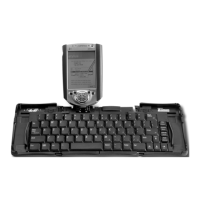
The Palm OS International keyboard settings are supported by the Stowaway
keyboard software. To use these settings, press the Alt key and the desired
character.
Calculator Functions
The following table lists the key combinations to use with the calculator feature.
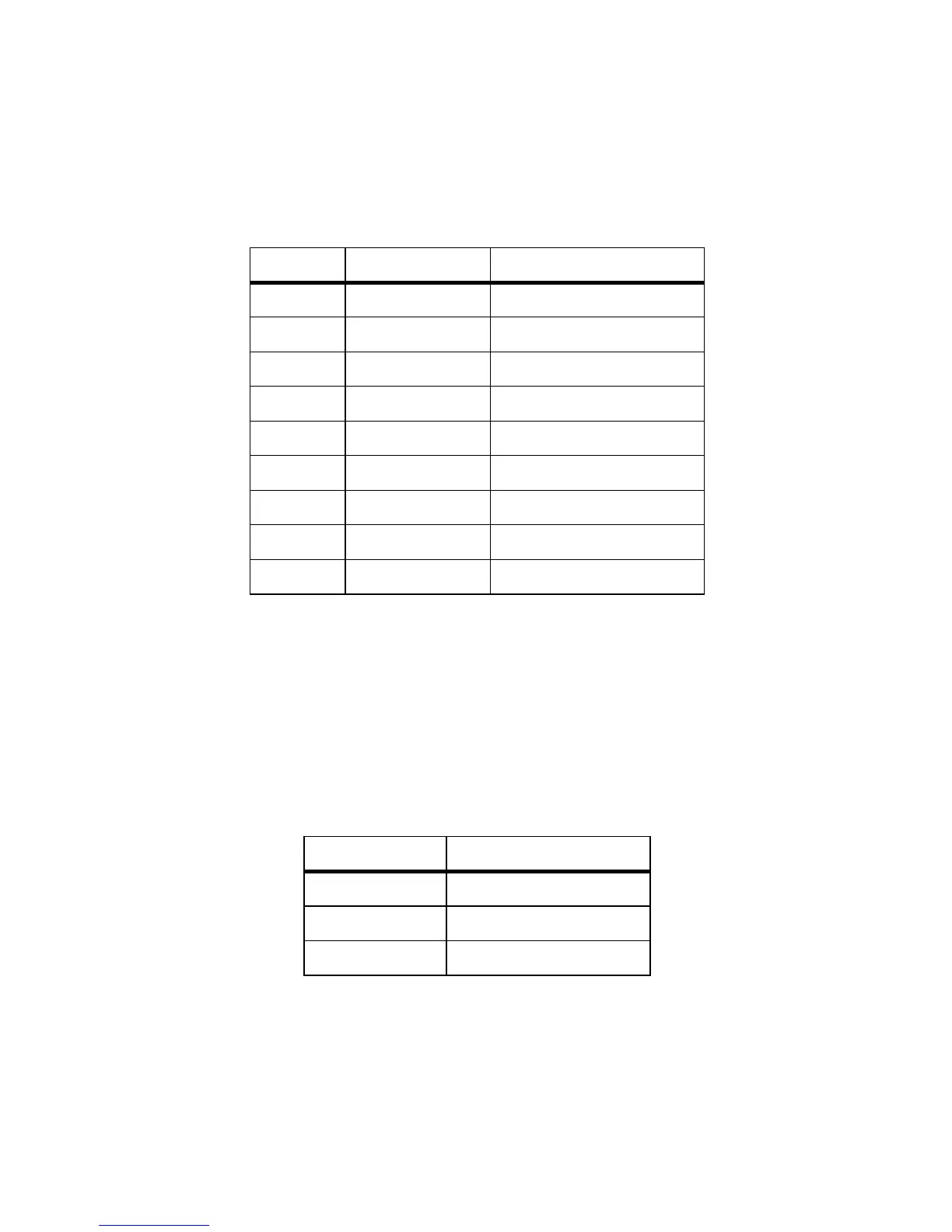
Character Key Sequence Description
½ Fn – 2 One-half
¾ Fn – 3 Three-quarters
¼ Fn – 4 One-quarter
¢ Shift – Fn – $ Cents
ƒ Fn – f Script f
‘ Fn – [ Left single curly quote
’ Fn – ] Right single curly quote
“ Shift – Fn – { Left double curly quote
” Shift – Fn – } Right double curly quote
Key Sequence Function
+Add
-Subtract
* Multiply


 To Next Page