13
• Type gently and lightly.
• Relax your shoulders and keep your elbows at your sides. Adjust the
keyboard so that you don’t have to stretch to reach it.
• Adjust your position so that you don’t have to bend your wrists to type; avoid
placing your wrists on a sharp edge.
If you feel discomfort or numbness in your hands, wrists, arms, shoulders,
neck, or back while typing, consult a qualified medical professional.
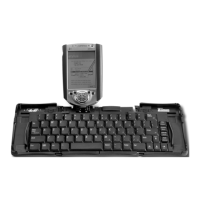
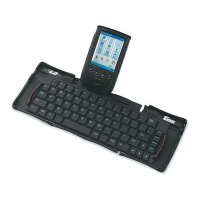
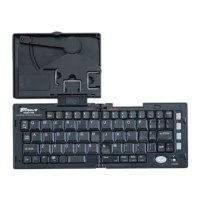
Customizing Your Stowaway Portable Keyboard Features
After installing the keyboard software on your Sony CLIÉ, you can customize
its options through the Keyboard application.
Opening the Keyboard Application
To open the Keyboard application, tap the Home icon, then Keyboard on your
CLIÉ. To view the settings list, tap the
drop-down arrow, located in the upper-
right corner.
The available settings are:
• General Shows the configuration options
• Cmd Keys Lists the Cmd key assignments
• Layout Shows the language, tab key and Jog-Dial options
• Help Lists all key commands and functionality


 To Next Page