14
Adjusting General Settings
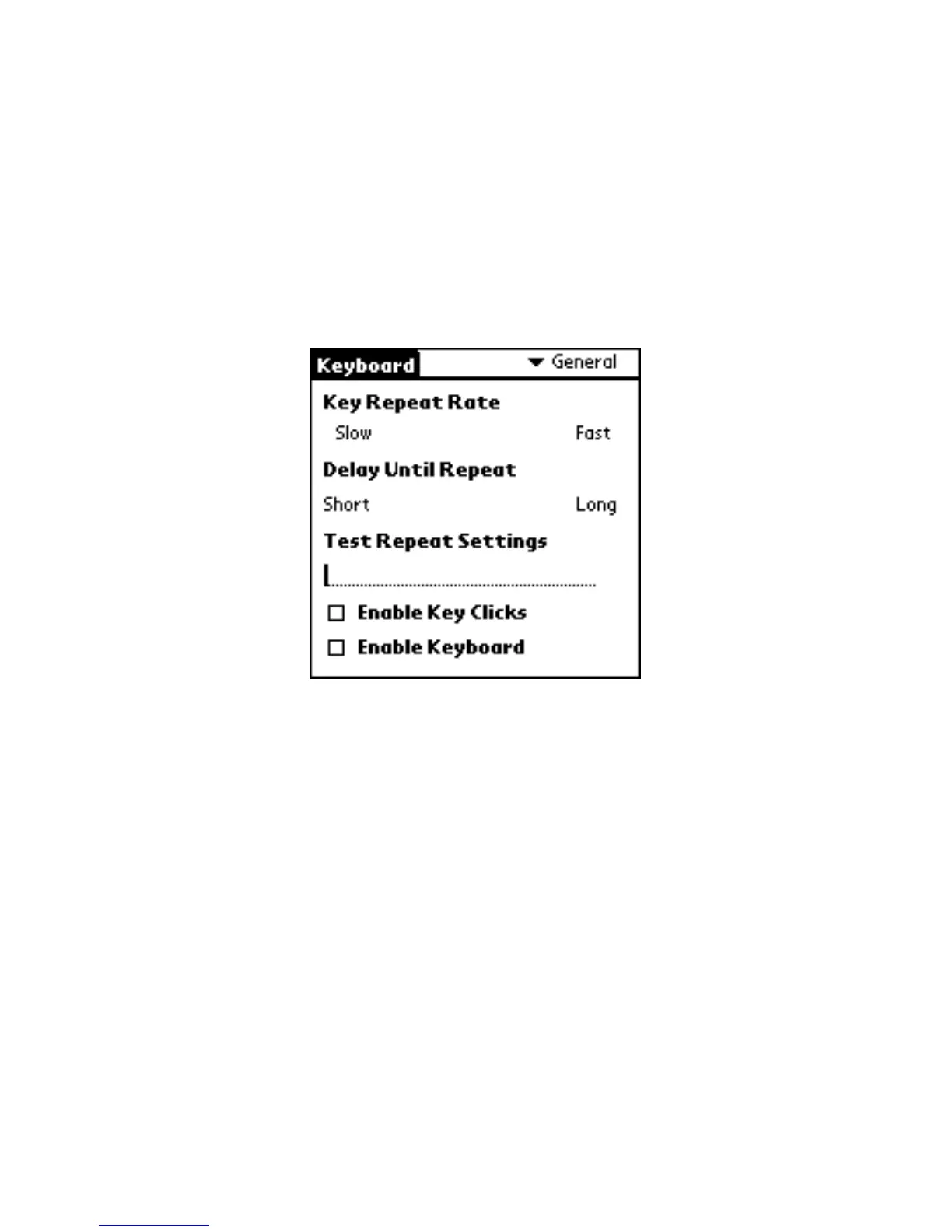
Open the Keyboard application, then tap General on the settings list. The
General settings allow you to adjust the following preferences:
Keyboard application General settings
Key Repeat Rate
This option allows you to set the speed at which a letter, number or other
character repeats when you press and hold a key.
Use your stylus to drag the marker arrow toward Fast to increase or Slow to
decrease the repeat rate.
Delay Until Repeat
This option allows you to set the length of time before a letter, number or other
character begins to repeat when you press and hold a key.



 To Next Page