16
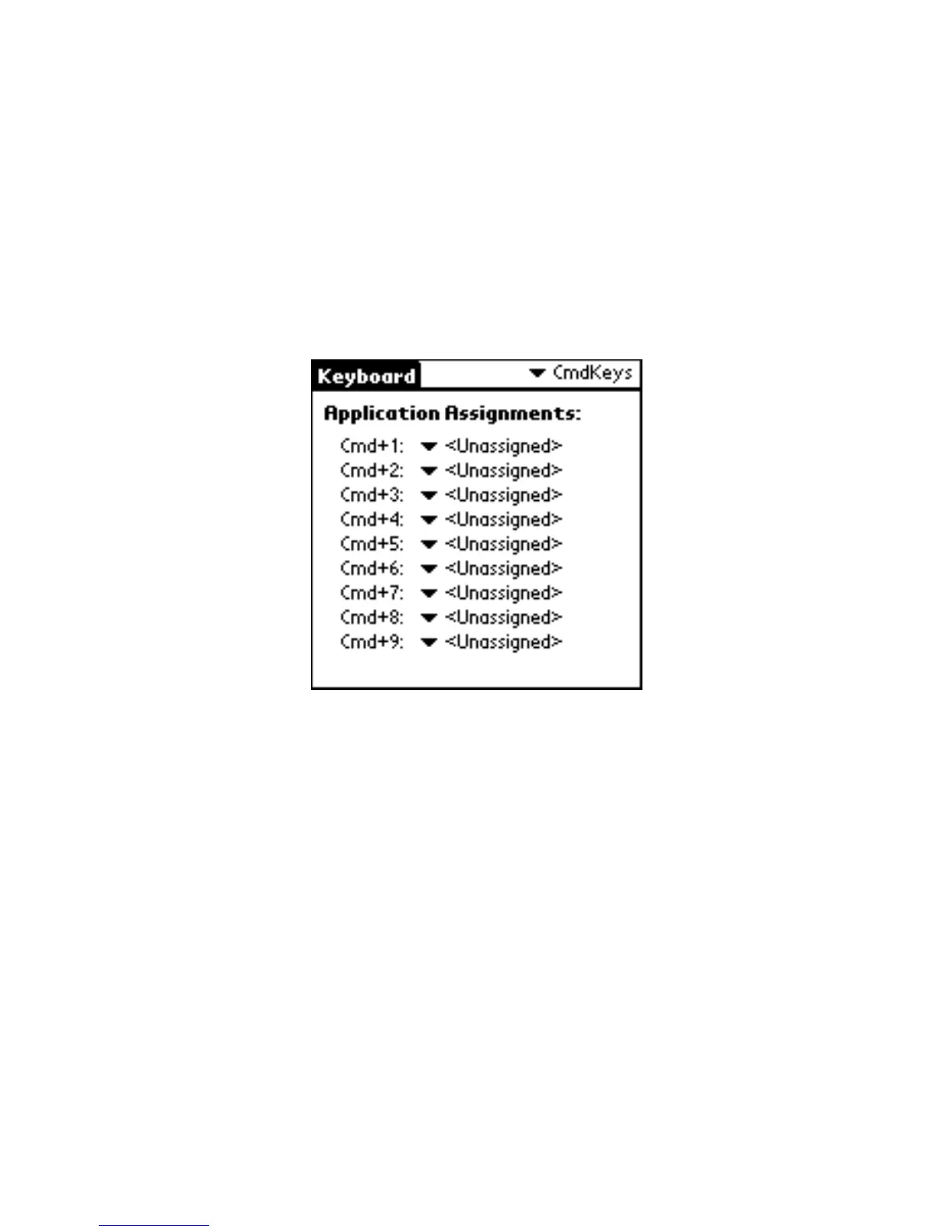
To define the Cmd keys:
1 Open the Keyboard application, then tap
CmdKeys on the settings list.
The Application Assignments screen appears.
Application Assignments screen
2 Choose the Cmd + number sequence you want to assign, then tap the
drop-down arrow.
The application list appears.
3 Select the application you want to assign to the Cmd + number sequence.
The Keyboard application automatically saves the assignment.
4 Test the shortcut by pressing the Cmd key and number key to launch the
assigned application.


 To Next Page