TASCAM US-2x2/US-4x4
9
3 – Installation
•
Changing the Gatekeeper setting
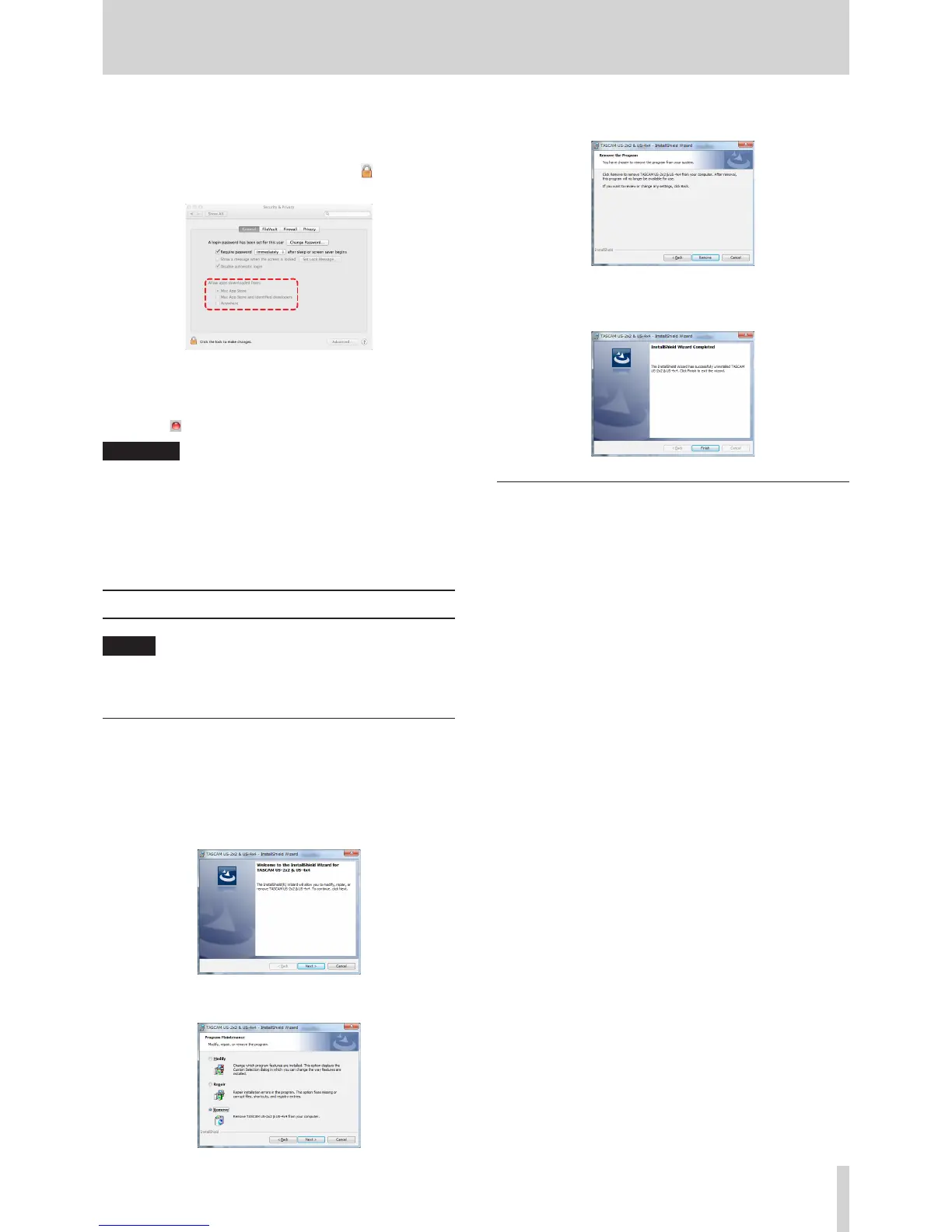
The Gatekeeper setting can be changed using the “Allow
applications downloaded from:” item on the “General” page
of the “Security & Privacy” pane of the System Preferences.
To change this, you must click the lock icon ( ) at the bottom
left and enter a password to unlock the settings.
This setting will lock again when you click the “Show All”
button at the top left of the window to close the open pane
or when you quit the System Preferences by, for example,
clicking the round button at the top left corner of the
window ( ) or typing command-Q.
CAUTION
Changing the Gatekeeper settings could result in security
risks.
If you changed the Gatekeeper setting to decrease security
(use one of the lower settings), set it back to the original
setting after updating the software and/or firmware. (When
installing a firmware update immediately after software, do
this after installing the firmware update.)
Uninstalling the dedicated software
NOTE
Normally, there is no need to uninstall the dedicated
software. Follow these procedures if a problem occurs or
you no longer intend to use the unit with the computer.
Uninstalling the dedicated driver for
Windows
1. Double-click the “US-2x2_US-4x4_Installer.exe” file used
for installation. When a “Security Warning” or “User Account
Control” screen appears, click the “Run” or “Yes” button.
2. Next, the Installshield Wizard will launch.
Click the “Next” button.
3. When the “Program Maintenance” screen opens, select
“Remove” and click the “Next” button.
4. When the “Remove that Program” screen opens, click the
“Remove” button.
5. The following screen appears when uninstallation has
completed.
Click the “Finish” button.
Installing the Mac OS X Settings Panel
Delete “US-2x2_US-4x4_Settings Panel” from the Applications
folder to complete uninstallation.



 To Next Page