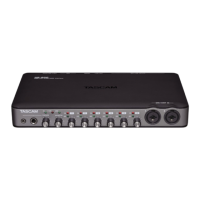
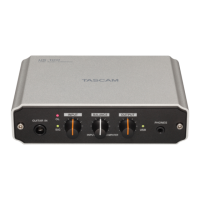
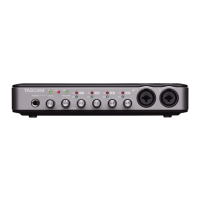
TASCAM US-2x2/US-4x4
17
8 – Application Guide
Mac OS X and iTunes
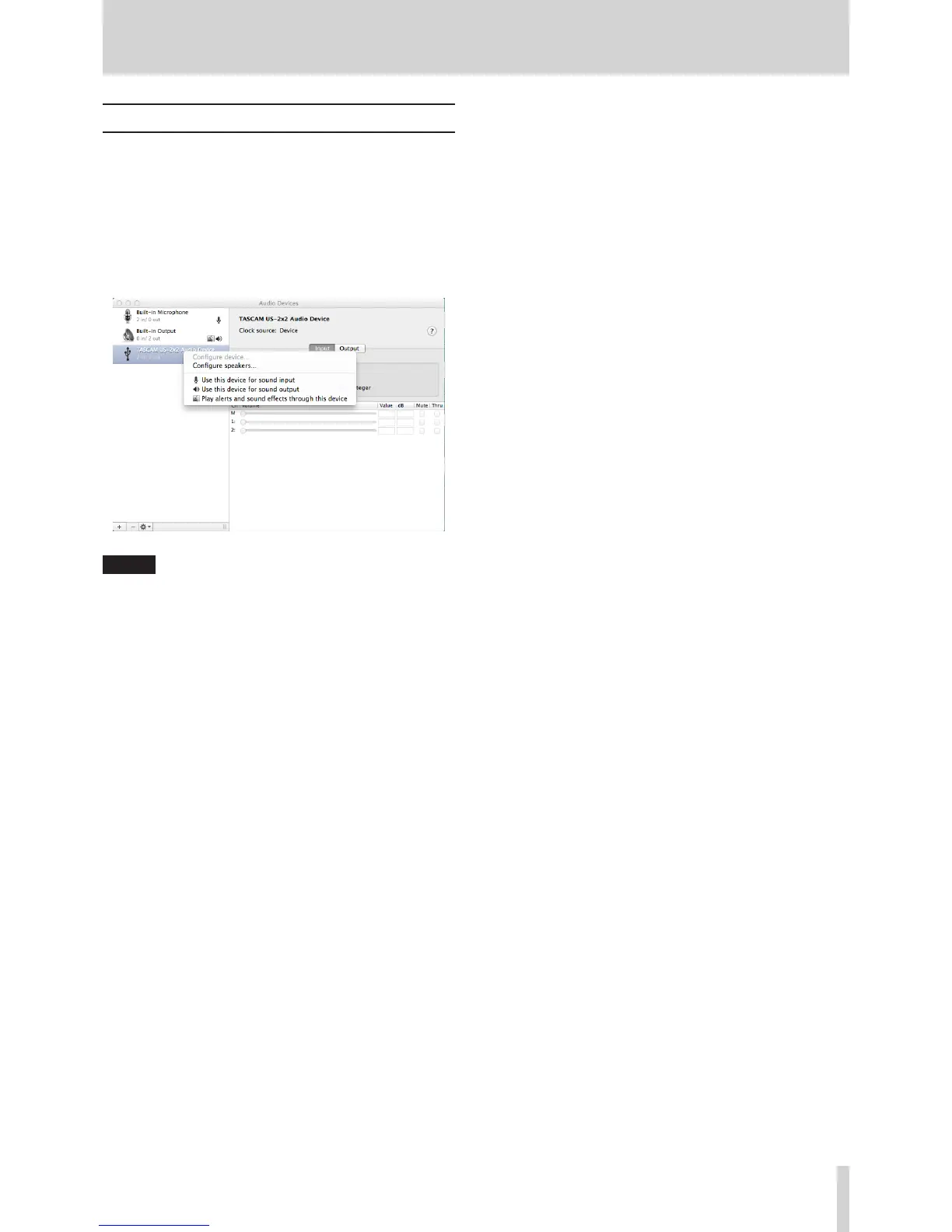
1. Open the Utilities folder within the “Applications folder”,
and double-click “Audio MIDI Setup”. Then open the “Audio
Devices” window.
2. Click “TASCAM US-2x2 Audio Device” (or “TASCAM US-4x4
Audio Device”) to select it and right-click or control-click it.
Then, click “Use this device for sound output” in the pop-up
menu.
The speaker mark appears next to “TASCAM US-2x2 Audio
Device” (or “TASCAM US-4x4 Audio Device”).
NOTE
To use this device as the recording device, select “Use this
device for sound input” for the “TASCAM US-2x2 Audio
Device” (or “TASCAM US-4x4 Audio Device”).
3. Launch iTunes, select an audio file and start playback.



 To Next Page