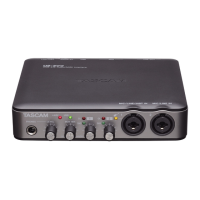
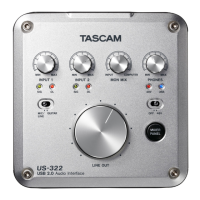
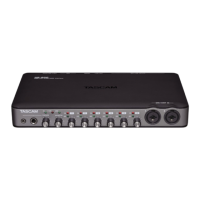
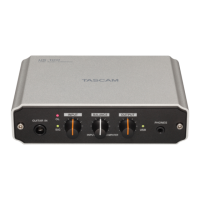
TASCAM US-2x2/US-4x4
15
7 – Standalone Mode
Overview
This unit will operate in standalone mode if it is turned on when
it is not connected to a computer by USB.
You can use this unit as a mic preamp and to monitor input
signals.
This function is convenient when you want to practice an
instrument without recording, for example.
However, when using US-2x2 in standalone mode, a TASCAM
PS-P520 DC5V AC adapter (sold separately), which is designed
for use with this unit, is necessary.
Settings in standalone mode
When operating in standalone mode, input signals pass-through
the built-in digital mixer and output selector, which are set at
fixed values, and are output from the output jacks. In addition,
when operating in standalone mode, the USB indicator will
blink.
Settings Panel settings
The Settings Panel will be set as follows.
o Direct Monitor Settings Input 1-2 : Mono
o Direct Monitor Settings Input 3-4
(US-4x4 only)
: Mono
o Audio Input On/Off : All on
o Line Outputs 1-2 : MONITOR
o Line Outputs 3-4
(US-4x4 only)
: MONITOR
o ERP2 Setting On/Off : Current setting retained



 To Next Page