27
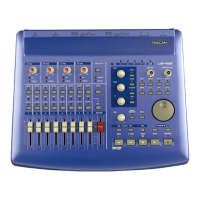
6.1.3 VST Remote
In Cubasis, the program will
automatically recognize the US-428 as a
remote controller unit. In most other
applications, you will need to select the
US-428 as the program’s remote
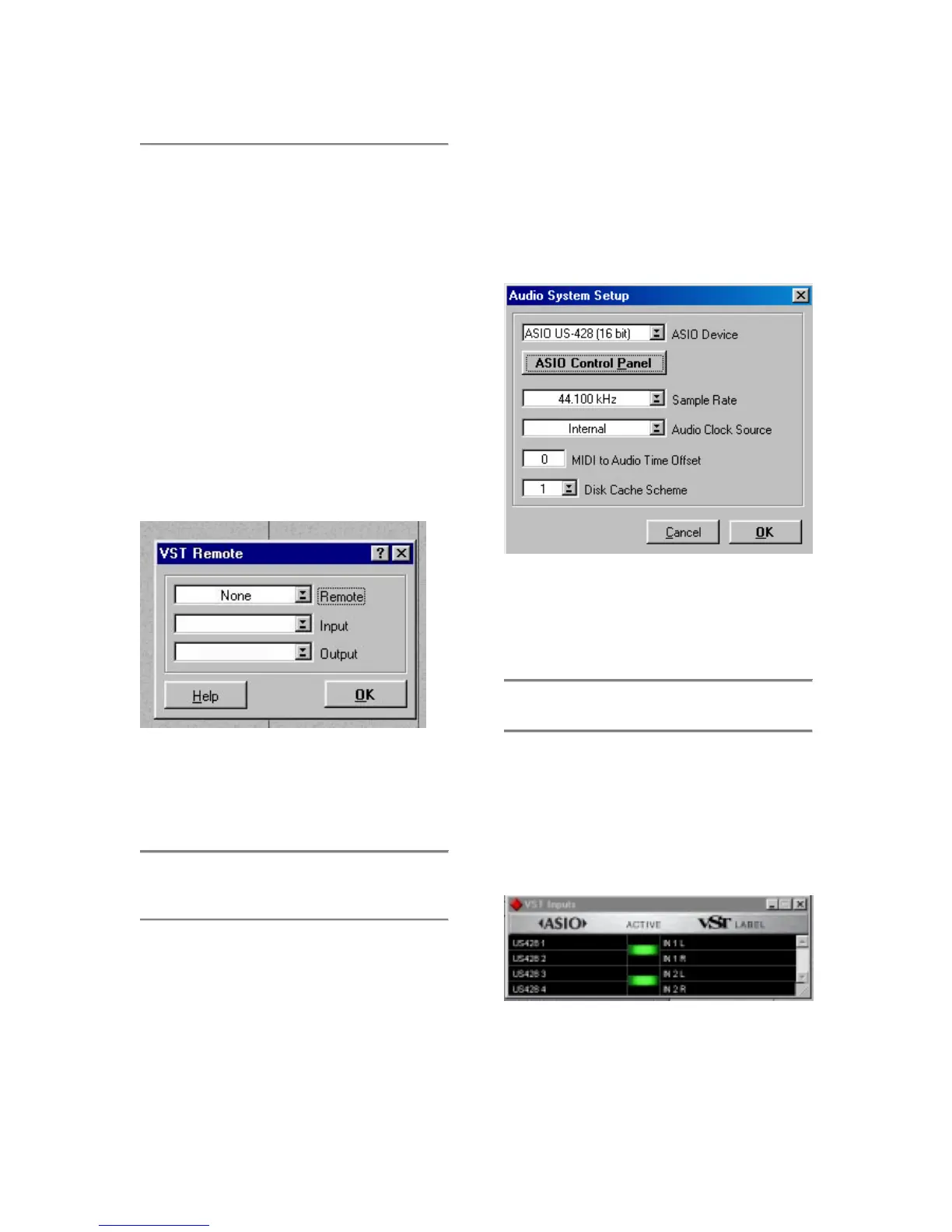
control. To do this in Cubase (full
versions), for example, select the VST
Remote option from the Audio menu,
and choose the US-428 option (See
illustration 6.03). You will also need to
set the Input and Output devices to “US-
428 Control Port” and the “Remote”
setting should match the setting chosen
in the US-428 Control Panel (see
illustration 6.03).
6.2 Setting the Sample Rate
and Bit Depth
The US-428 supports sample rates of
44.1kHz and 48kHz. In the Audio
Control Panel, select the pull-down
menu for Sample Rate and select either
44.1 kHz or 48 kHz.
The US-428 control protocol includes
two separate drivers for 16-bit or 24-bit
operation. This selection is made in the
Audio Control Panel (see illustration
6.04)
.
6.3 Input Enabling
You will need to enable the inputs on
Cubasis. Open the Audio Input window
(see Illustration 6.05) and select any
one mono track or stereo pair.
Illustration 6.03 - Cubase VST Remote Panel
Illustration 6.04 - VST/24 Audio Control Panel
Illustration 6.05 - Input window



 To Next Page