52
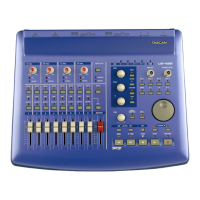
Two notes related to using the US-428
for automation and the BASICS /
A
UTOMATION SET-UP dialog box:
If you wish to disable a Global
Automation Enable type (e.g., Pan), you
must do it for both Audio and MIDI.
The Enable Automation Types under
Track Automation Configuration should
be set to All. It is not possible to
enable/disable automation on a track-
by-track basis.
Note that using the S
ELECT button when
in a touch mode touches all the tracks’
automation types. If you have
automation data recorded for a track
and want to update just the pan, for
example, latch mode may be easier.
Also, Send Level and Mute automation
moves are only made visible on the
mixing board screen if the send’s output
is assigned.




 To Next Page