3-28
Preparation before Use > Registering Destinations in the Address Book
Editing and Deleting One Touch Key
Edit and delete the destinations you added to One Touch Key.
1
Display the screen.
1 [System Menu/Counter] key > [Address Book/One Touch] > [One Touch Key]
2 Select a One Touch Key number (001 to 100) to edit. Selecting the [Quick No. Search] key
enables direct entry of a One Touch Key number.
The procedure differs depending on the details to be edited.
2
Edit and delete the destinations you added to One Touch Key.
Changing the Registered Information
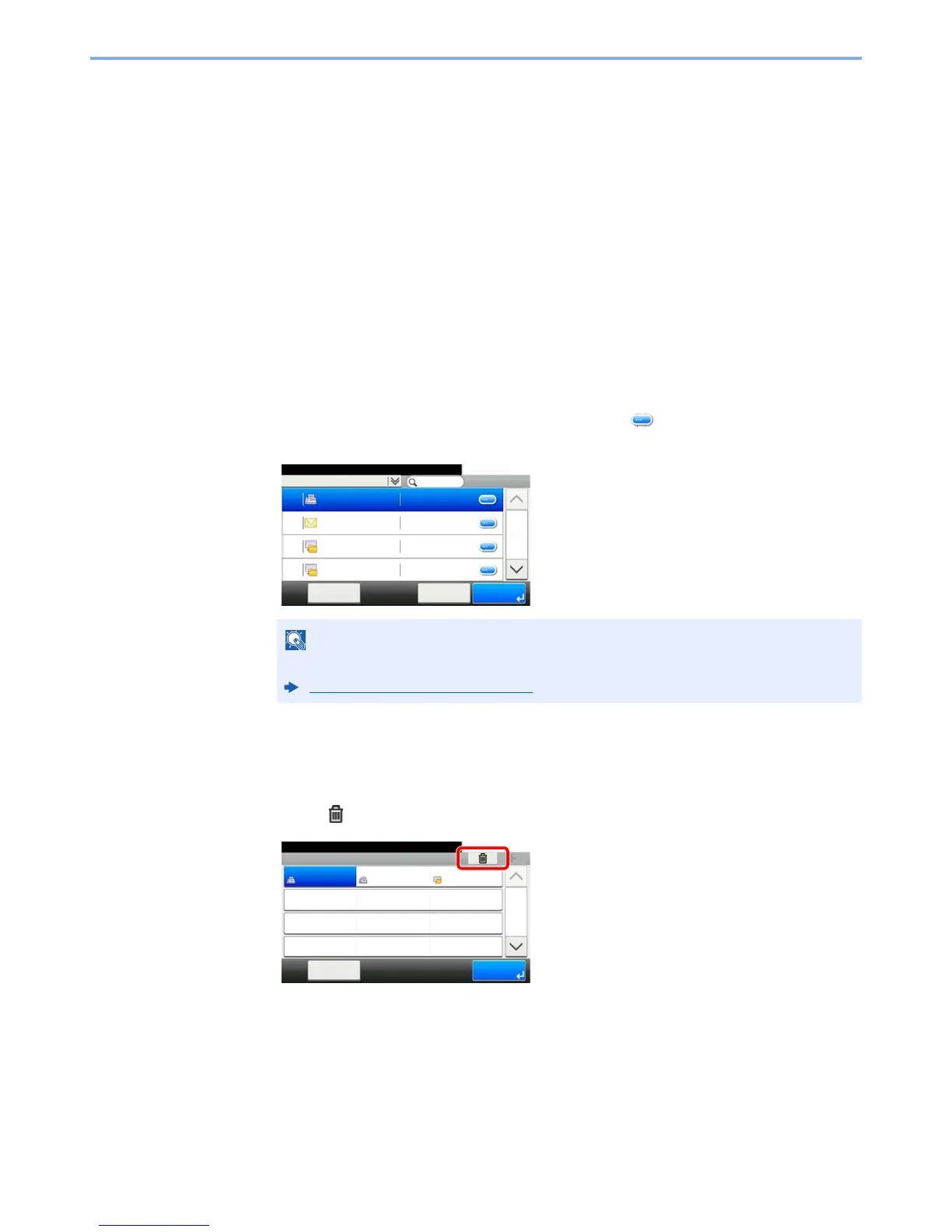
1 [Menu] > [Edit] > [Destination]
2 Select a new destination (contact or group). Selecting [ ] shows the detailed information
of the selected destination.
3 [OK] > [Save] > [Yes]
Add the destination to the One Touch Key.
Deleting the Registered Information
1 Select
[].
2
Select [
Yes
].
Deletion of the data registered in the One Touch Key.
Destinations can be sorted or searched by destination name or address number.
Specifying Destination (page 5-35)



 To Next Page