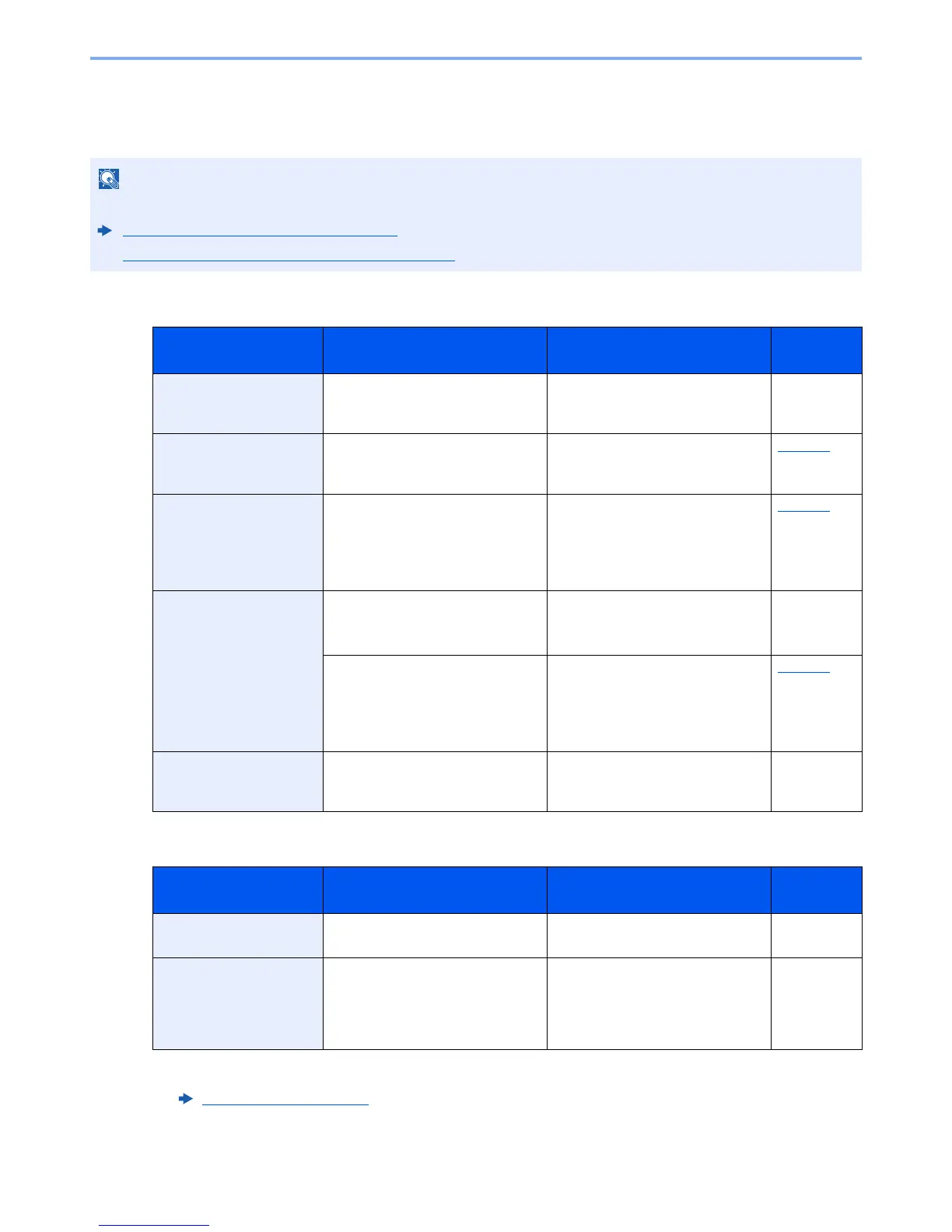
When contacting us, the serial number will be necessary. To check the serial number, refer to the following:
Display for Device Information (page 2-16)
Loading Paper in the Multi Purpose Tray (page 5-5)
Message Checkpoints Corrective Actions
Reference
Page
Acceptable staple count
exceeded.
Is the acceptable staple count
exceeded?
Select [Continue] to print without
stapling. Select [Cancel] to cancel
the job.
—
Activation error. ― Turn the power switch off and on. If
the error exists, contact
administrator.
page 2-9
Add the following paper
in cassette #.
Is the indicated cassette out of
paper?
Load paper.
Select [Paper Selection] to select
the other paper source. Select
[Continue] to print on the paper in
the currently selected paper source.
page 3-2
Add the following paper
in the multi purpose tray.
Does the selected paper size
matches the paper size loaded in
the specified paper source?
Select [Continue] to continue
printing.
Select [Cancel] to cancel the job.
—
Is the indicated cassette out of
paper?
Load paper.
Select [Paper Selection] to select
the other paper source. Select
[Continue] to print on the paper in
the currently selected paper source.
page 3-9
Adjusting… ― The machine is under the
adjustment to maintain its quality.
Please wait.
—
Message Checkpoints Corrective Actions
Reference
Page
Box is not found. ― The specified box cannot be found.
Job is canceled. Select [End].
—
Box limit exceeded.
*1
*1 When Auto Error Clear is set to [On], processing resumes automatically after a set amount of time elapses. For details
on Auto Error Clear, refer to the following:
Auto Error Clear
(page 8-41)
Is [End] displayed on the screen? The specified box is full, and no
further storage is available; Job is
canceled. Select [End]. Try to
perform the job again after printing
or deleting data from the box.
—



 To Next Page