6-36
Using Various Functions > Functions
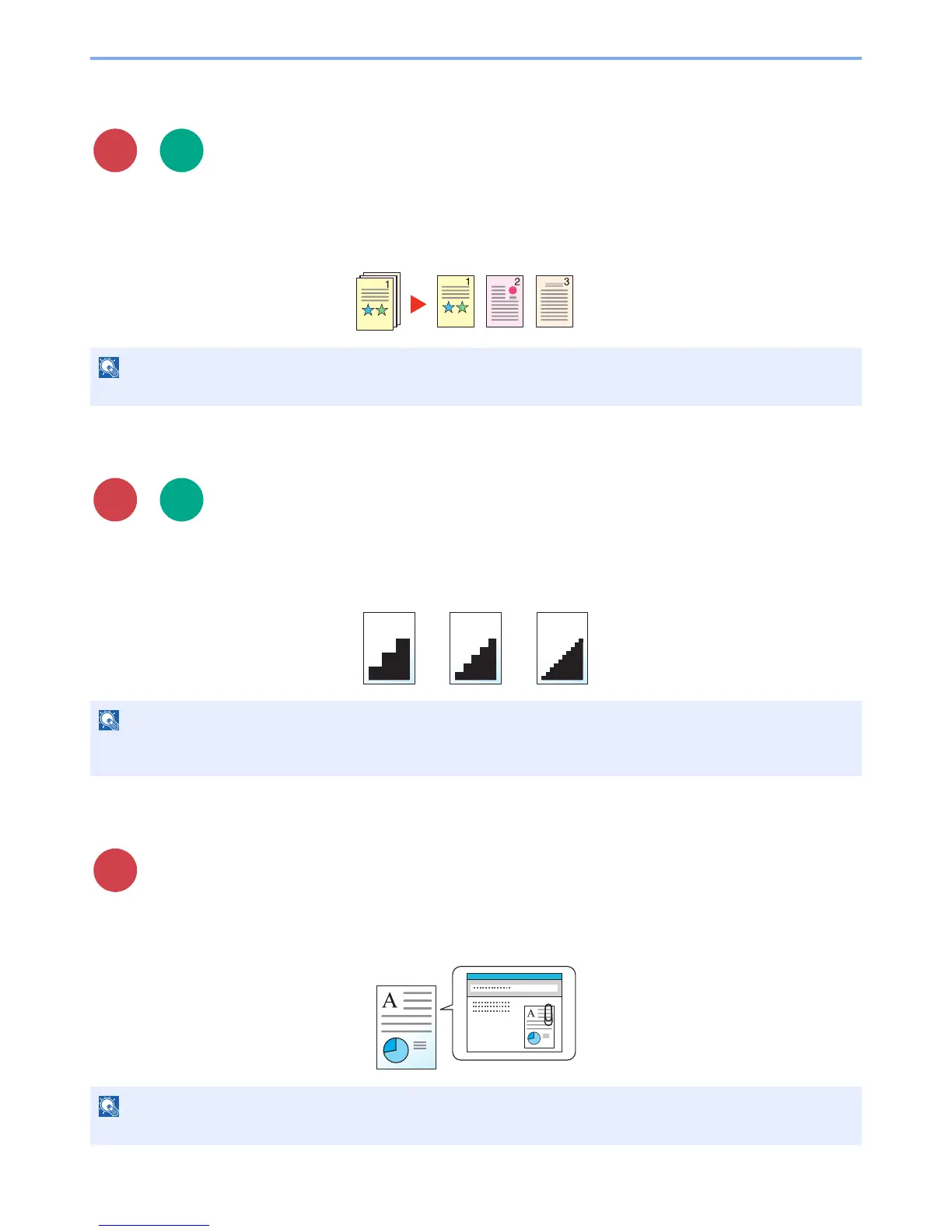
File Separation
Creates several files by dividing scanned original data page by page, and sends the files.
(Value: [Off] / [Each Page])
Select [Each Page] to set File Separation.
Scan Resolution
Select fineness of scanning resolution.
(Value: [600 × 600dpi] / [400 × 400dpi Ultra] / [300 × 300dpi] / [200 × 400dpi Super] / [200 × 200dpi Fine] /
[200 × 100dpi Normal])
E-mail Subject/Body
Adds subject and body when sending a document.
Select [Subject] / [Body] to enter the E-mail subject/body.
The larger the number, the better the image resolution. However, better resolution also means larger file sizes and
longer send times.



 To Next Page