7-9
Status/Job Cancel > Checking Job History
Displaying Job History Screen
1
Display the screen.
Select the [Status/Job Cancel] key.
2
Select the job you want to check.
Checking the Detailed Information of Histories
Check the detailed information of each history.
1
Display the screen.
2
Check the information.
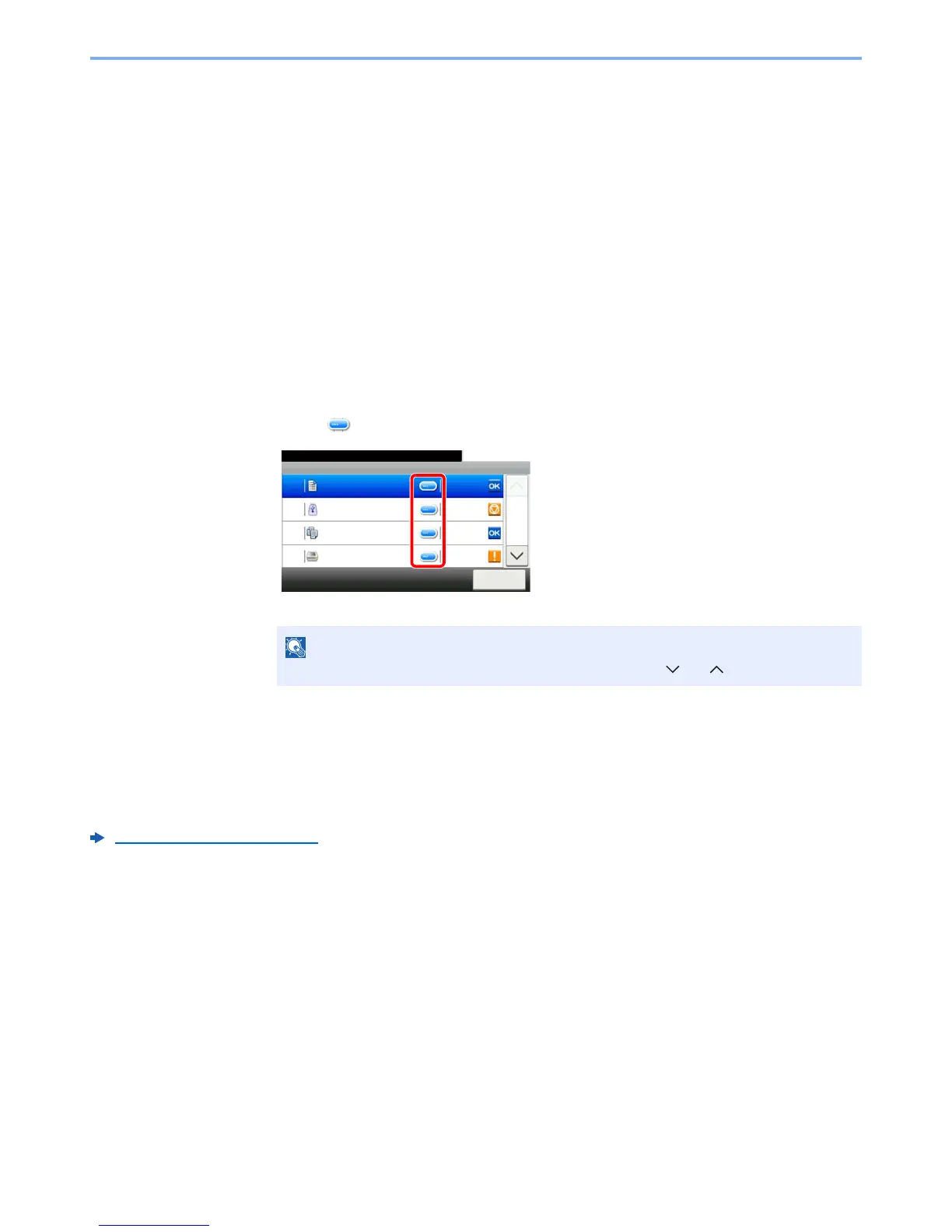
1 Select [ ] for the job for which you wish to check details.
Detailed information of the selected job is displayed.
2 To exit from the detailed information, select [Close].
Sending the Log History
You can send the log history by E-mail. You can either send it manually as needed or have it sent automatically
whenever a set number of jobs is reached.
Sending Log History (page 8-7)



 To Next Page