2-15
Installing and Setting up the Machine > Touch Panel
Available Functions to Display on Task Screen
Function Icon Description
Reference
page
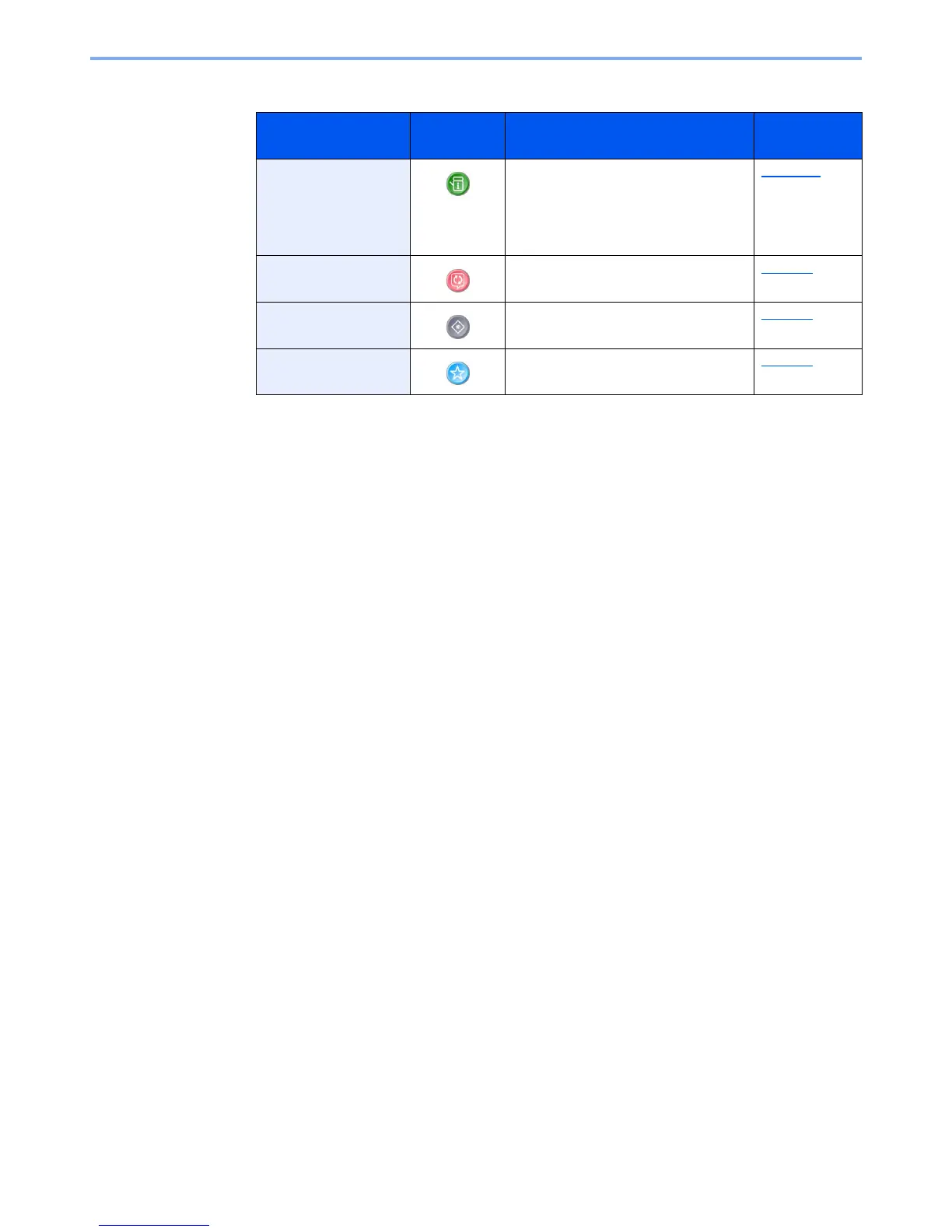
Device Information Displays the Device Information screen.
Check the system and network
information.
You can also check information on the
options that are used.
page 2-16
Language Displays the Language setting screen in
System Menu.
page 8-5
System Menu Displays the System Menu screen. page 8-3
Favorites Displays the favorite list screen. page 5-8



 To Next Page