30
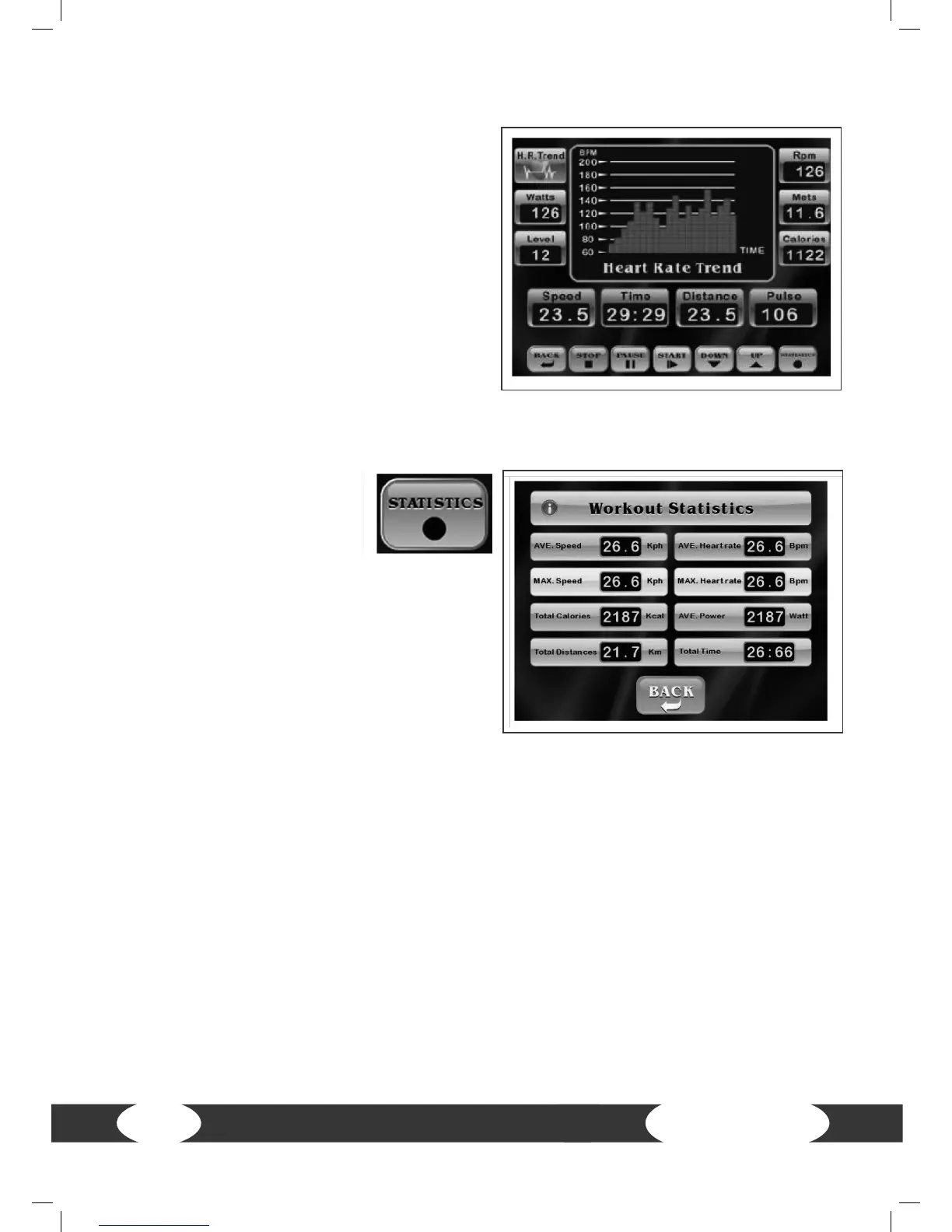
H.R. Trend
Press H.R. Trend to display your heart rate
diagram.
If the console receives your heart rate, it
will be recorded automatically every 60
seconds.
Note: Make sure that you wear a chest strap
or hold the pulse sensors with both hands
so that the console can receive your heart
rate.
Press H.R. Trend again to return to the
training program.
Press STATISTICS to display
your training values.
Note: You can press this
button at any time while training in order to
display the statistics. Press the Back button
to return to the training screen.


 To Next Page