MFC Kit Instructions 5.0 PQconnect Option
51
• In order to the voltage in the unit, first the user will need tech access by
writing the parameter keys
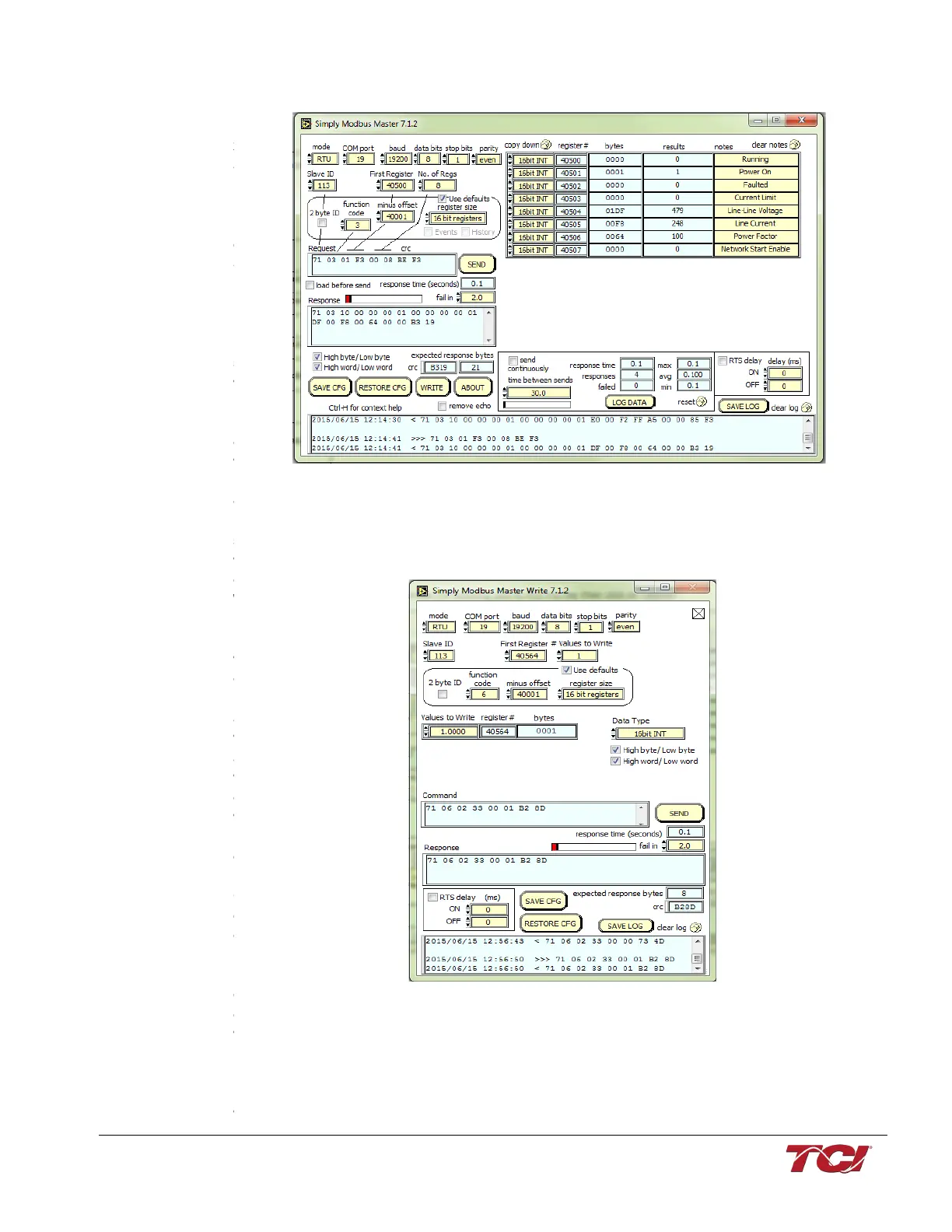
• Next, select the “WRITE” button on the screen shown above.
• The screen below will be shown. Configure the fields as shown in the picture.
• Select “4800” in the field “Values to Write” to change the voltage to 480V



 To Next Page