1
Chapter 1. Get started
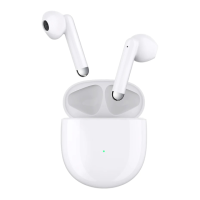
This manual describes everything you need to know about your TCL MOVEAUDIO S180. If you
need more information, visit www.tcl.com.
Overview
2
3
4
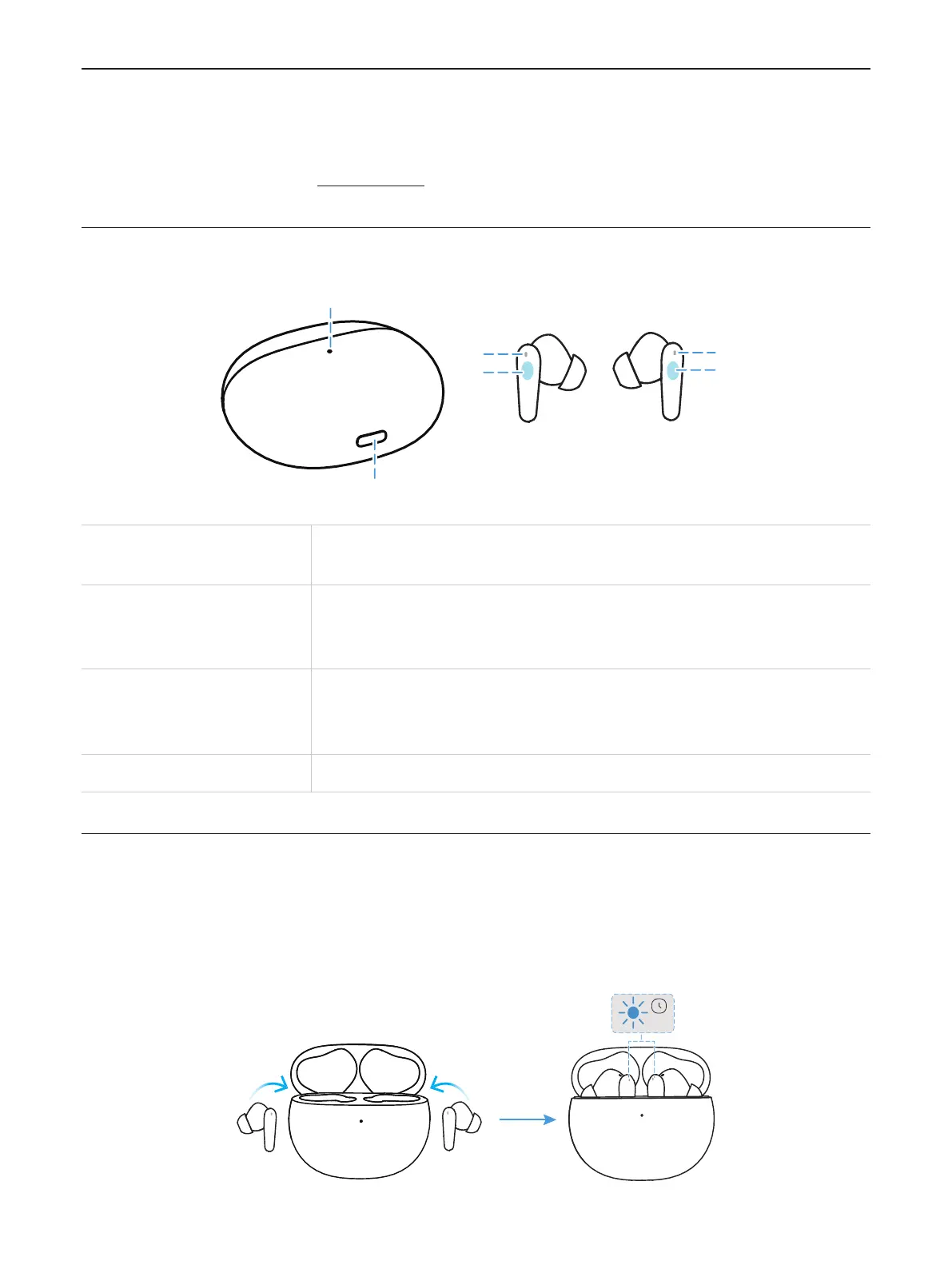
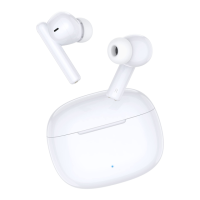
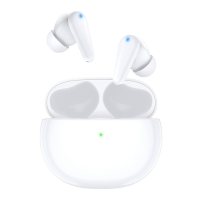
1. Case LED indicator
The indicator flashes certain colors to indicate the charge or
communication status of the earbuds or the charging case.
2. USB Type-C
TM
port
Connect the charging case to a computer or a compatible USB
adapter with the supplied USB Type-C cable to simultaneously
charge both the earbuds and the charging case.
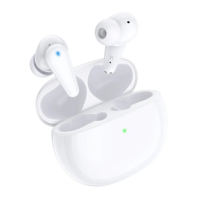
3. Earbud LED indicator
The indicator flashes certain colors to indicate the charge or
communication status of the earbud.
4. Touch control area Tap or press to operate earbuds.
Charge the baery
Earbuds
Your charging case is a charger. To charge your earbuds, place the earbuds in the case, then
close the lid. The earbud LED indicators flash in solid blue for 1 second when charging starts.
1s


 To Next Page