- 49 -
3. TROUBLESHOOTING GUIDE
3.5 TROUBLESHOOTING BY ERROR CODE
This section explains how to perform troubleshooting using the error codes displayed on the
LCD panel.
< How to use this troubleshooting guide >
① Take Step ① and see if there is a problem. If a problem is found, take the corrective action in the
right column. If no problem is found, proceed to Step ② .
② Take Step ② and see if there is a problem. If a problem is found, take the corrective action in the
right column. If no problem is found, proceed to Step ③ .
③ Continue on the same way until the problem is resolved.
<Example: Accelerator 1 sensor defective>
1. Drive system
(1)
: Drive system neutral interlock
Resets when the accelerator pedal and F/R lever are
placed in neutral.
① Turn the key switch ON when the accelerator pedal
and the F/R lever are in neutral.
② Check the voltage of the potentiometer for
accelerator 1.
Repair the accelerator 1 potentiometer or wiring.
③ Check the voltage of the potentiometer for
accelerator 2.
Repair the accelerator 2 potentiometer or wiring.
④ Check the F/R lever switch voltage.
Repair the F/R lever switch or wiring.
⑤ Replace the drive motor inverter unit.
(2)
: Low voltage (Low battery voltage)
Resets when the key switch is turned OFF.
: Low voltage (Low output)
Resets when the battery voltage reaches:
48 V (for 48 V trucks)
72 V (for 72 V trucks)
: Low voltage (Over-discharge)
Resets when the battery discharge indicator level
rises above the warning level (factory set to Level
2).
① Check the battery voltage.
Recharge the battery.
② Check the voltage at the CN1D-24 terminal on the
drive motor inverter unit.
Correct the wiring.
③ Replace the drive motor inverter unit.
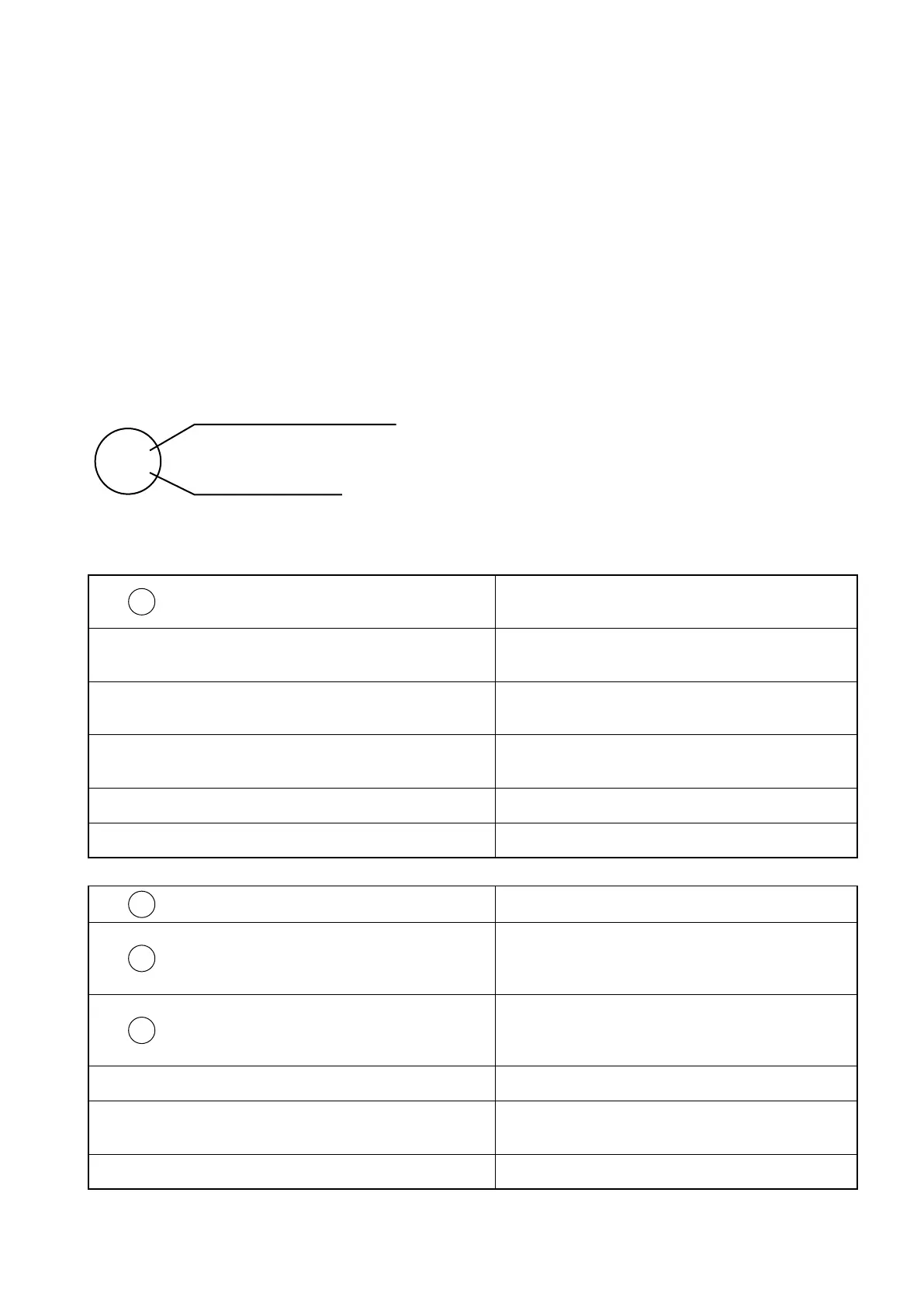
Upper: LCD panel error code
Lower: LED error code



 To Next Page