- 75 -
4. PARAMETER SETTING
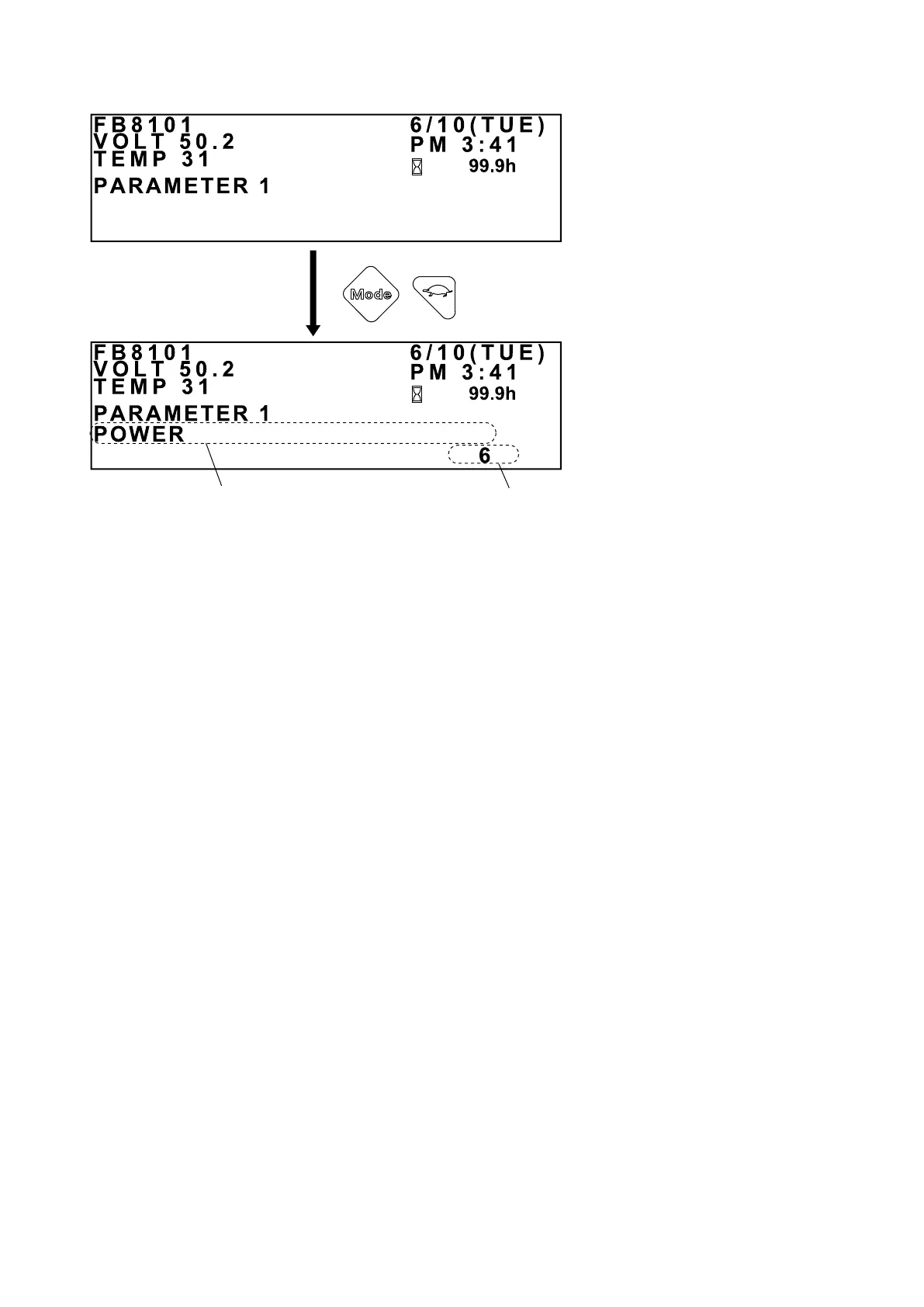
Parameter item
Setting
Press this turtle button to return to the INITIAL
PARAMETER SETUP screen.
PARAMETER GROUP SETUP SCREEN
PARAMETER ITEM
SETUP SCREEN
Press the Mode button when the PARAMETER GROUP SETUP screen is displayed. The first
parameter item in the selected parameter group will be displayed.
Each time the Mode button is pressed, another parameter item is displayed.
Pressing the Mode button on the last parameter item will return you to the rst parameter item.
To cancel any changes to the settings and return to the INITIAL PARAMETER SETUP screen,
press the turtle button.
If the parameter item to be set has a range, press the “+” button or the “-” button to increase or
decrease the value within that range.
If the parameter item requires an ON or OFF setting, press the “+” button to select ON or the “-”
button to select OFF.



 To Next Page