TCS900003, Rev.6
04/26/2016
Check us out at www.TCSmeters.com!
Page 33
Disassembly of Meter
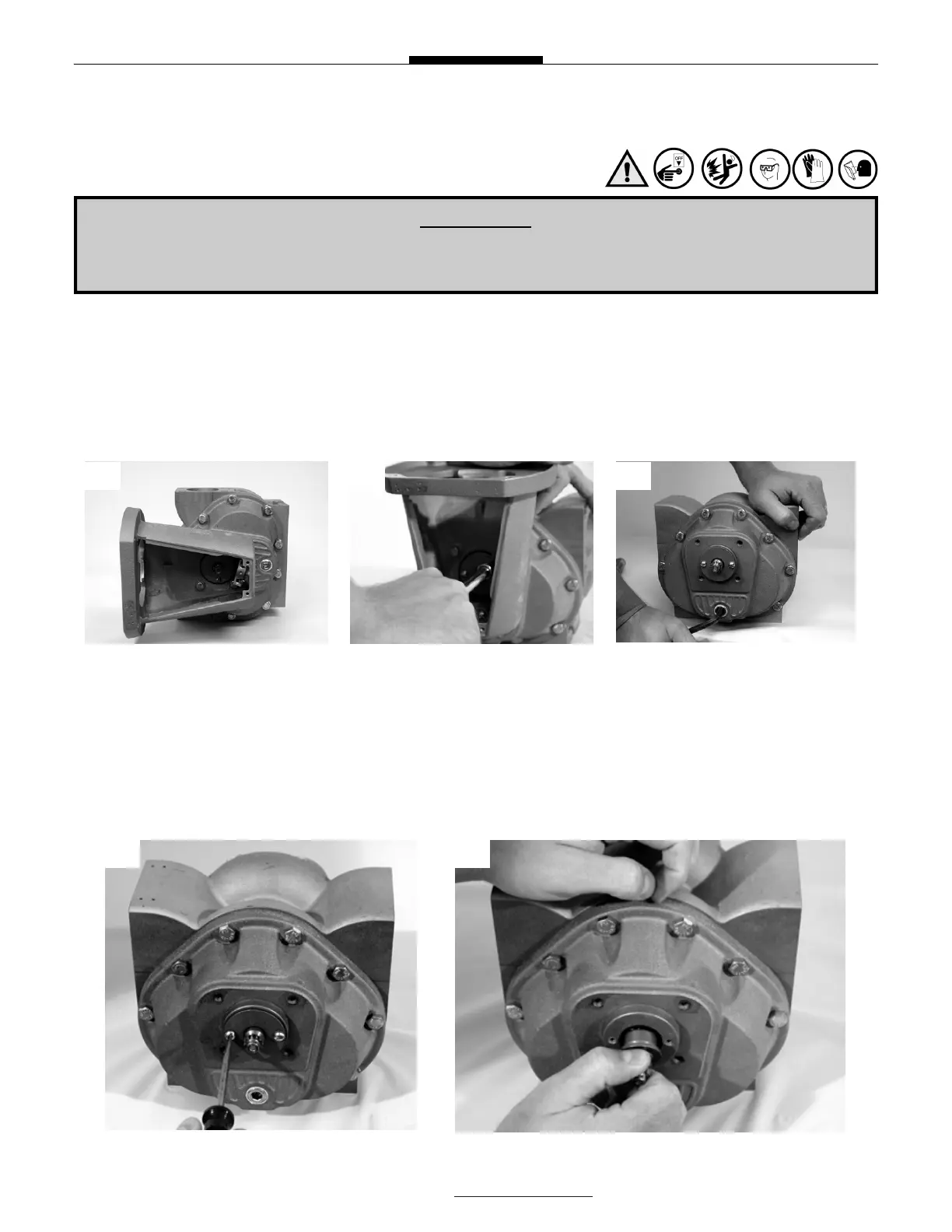
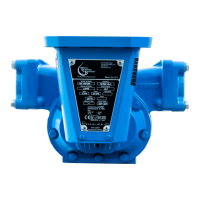
Draining Meter & Removing Counter Support
1) Drain the meter by turning it on either the inlet or outlet side.
2) Remove the counter bracket screws with a hex wrench or socket driver.
3) Remove the drain plugs on the front and rear covers using an allen wrench. Allow more fluid to
drain from the meter.
Removing Packing Capsule
1) Remove the retaining plate using a standard flathead screwdriver.
2) Pull out the packing gland from the meter.
¡WARNING!
All internal pressure must be relieved to ZERO (0) pressure before beginning disassembly
of meter or components
1 2 3
1 2


 To Next Page