17
OPERATION (CONTINUED)
Repeat step 4 until you are in the
desiredfolder.Selectasong/fileusing
the Select control u and then press
the OK button v; the selected song will
then start playing and the song name
(if tagged) will appear in the display.
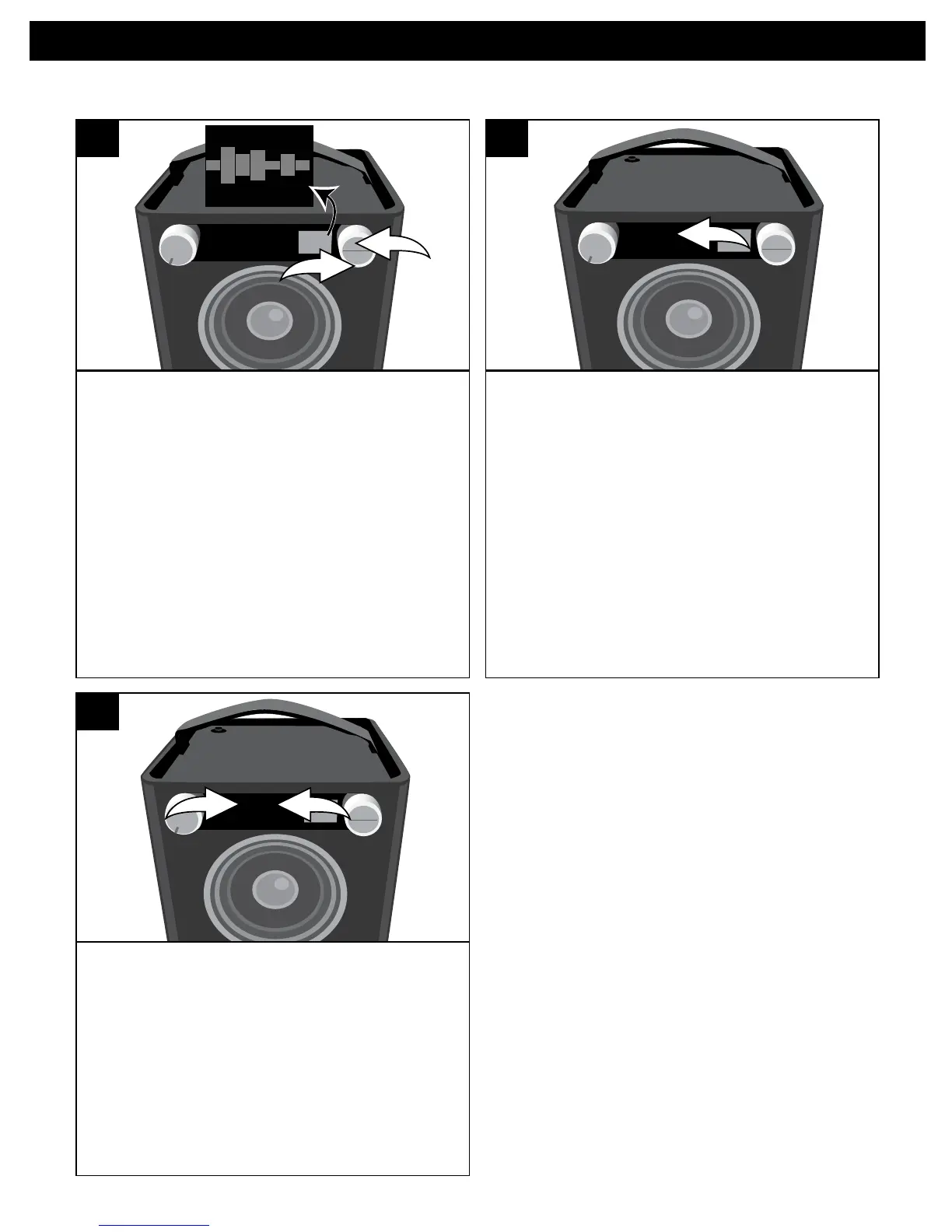
SOURCE EQ
1
2
O ®p n
5
PressthePlay/Pause4
;
button/indicator
to pause playback;
;
will appear in the
display.PressthePlay/Pause4
;
button/
indicator again to continue playback.
The unit will then play the song and
continue with the next song in the folder.
When all songs have played, the unit will
stop, depending on the Repeat function
(see page 19). Adjust the Volume and
EQ as described on page 9.
SOURCE EQ
O ®p n
6
To skip forward or backward: Press the
Skip 9 u or : v button/indicator to
skiptothebeginningofthecurrentfile/
previous or next file.
To search forward or backward: Press
and hold the Skip 9 u or : v button/
indicator to search within the currently-
playing file.
SOURCE EQ
1
2
O ®p n
7
PLAYBACK NOTES:
• Refertotheowner’smanualofthe
USB device for detailed connection
instructions.
• Whengoingthroughthemenuitems,
press the BACK button to return to the
previous menu.
• Forthetitles,albums,etc.toappear
correctly, they must have been
tagged properly when recorded
to MP3.


 To Next Page