ENGLISH VERSION
1- 5
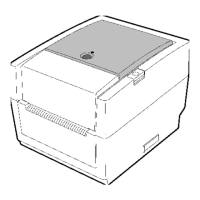
1.5 Appearance
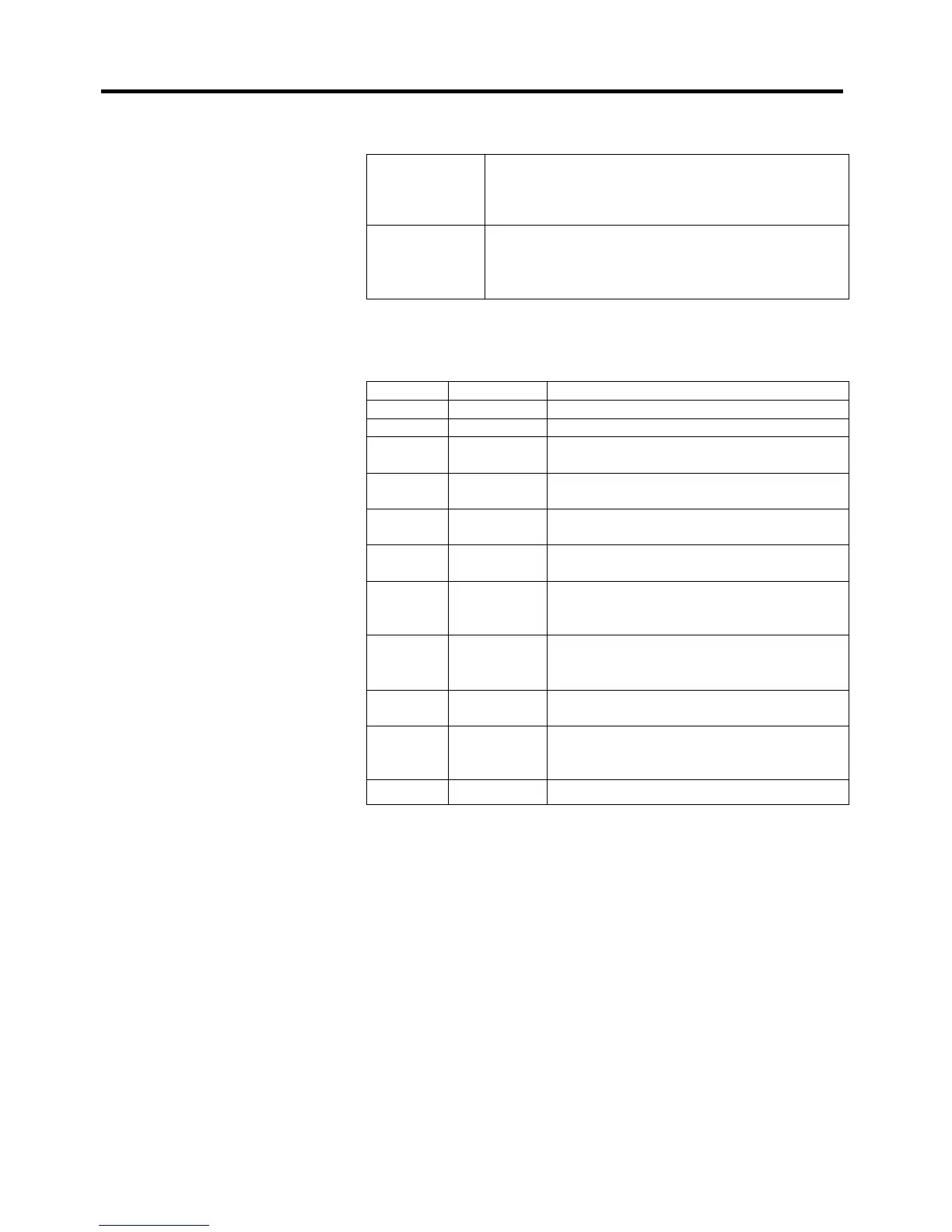
The [FEED] button operates as FEED button or PAUSE button
depending on the printer statuses.
Pressing this button when the printer is in online
As the FEED state causes a media feed.
button
Pressing this button after removing a cause
of an error returns the printer to online state.
Pressing this button during printing stops
the current label. The
printer resumes printing when this button is
pressed again.
button
The indicator lamp lights up or
flashes
in different colors depending
on the printer statuses. The main indicator lamp statuses and the
corresponding printer statuses are shown inside the top cover.
Color Status Printer status
Green Li
Green Flashes fast Communicatin
with a host.
Green
Flashes
slowl
Printing is temporarily stopped (paused).
Green/Red
Flashes
slowl
The print head temperature exceeded the
u
er limit.
Red Lights up
A communication error occurred. (Only
when the RS-232C is used.)
Red Flashes fast
A paper jam occurred.
Red
Flashes at
medium
s
eed
The media is ended.
Red
Flashes
slowly
An issue or feed was attempted with the top
cover opened.
Orange Flashes fast
A paper jam occurred din the cutter unit.
when the cutter unit is fitted.
Orange
Flashes at
medium
s
eed
The ribbon is ended.
None Unlit The top cover is open.
1.5.5 Button and Indicator
Lamp


 To Next Page