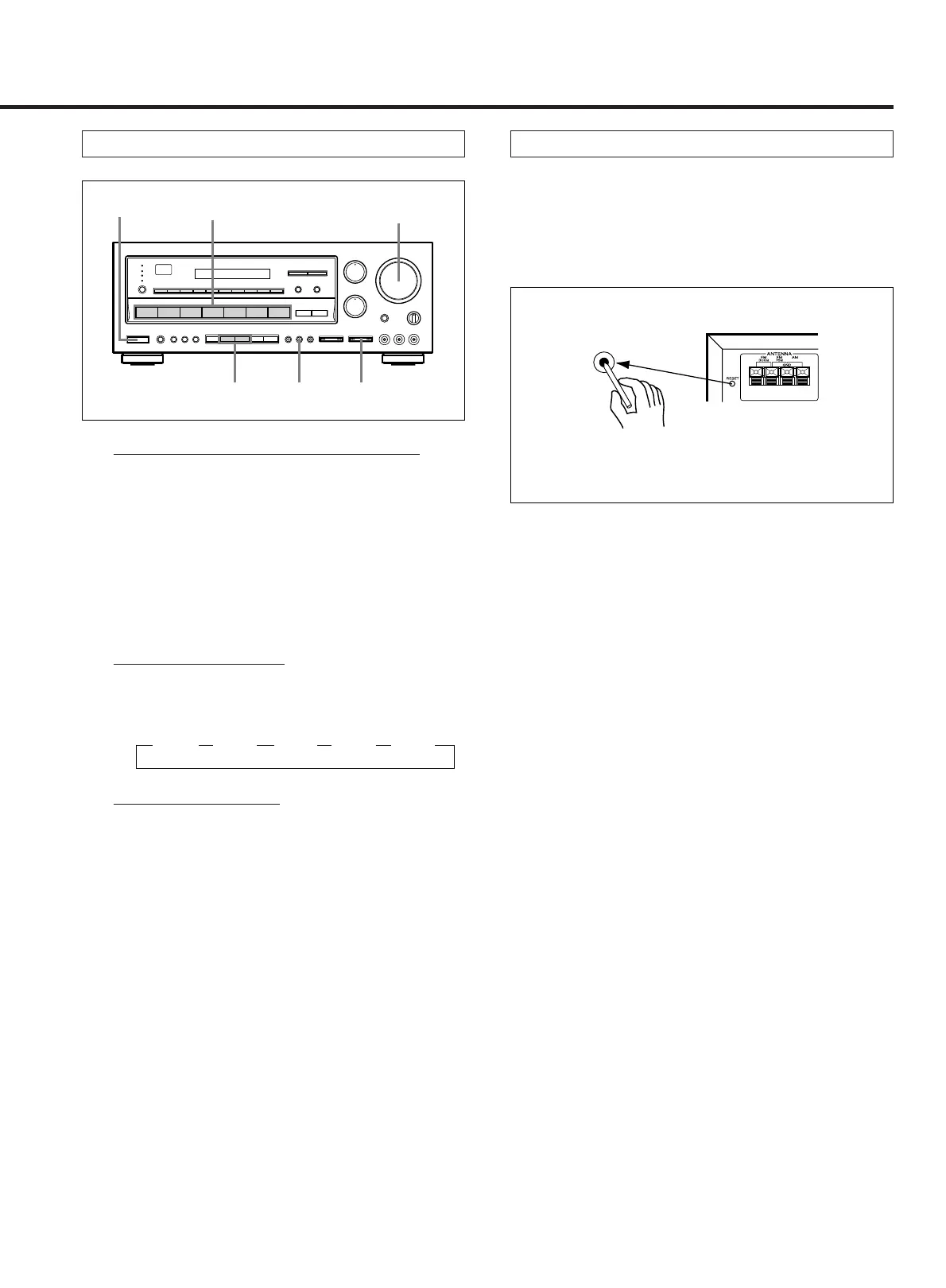
HALL or THEATER Surround
– 20 –
Balancing Relative Volumes among Speakers
1. Press the HALL or THEATER button.
2. Set the MASTER VOLUME control to the normal
listening level.
3. Play the source component.
4. Adjust the rear speaker volume relative to that
of the front speakers as desired.
Adjusting the Delay Time
5. Adjust the delay time as desired in 5 steps by
pressing the DELAY TIME button:
∑15ms ∑20ms ∑30ms ∑40ms ∑50ms
Playing Surround Sound
6. Adjust the MASTER VOLUME control for the
most appropriate overall volume.
WHEN TO USE RESET SWITCH
1. When this system is subjected to an electrical shock.
2. When the power is irregular.
In these cases, try the following (in power standby
mode):
Note: When the RESET switch is pressed, all the
memory will be canceled.



 To Next Page