EasyManua.ls Logo

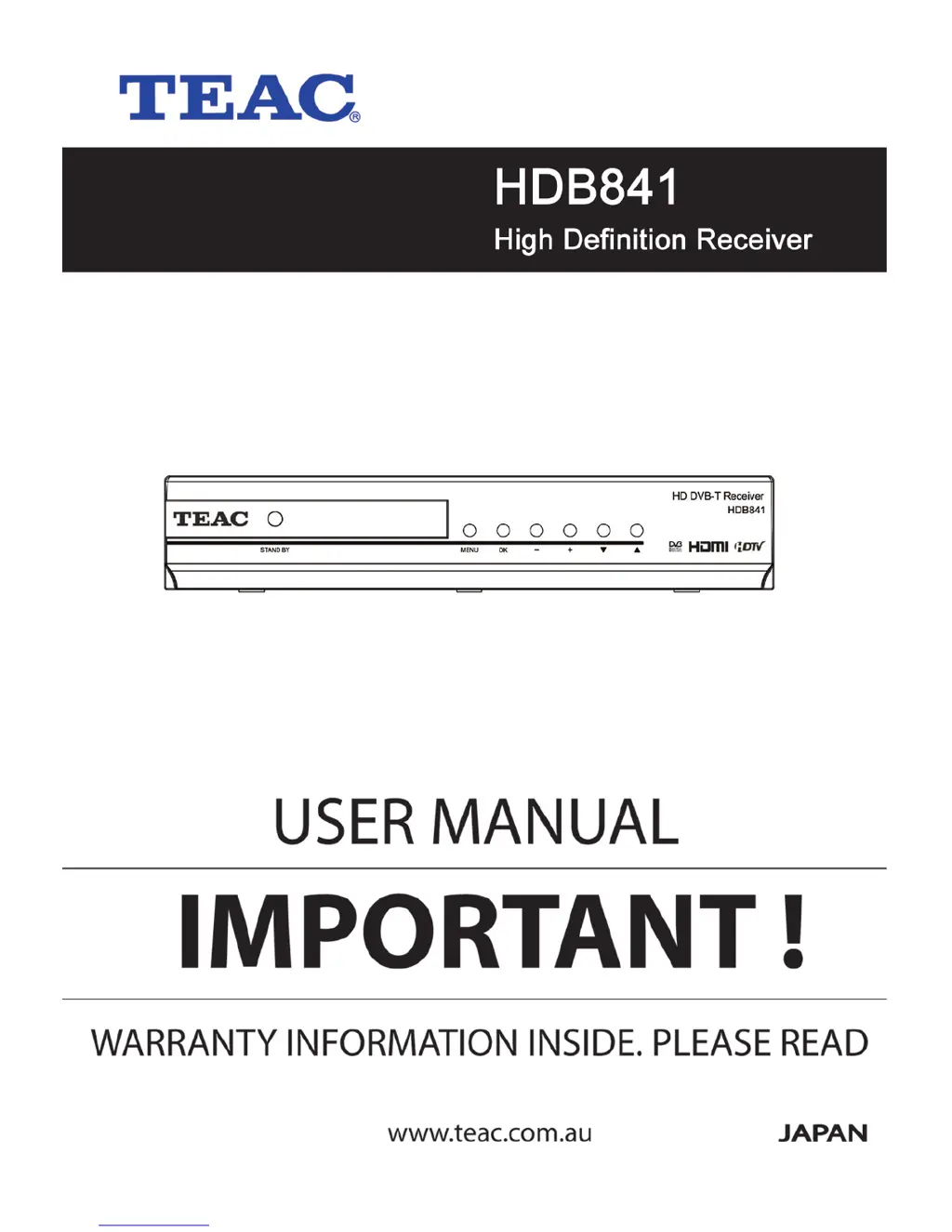
Teac HDB841 - User Manual

Teac HDB841
32 pages
Print Icon
To Next Page IconTo Next Page
Loading...

Questions and Answers

  • V
    Victoria HolderAug 10, 2025
    Why is there no sound or picture on my Teac HDB841?
    • T
      Thomas CochranAug 10, 2025
      If you're experiencing a lack of sound or picture, it might be due to poor signal quality or bad interconnections. To resolve this, check your antenna system and ensure all cable connections are secure.
  • S
    Steven StoneAug 14, 2025
    What to do if the Teac HDB841 RCU (Remote Control Unit) is not working?
    • M
      Michael FosterAug 14, 2025
      If your remote control isn't working, the batteries may be exhausted. Try replacing them with fresh ones.
  • D
    Derek WalkerAug 20, 2025
    How to fix no picture on Teac HDB841 screen?
    • L
      Luis HendersonAug 20, 2025
      If no picture appears on the TV screen and the system is connected by SCART leads, ensure that you have selected the correct channel or Video Input on your TV.
  • J
    josephrichardsonAug 25, 2025
    What to do if my Teac HDB841 has no sound and picture but the front panel shows time?
    • C
      Carl CummingsAug 25, 2025
      If your unit is in standby mode, you will not get sound and picture, even if the front panel shows time. Press the key on the RCU or front panel to exit standby mode.
  • S
    sarah05Aug 29, 2025
    How to troubleshoot a Teac TV Receiver when the front panel display doesn't light up?
    • M
      Michelle LongAug 29, 2025
      If the display on the front panel isn't lighting up, the mains cable may not be connected. Check that the main cable is plugged into the power socket.
  • L
    Laura BowmanSep 3, 2025
    What to do if my Teac TV Receiver has a bad picture or blocking error?
    • S
      Stephen ThompsonSep 3, 2025
      If you're experiencing a bad picture or blocking error, the signal might be too strong. Try using a signal attenuator to the RF IN port.

Teac HDB841 Specifications

General IconGeneral
Remote ControlYes
EPGYes
TeletextYes
Audio FormatsMPEG-1, MPEG-2
OutputHDMI, SCART
USBYes

Related product manuals