16
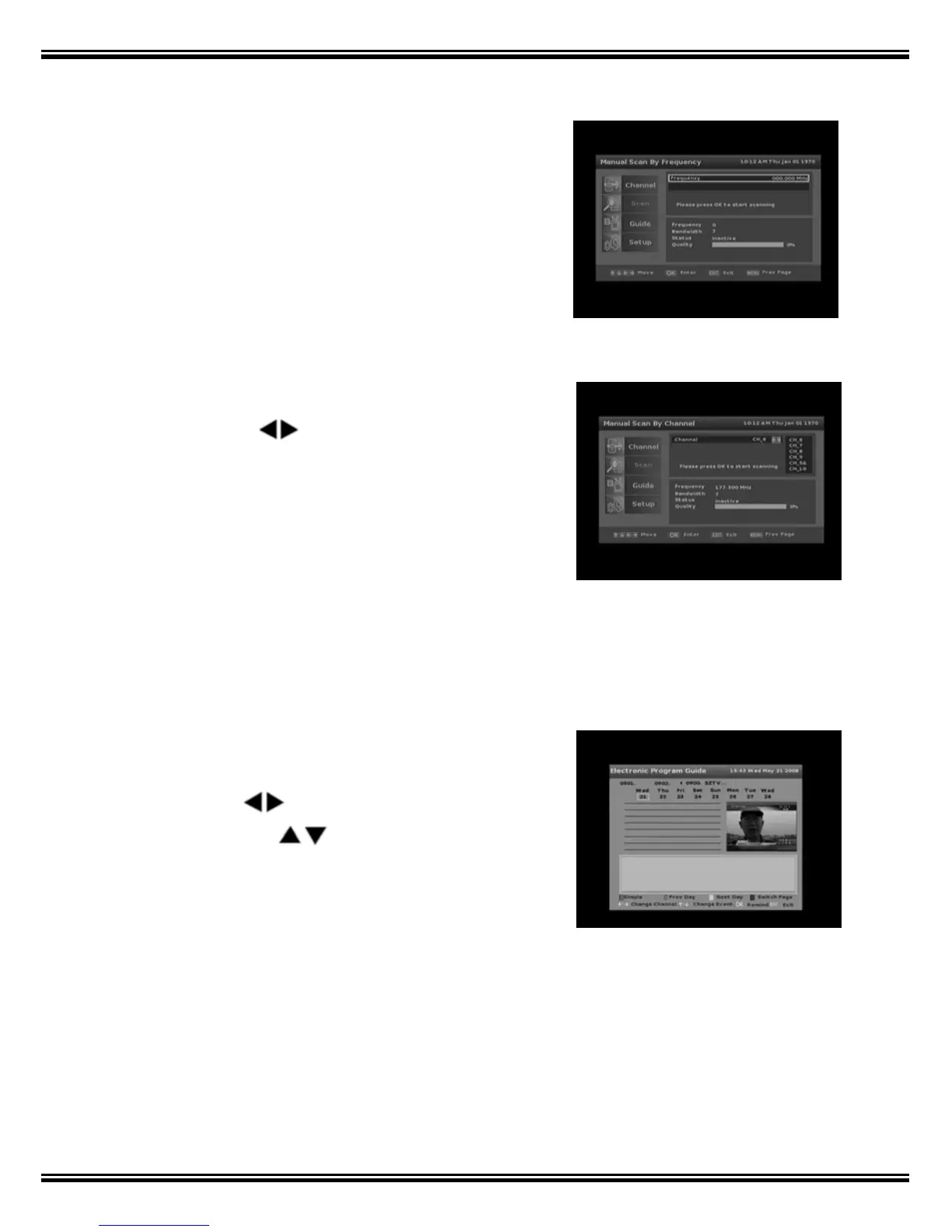
2.2.1 Manual Scan by Frequency
1. Input desired search frequency by using the
numerical keypad on the remote control.
2. Press [OK] to start search.
3. Channel that is found will be saved into channel
list.
2.2.2 Manual Scan by Channel
1. Select desired search channel number by
pressing the keys
2.
Press [OK] to start search.
3.
Channels that are found will be saved into
channel list.
3. Guide
Informative Electronic Program Guide up to 8 days in advanced is transmitted by many
broadcasters.
Press the ‘GUIDE’ key to view EPG function (Full
Guide)
• Press the
keys to see EPGs for other
channels and
keys to move between
program events.
• Detail description of the program is showed in
the grey rectangle towards the bottom of the
screen.
• The [Yellow] and [Green] keys allow selection of
EPG for other days.
• Where more than 1 page of EPG data is
available, press the [Blue] key to view 2
nd
page.
• Press EPG to exit.



 To Next Page