18
match method of the receiver’s video output to best
match your TV or display (4:3 and 16:9).
Screen Format: Select the desired format (Full and
Letter).
SPDIF Output: Select the desired digital audio
output option (Off, PCM and AC3).
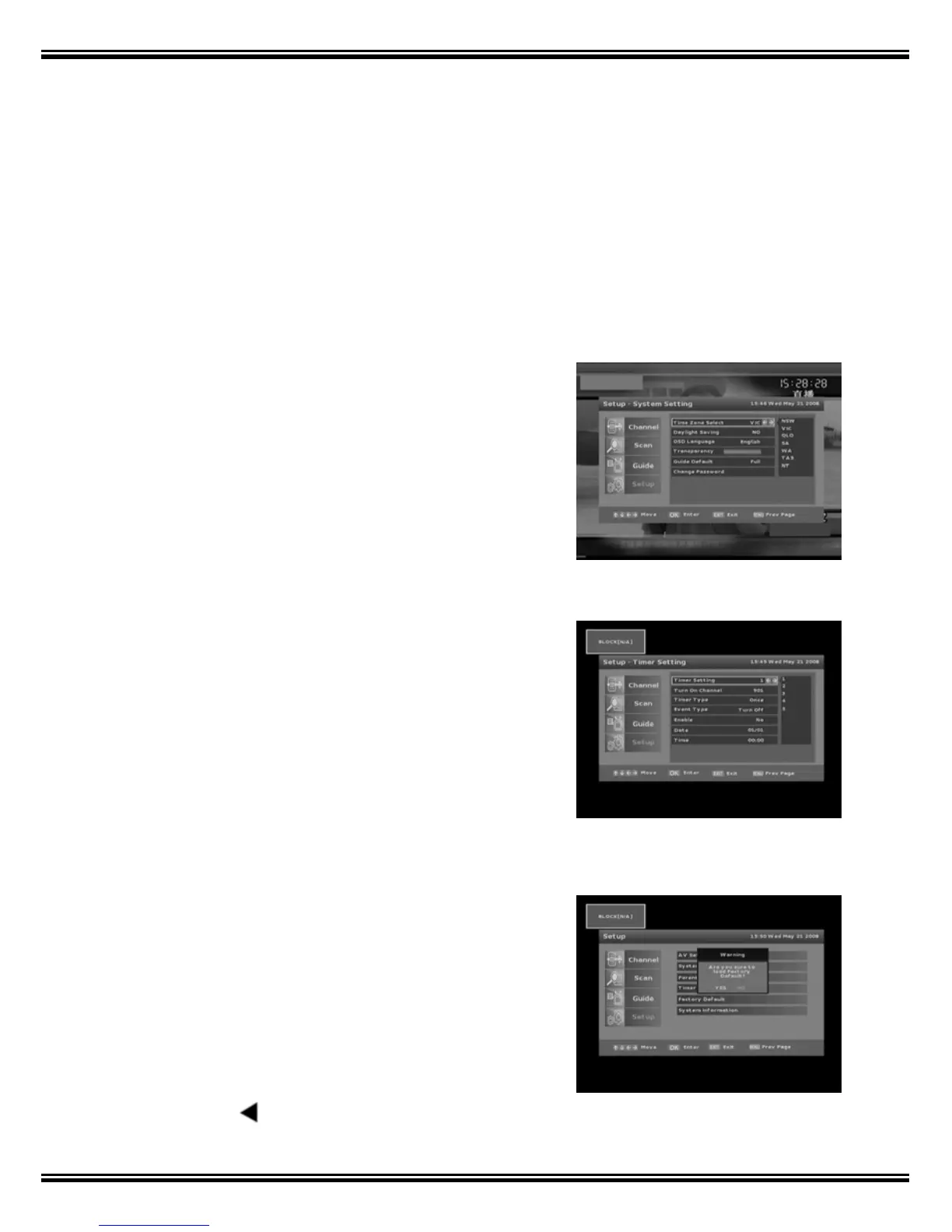
4.2 System Setting
‘System Setting’ allows the user to select Time Zone,
Daylight Saving, OSD Language, Screen
Transparency, Guide Default and Change Password
in this mode.
4.3 Timer Setting
‘Timer Setting’ will switch your receiver On or Off
Automatically at a desired time. Select ‘Timer
Setting’ and press the [OK] key to enter this mode.
Dates must be entered in MM/DD/YY format.
4.4 Factory Default
‘Factory Default’ resets all the receiver parameters to
the condition when shipped.
1. Press the [OK] key and the receiver asks
‘Please Input your password’.
2. Once Password is accepted the receiver asks
‘Are you sure to load Factory Default?’
3. Press the
key and the word ‘YES’ will turn



 To Next Page