12
III. MENU STRUCTURE
1. Channel
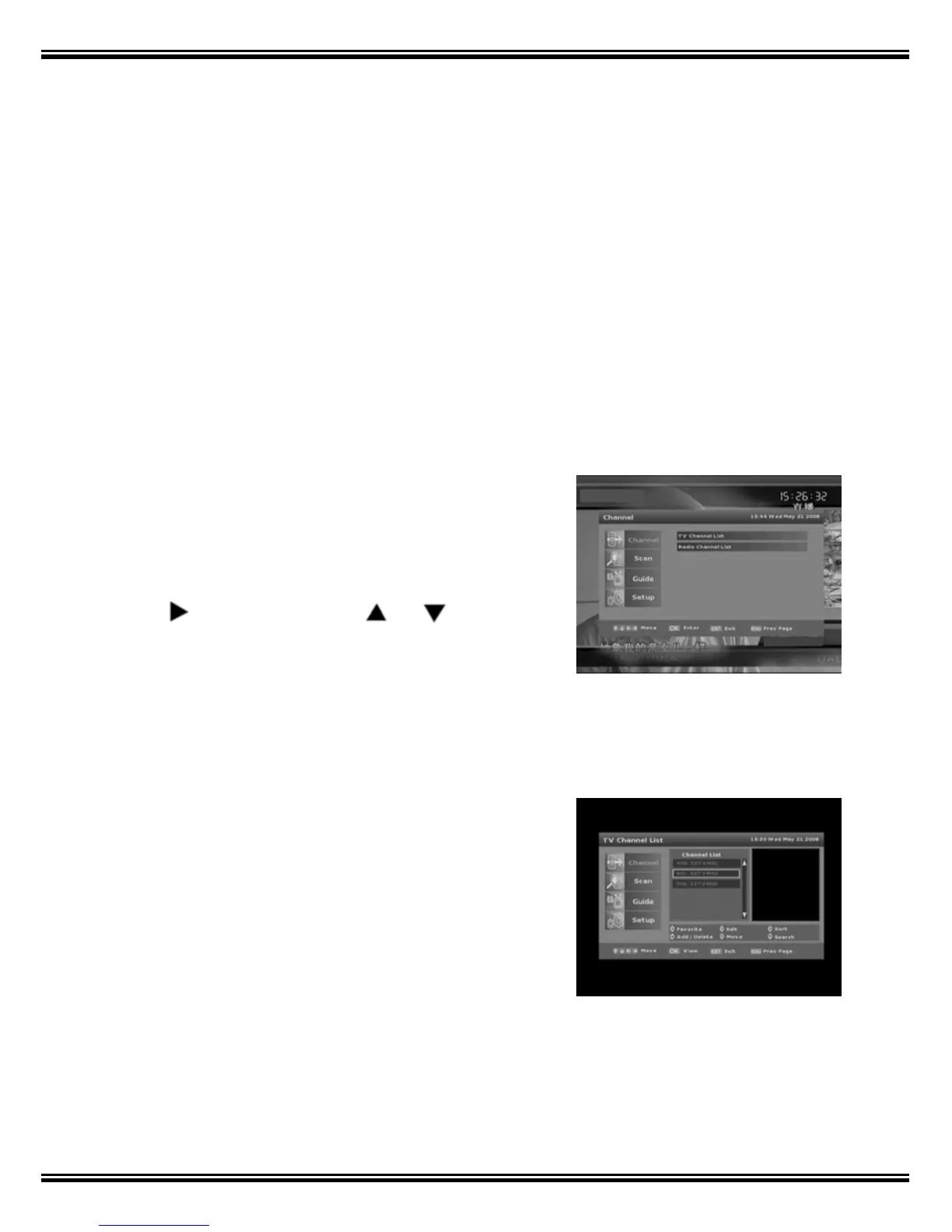
When you press the [Menu] key on the Remote Control unit the main Menu engages on
screen. Starting from Channel mode, there are 4 sub-menu groups: ‘Channel’, ‘Scan’,
‘Guide’ and ‘Setup’.
Channel Mode provides two options:
1) TV Channel List;
2) Radio Channel List.
Press
to enter Sub Menu, or to navigate
and [OK] to make a selection.
1.1 TV Channel List
In this mode, you can select [1] Favorite, [2] Edit, [3]
Sort, [4] Add / Delete , [5] Move or [6] Search for
channels, by name – using the on screen keyboard.



 To Next Page