13
1.1.1 Favorite
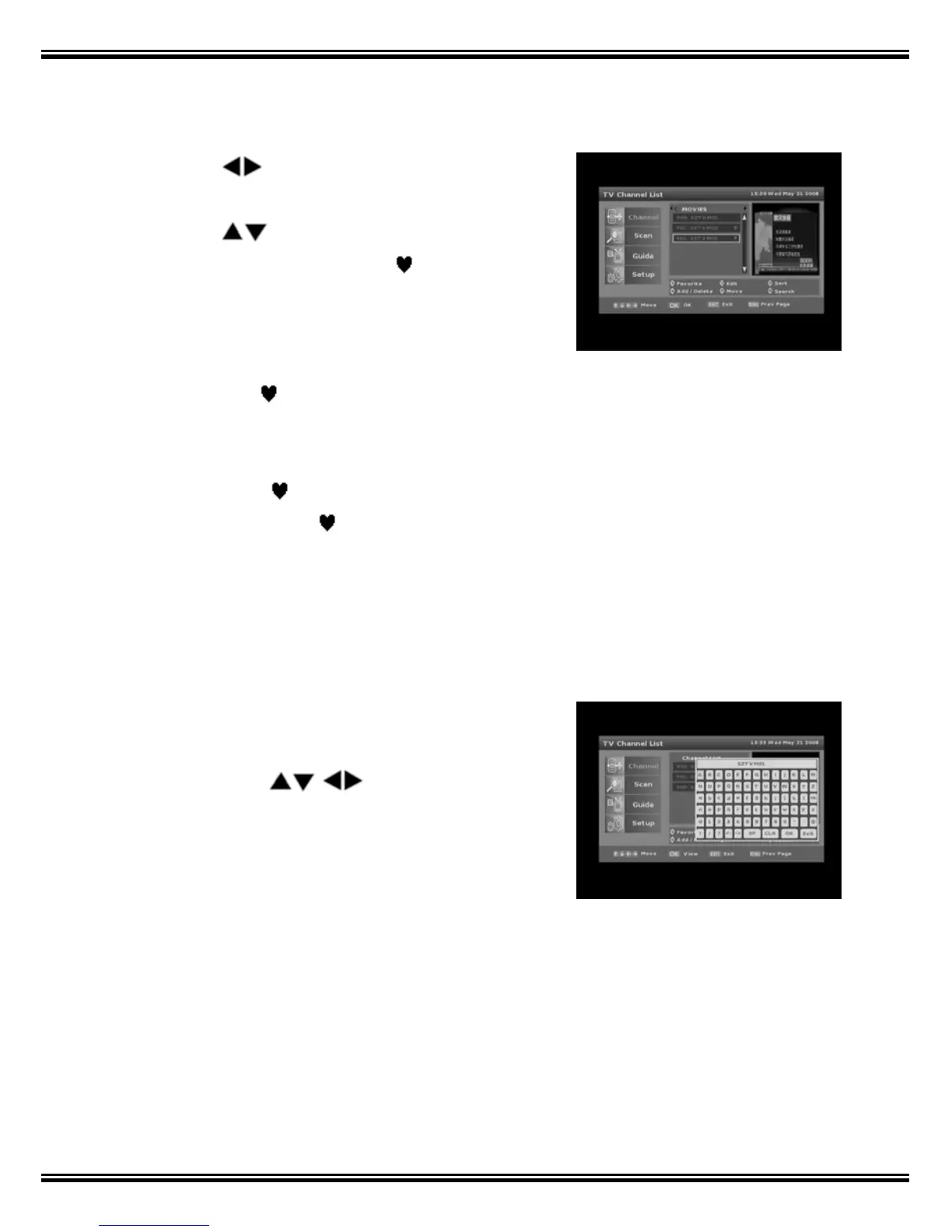
1. Press the [1] key to select Favorite function.
2. Use the keys to select a Favorite storage
location from ‘HD’ ‘SD’ or ‘MOVIES’ etc
.
3. Use the
keys to make a selection.
4. Press the [OK] key and a red
mark will show
to right side of selected channel name.
5. Add channels to each list as required.
6. When a Favorite storage location has channels
saved in it a
mark shows left of the Favorite
group name.
To cancel, select
marked channels again and
press the [OK] key. The
mark will disappear and
the channel will be deleted from that Favorite list.
Press [EXIT] or [MENU] to store.
1.1.2 Edit
1. Press [2] and the On Screen Keyboard will
appear.
2. Navigate with
keys.
3. Select CLR to Clear existing name.
4. Press the [OK] key to select each character.
5. When complete press Screen Keyboard OK to
confirm.
6. Press [EXIT] or [MENU] to store new name.



 To Next Page