6
WARNING! As this is a High Definition receiver, video output Format should be
selected to best match the native resolution of your display. To make initial installation
easy, the unit default resolution is 576i which will give a picture on most displays. This
can be easily changed. If your display shows the default error message “Please Select
576i …” you are connected to an SD output when the receiver is in a HD mode which can
be changed by repeatedly pressing the ‘FORMAT’ key until a picture shows.
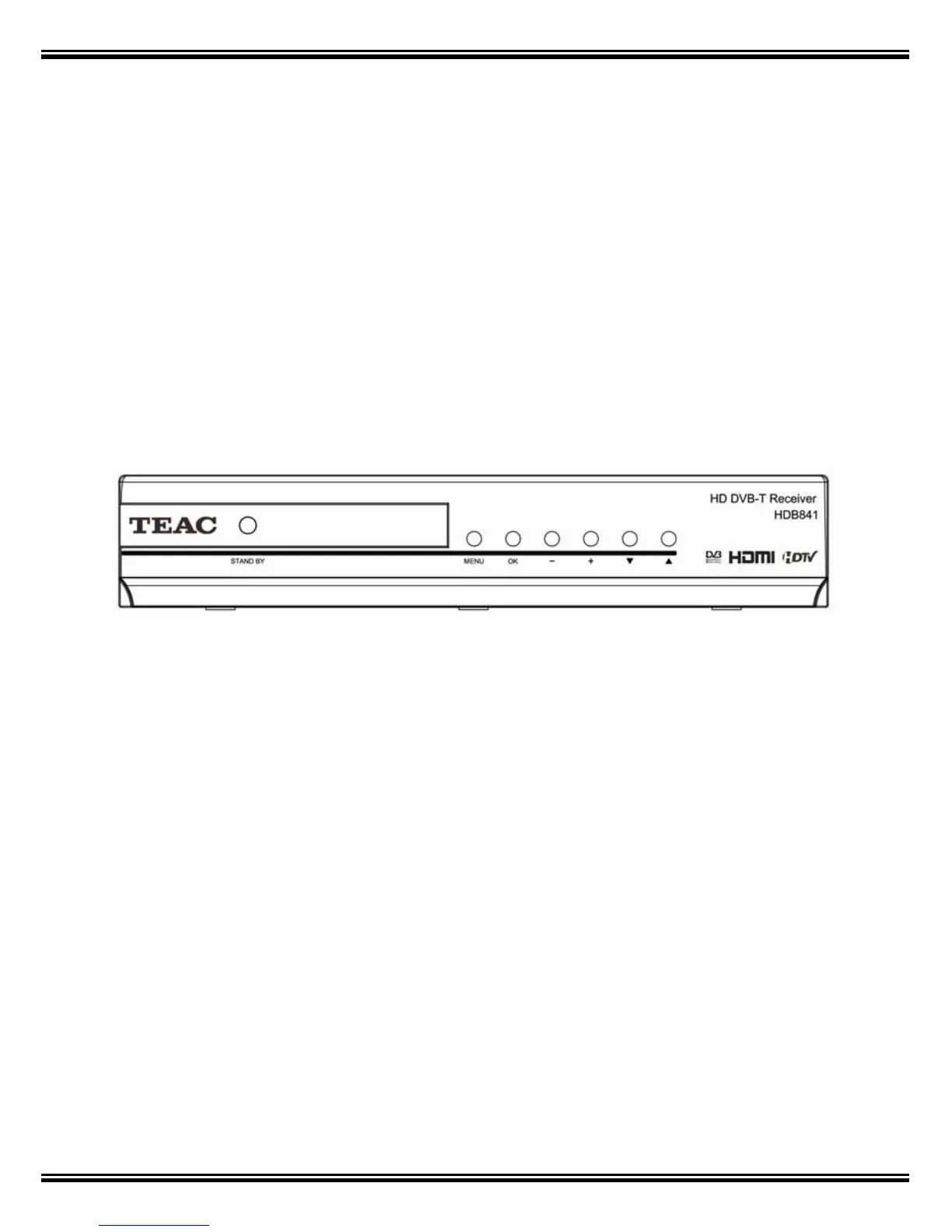
2. Front Panel
The following controls are located at the right of the front mirror panel.
STAND BY : Press to switch between On and Standby modes.
CH+ CH- : Selects Channel when viewing, or moves Up or Down Menu.
VOL+ VOL- :
Adjusts Audio level when viewing or moves Left or Right in Menu.
MENU: Displays the Main Menu and Command box on screen.
OK: Executes selected Menu Item.



 To Next Page