EasyManua.ls Logo

Teac HDB849 - User Manual

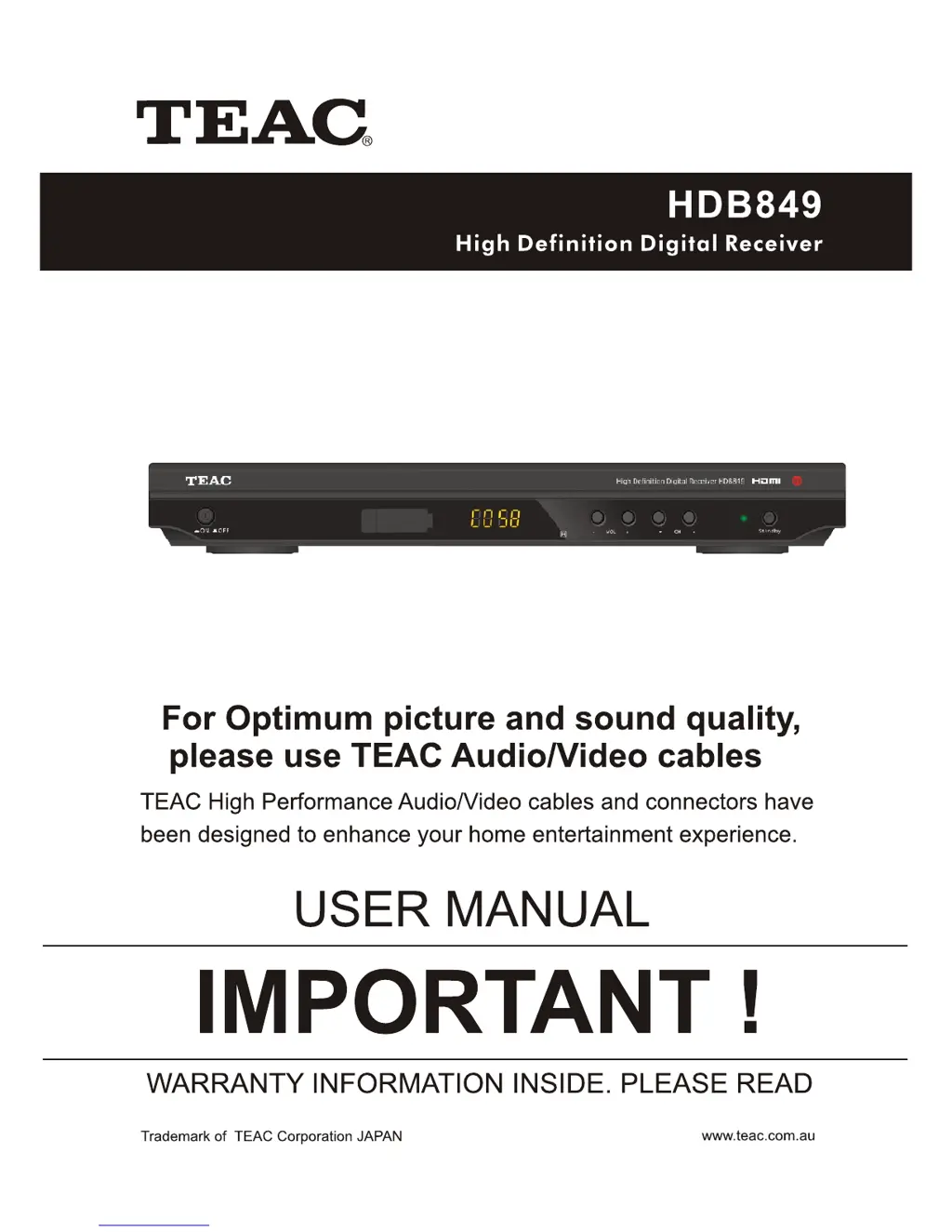
Teac HDB849
30 pages
Print Icon
To Next Page IconTo Next Page
Loading...

Questions and Answers

Summary

Important Safety Instructions

Before Using the Unit

Accessories Included

Lists all items included in the product package for user verification.

Front Panel Overview

Identifies and explains the functions of the controls and indicators on the front panel.

Rear Panel Connectivity

Remote Control Unit (RCU)

Inserting Batteries into Remote

Step-by-step guide on how to correctly insert AAA batteries into the remote control.

Using the Remote Control

Instructions on aiming and operating the remote control for effective use with the set-top box.

System Setup and Connections

Connecting to a Television

Provides guidance on connecting the set-top box to a television using various cable types.

Connecting to Audio System

Instructions for connecting the set-top box to an audio system for enhanced sound output.

Connecting to DVD Recorder or VCR

Explains how to connect the set-top box to a DVD recorder or VCR for program recording.

Installation and Initial Setup Guide

Menu System Overview

Overview of the main menu structure and available settings for system configuration.

Program Settings and Management

Covers program editing, favorites, EPG, sorting, and channel locking.

Picture and Channel Settings

Adjusts visual settings like aspect ratio, resolution, and channel search parameters.

System and Time Configuration

Covers country selection, time settings, options, and system preferences.

USB Media and PVR Functions

Multimedia Playback

Guide on accessing and playing Music, Photo, and Movie files from a USB device.

Movie Playback Configuration

Options to configure subtitle font, background, and color for movie playback.

Personal Video Recording (PVR) Configuration

Configures recording device, format, and time shift duration for PVR functions.

PVR (Personal Video Recording) Instructions

Instant Recording

How to use the REC button to record programs currently being watched.

Scheduled Recording

Guide on booking programs for recording via the EPG and setting recording parameters.

Time Shift Functionality

How to pause live broadcasts, manage time shifted playback, and resume viewing.

Playback and Recorded List

How to view, preview, delete, and rename recorded programs from the list.

Troubleshooting Common Issues

Technical Specifications

Summary

Important Safety Instructions

Before Using the Unit

Accessories Included

Lists all items included in the product package for user verification.

Front Panel Overview

Identifies and explains the functions of the controls and indicators on the front panel.

Rear Panel Connectivity

Remote Control Unit (RCU)

Inserting Batteries into Remote

Step-by-step guide on how to correctly insert AAA batteries into the remote control.

Using the Remote Control

Instructions on aiming and operating the remote control for effective use with the set-top box.

System Setup and Connections

Connecting to a Television

Provides guidance on connecting the set-top box to a television using various cable types.

Connecting to Audio System

Instructions for connecting the set-top box to an audio system for enhanced sound output.

Connecting to DVD Recorder or VCR

Explains how to connect the set-top box to a DVD recorder or VCR for program recording.

Installation and Initial Setup Guide

Menu System Overview

Overview of the main menu structure and available settings for system configuration.

Program Settings and Management

Covers program editing, favorites, EPG, sorting, and channel locking.

Picture and Channel Settings

Adjusts visual settings like aspect ratio, resolution, and channel search parameters.

System and Time Configuration

Covers country selection, time settings, options, and system preferences.

USB Media and PVR Functions

Multimedia Playback

Guide on accessing and playing Music, Photo, and Movie files from a USB device.

Movie Playback Configuration

Options to configure subtitle font, background, and color for movie playback.

Personal Video Recording (PVR) Configuration

Configures recording device, format, and time shift duration for PVR functions.

PVR (Personal Video Recording) Instructions

Instant Recording

How to use the REC button to record programs currently being watched.

Scheduled Recording

Guide on booking programs for recording via the EPG and setting recording parameters.

Time Shift Functionality

How to pause live broadcasts, manage time shifted playback, and resume viewing.

Playback and Recorded List

How to view, preview, delete, and rename recorded programs from the list.

Troubleshooting Common Issues

Technical Specifications

Teac HDB849 Specifications

General IconGeneral
BrandTeac
ModelHDB849
CategoryTV Receiver
LanguageEnglish

Related product manuals