16
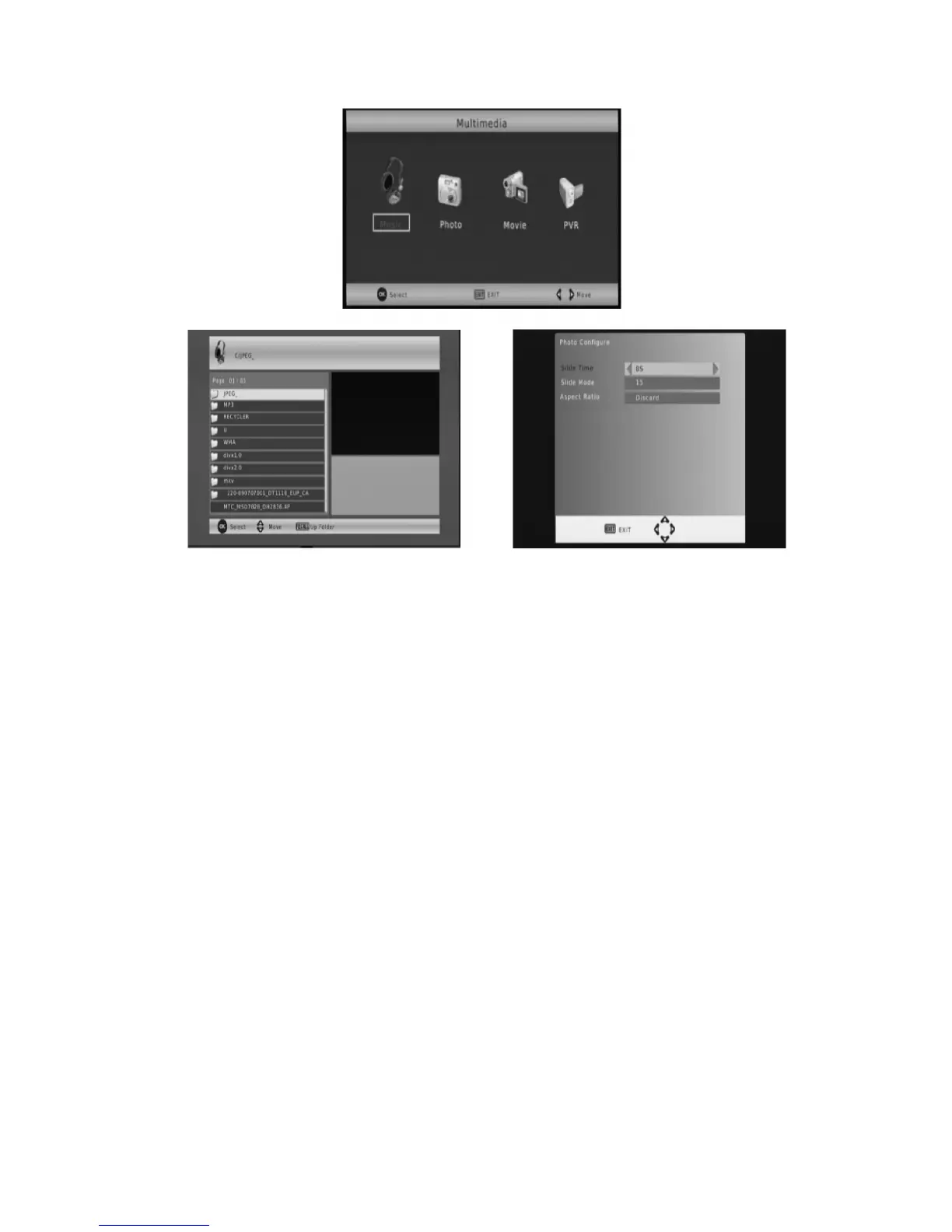
3.1.7.2 Photo configure
-
Slide Time:
adjust the slide show interval to 1-8 seconds.
-
Slide Mode:
adjust slide shoe effect as mode 0-59 or random.
-
Aspect Ratio.
[Keep]: Play picture in its original aspect.
[Discard]: Play picture in full screen mode
3.1.7.3 Movie configure
-
Subtitle Font:
[Small]: Displays the subtitle as small mode.
[Normal]: Displays the subtitle as normal mode.
[Big]: Displays the subtitle as big fonts.
-
Subtitle Background:
[White]: Displays the subtitle in white background.
[Transparent]: Displays the subtitle in transparent ba
ckground.
[Grey]: Displays the subtitle in grey background.
[Yellowgreen]: Displays the subtitle in yellowgreen backgro
und.
-
Subtitle Colour:
[Red]: Displays Subtitle in red font.
[Blue]: Display Subtitle in blue font.
[Green]: Display Subtitle in green font.
[White]: Display Subtitle in white font.
[Black]: Display Subtitle in black font.



 To Next Page