13
3.1.3.2 Country selection
Select your country of residence
3.1.3.3 Antenna Power
Enable Antenna Power if an external active antenna is connected.
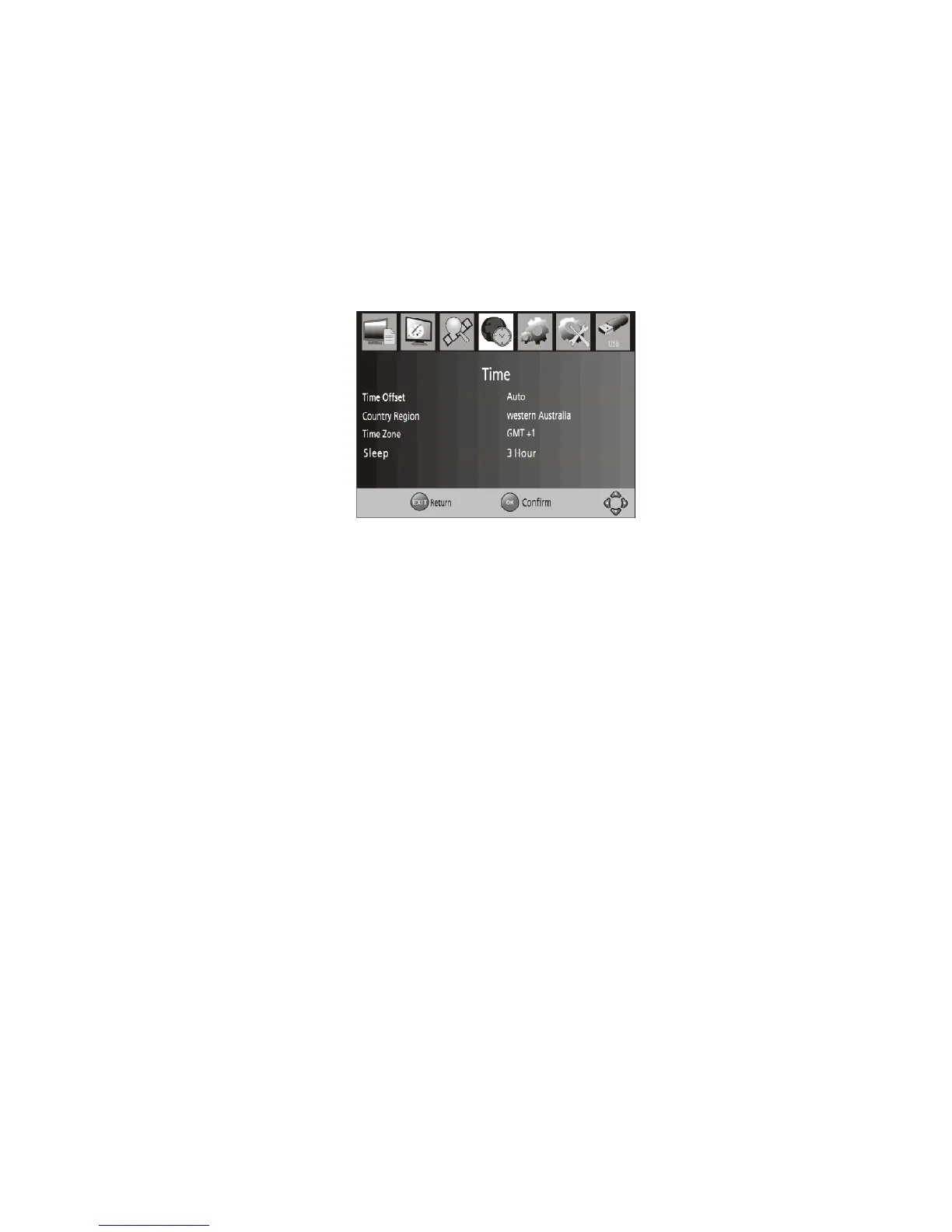
3.1.4 Time Setting
To access the Menu, press MENU then select [Time] using the RIGHT/LEFT keys. The
Menu provides options to adjust the time settings. Press UP/DOWN to select an option
and press RIGHT/LEFT to adjust the settings. Press EXIT to exit the menu.
a. Time offset
Select auto or manual for GMT offset adjustments.
b. Country Region
Select the Country Region when [Time Offset] is set to Auto.
c. Time Zone
Select the Time Zone Offset when [Time Offset] is set to Manual.
d. Sleep
Select the time for the unit to go into sleep Mode.



 To Next Page