20
3.2.3
Time shift
If a USB device is connected you can pause live broad
casts. Press the PAUSE key during
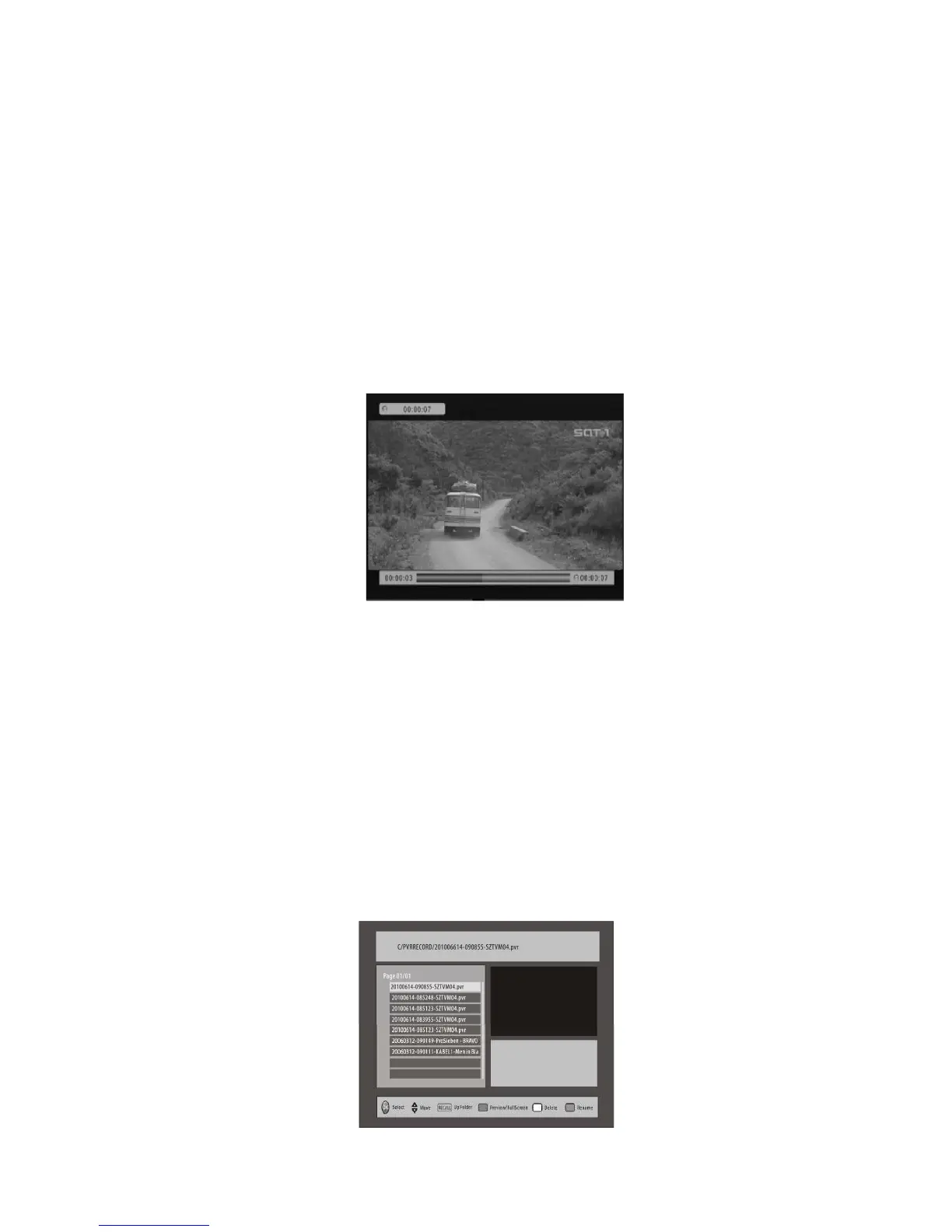
live broadcast to start Time Shift. A progress banner
will appear displaying the length of
time the program has been time shifted. The progress b
ar will disappear after 5 seconds.
When you wish to re-start the program, press the PL
AY key. To exit Time Shift, press the
STOP key and the unit will return to live TV broadcast.
You can also use REV/FWD keys during Time Shifting. The
LED Display window on the
front panel will display ‘PLAY’ during playback. However
, if you Fast Forward and catch
up to the current live broadcast, the unit will exit Tim
e Shift automatically and resume
real time viewing. If the live broadcast is paused for a
longer period than has been set in
the PVR configure menu, the unit will return to live TV v
iewing.
3.2.4
Playback/Recorded List
To view a list of recorded programs, press the
LIST
key on the remote control. Use the
UP/DOWN
keys to highlight a program.
To view a preview of the program you have highlighted,
press the
RED
button. To view
the highlighted program in full screen, press the OK key.
The
YELLOW
key will delete the highlighted file - a message will appea
r on the screen
asking you to confirm or exit.
Press the
GREEN
key to rename
the highlighted file - a window
displaying an
alphanumeric keypad will appear. Use the
ARROW
buttons to
navigate around the
keypad and press
OK
to select the keys you desire,
select "OK" on the keypad to exit the
window
.
During playback you can also use the
PAUSE/STOP/FWD/REV
keys.
The LED Display
Window on the front panel will display 'PLAY' during playbac
k.



 To Next Page