19
Programs booked for recording will be marked. Any recordings that are to occur daily or
weekly will not be marked due o the static nature of the EPG, however the booked
recordings will appear in your recording schedule in the EPG screen.
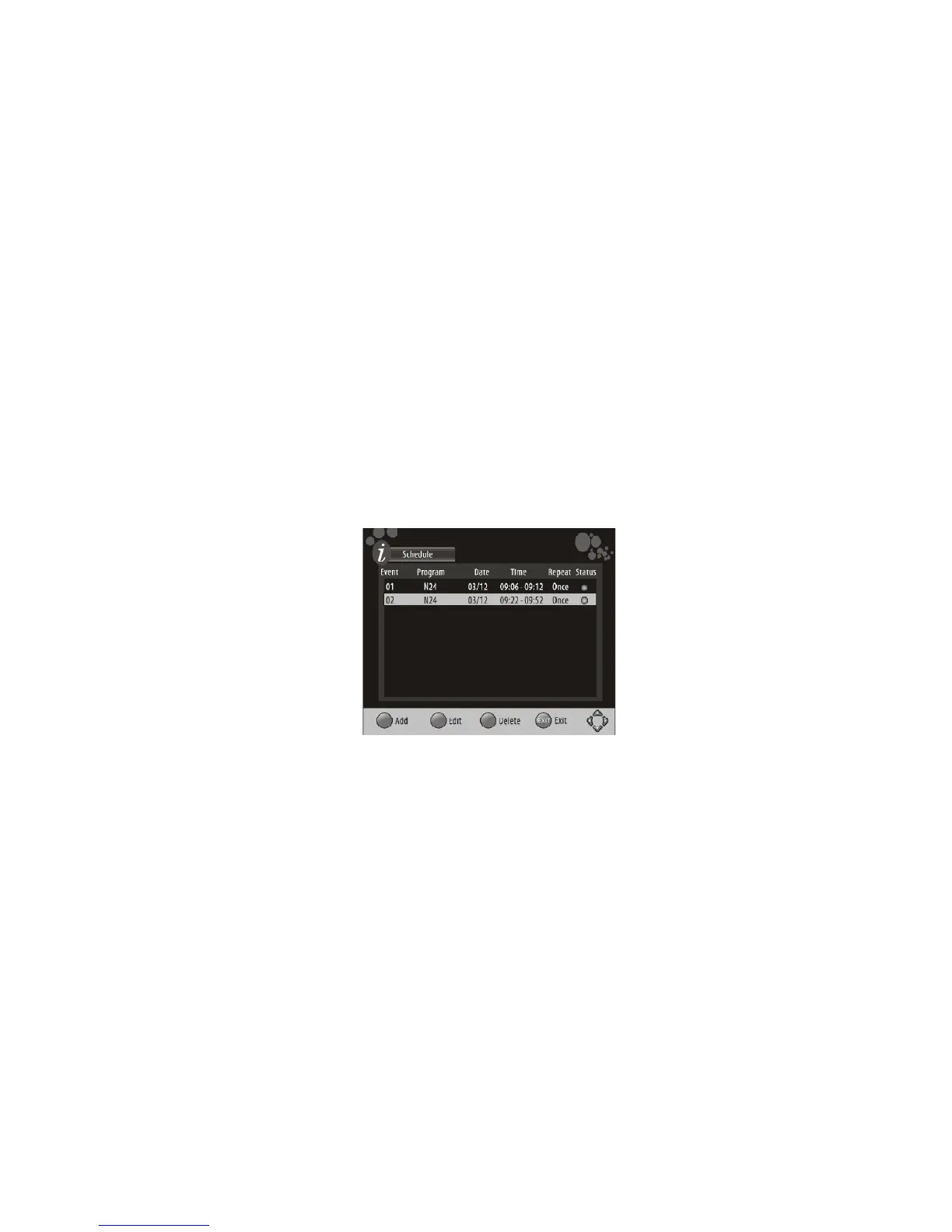
While still in the EPG window, press the INFO button to view a list of the programs you have
booked for recording. In normal mode, press the BLUE button to access the record schedule
list.
In the record schedule list you can add (RED button), Edit (GREEN button) or Delete (BLUE
button) schedules on the list. Press EXIT to exit the record schedule list.
NOTE:
o During recording you are able to view other sub-channels broadcasted on
the same frequency. If you try to change frequency, a message will appear
asking you to confirm and end the recording or cancel.
o If the unit is on Standby mode, the scheduled recording will still proceed
without the need to switch on the TV. You are also able to switch on the TV
midway recording and proceed to view the program that is being recorded.
Once the program has been set to record, you can view a list of programs scheduled for
recording by pressing the BLUE key on the remote control.



 To Next Page