8
3. Installation Guide
After all connections have been made, switch on your TV unit. Press the POWER button to
switch on the Set Top Box. If you are using the unit for the first time or have restored the
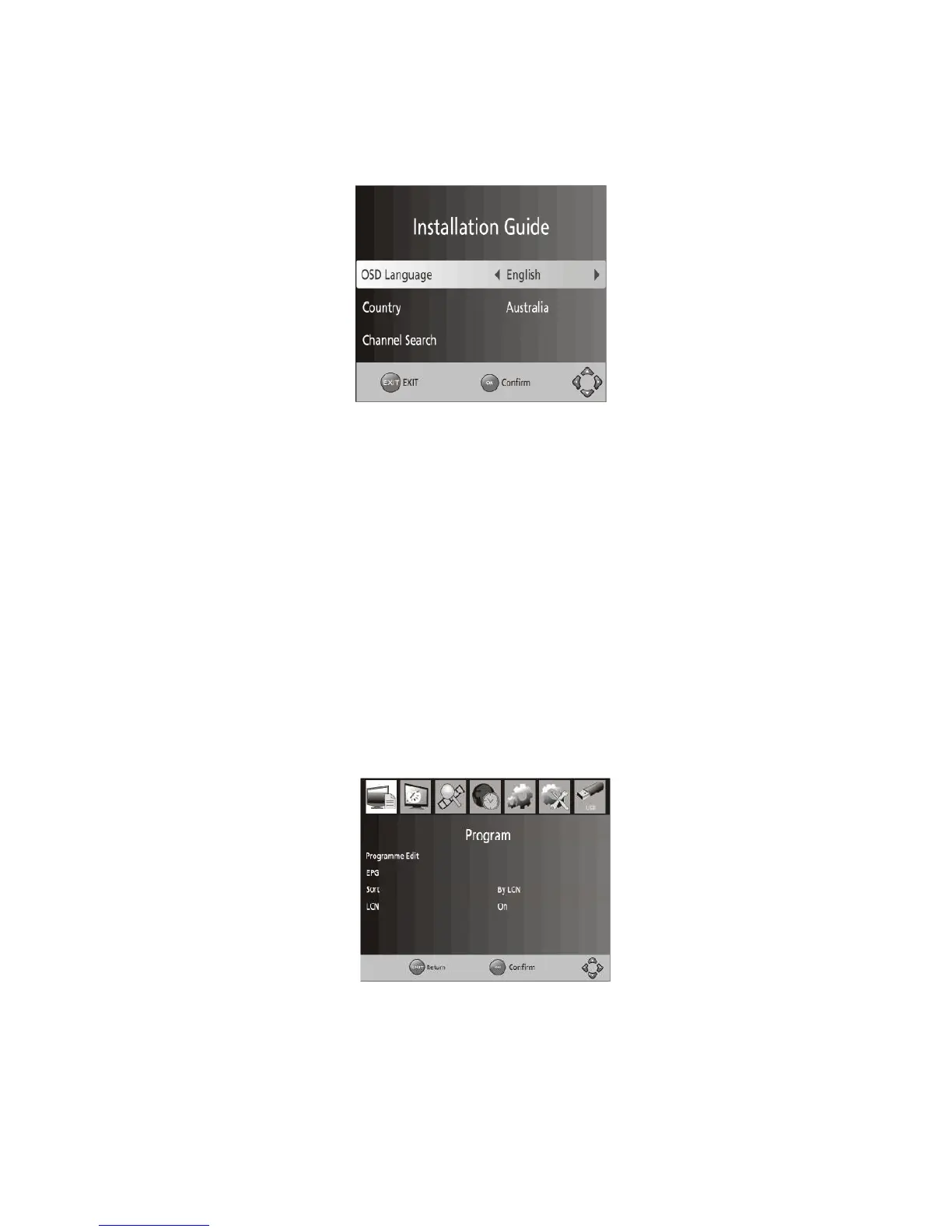
unit to Factory Default settings, the Installation Guide menu will appear on-screen.
OSD Language: Press the LEFT/RIGHT key to make a language selection.
Country: Press the LEFT/RIGHT key to select your country of residence.
Channel Search: Press RIGHT or OK key to begin an automated channel search.
Once the channel tuning is complete, you can start viewing broadcasted television programs.
If the channel search has failed, please check that your Antenna has been placed properly
and is functioning. If problems persist, please contact your dealer for assistance.
3.1 Menu System
To manage your program systems, and local settings, press the MENU button on the remote
control while in normal viewing mode. A prompt will appear, with the selections to access
changes to the Program Settings, Picture Settings, Channel Search, Time Settings, General
Options, System Settings, and USB settings.



 To Next Page