15
1.2 Radio Channel List
In ‘Radio Channel List’ you can also select [1] Favorite, [2] Edit, [3] Sort, [4] Add / Delete ,
[5] Move or [6] Search for channels by following the instructions above for TV Channel
List.
2. Channel Scan
Channel scan allows you to rescan for all channels.
Please note previously saved personal Channel
Settings are lost when Scanning.
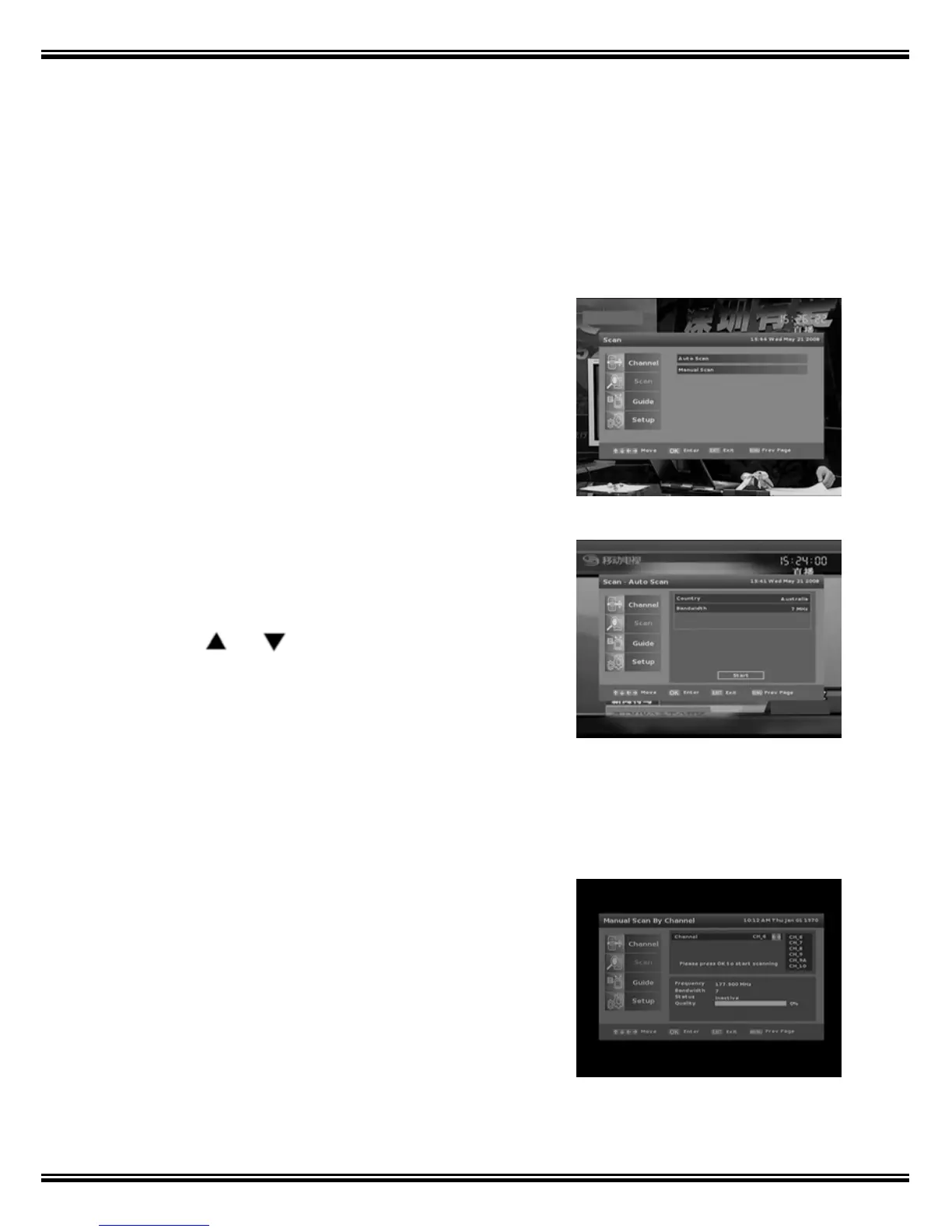
2.1 Auto Scan
1. Press the [Menu] key on the Remote Control
Unit.
2. Select Channel and press [OK].
3. Press
or and [OK] keys to select from
‘Auto Scan’ and ‘Manual.
4. Press [OK] again to start search.
Select ‘Cancel’ to stop the whole operation, and ‘Exit’
to return to previous page.
2.2 Manual scan
This function allows you to search for channels
manually either by channel frequency or channel
number. This function should only be attempt if you
are familiar with the frequency or channel number.



 To Next Page