14
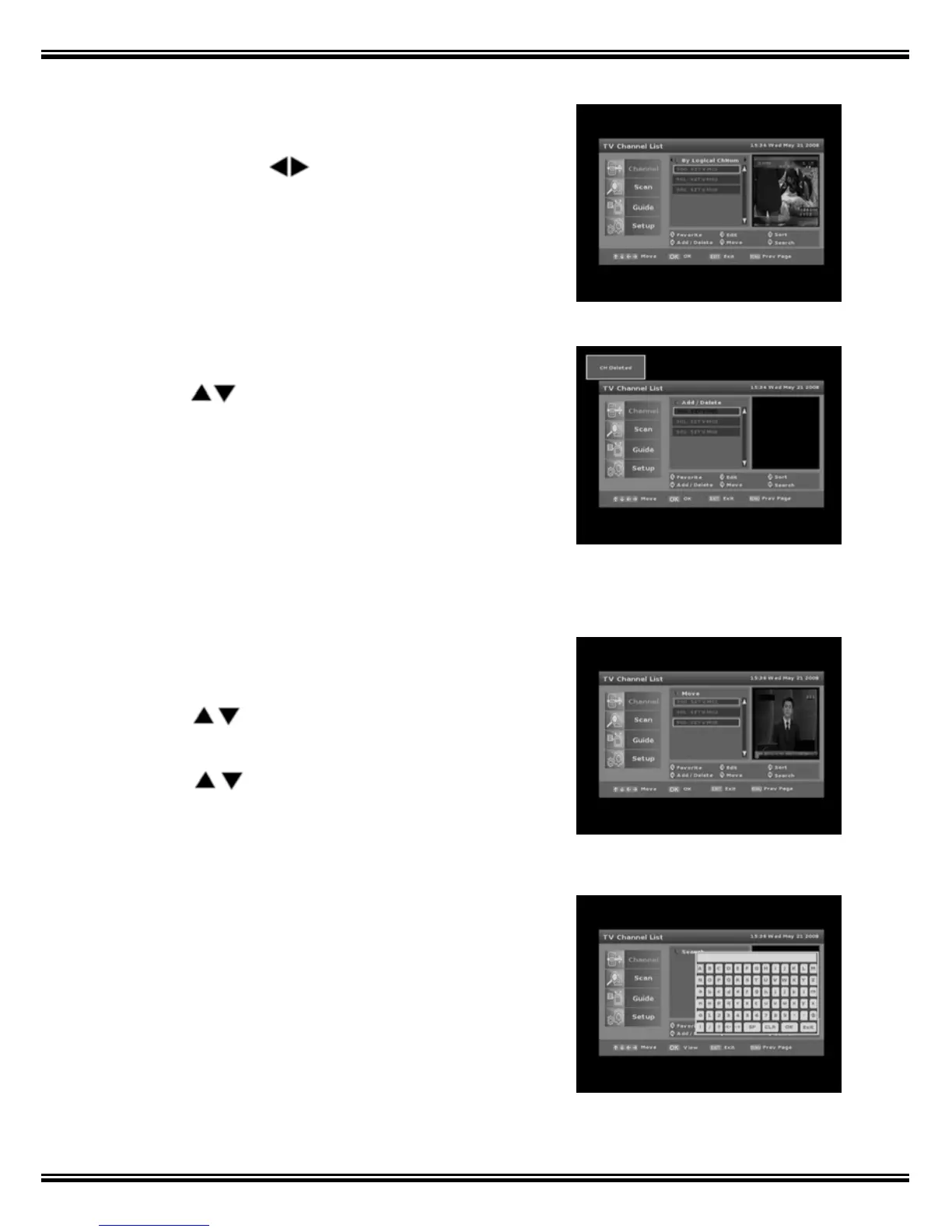
1.1.3 Sort
1. Press [3] to engage Sort.
2. Navigate with
keys.
3. Programs can be Sorted by ‘Logical’ Channels,
‘Channel Name’ or ‘Frequency’.
4. Press [EXIT] or [MENU] to store.
1.1.4 Add / Delete
1. Press [4] to enter Add / Delete Channel function.
2. Use
keys to select a channel to delete.
3. Press the [OK] key and ‘CH Deleted’ message
appears on the top left corner of your screen.
4. Press the [OK] key again to restore. Deleted
channels remain in the Add / Delete list but no
longer appear in the Channel List.
1.1.5 Move
1. Press [5] key to move a channel within the TV
Channel List.
2. Use
keys and press [OK] to select a
channel to move.
3. Use
keys again to move channel to
desired location and press [OK] to execute.
4. Press [EXIT] or [MENU] to store.
1.1.6 Search
Press [6] to search for channels from the Channel
List using the On Screen Keyboard.



 To Next Page