12
Channel Backup & Recovery
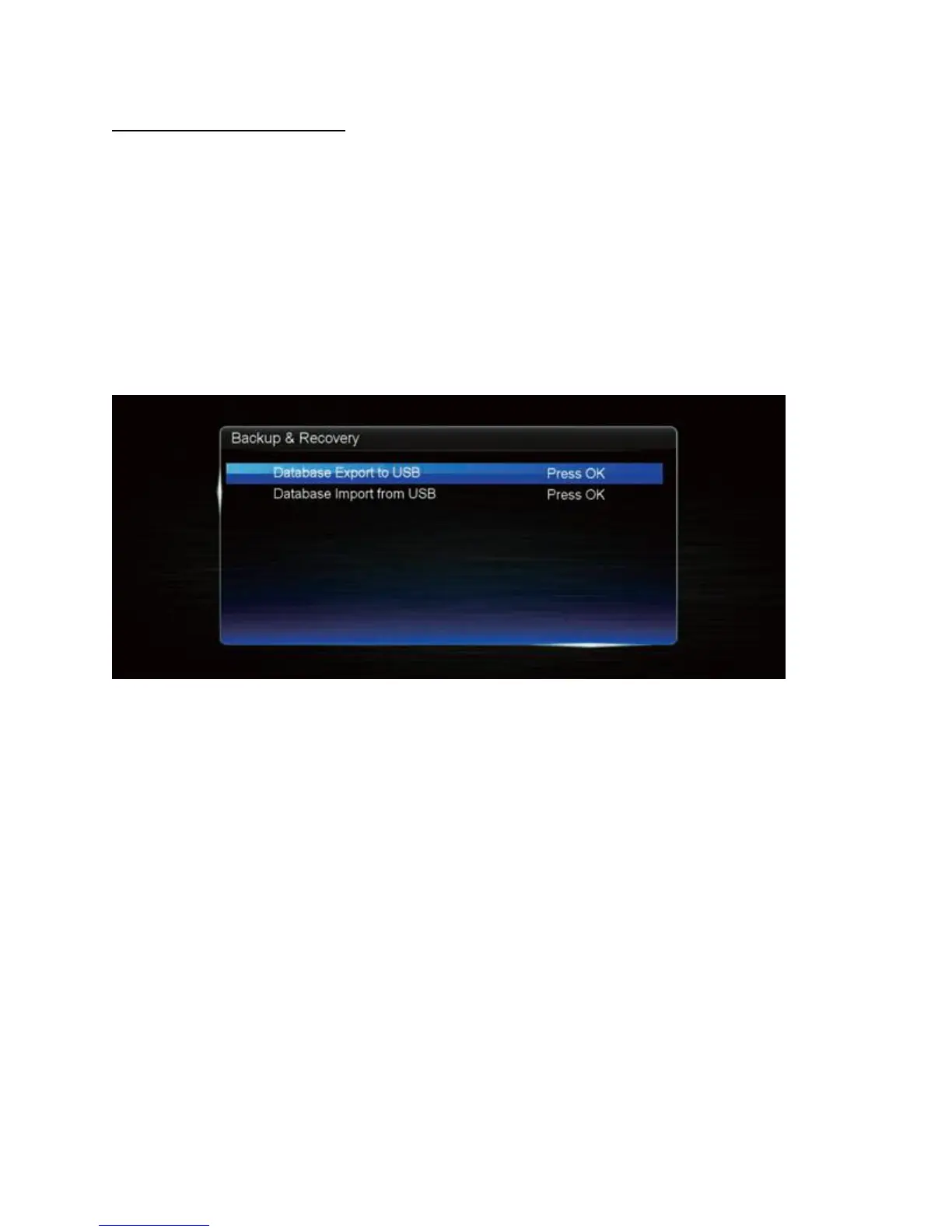
Using a USB flash drive, you can back up your customised Channel settings and load it again
later.
1. Connect a compatible USB flash drive. If the USB drive cannot be detected, you may
need to format it first (PVR Menu > Storage > press the RED button).
2. Press MENU and go to the Installation menu with the LEFT/RIGHT buttons.
3. Highlight Database Export to USB. You should see a progress bar show up on the
screen.
4. When you need to recover your settings later, connect the same USB flash drive, then
come back to the Backup & Recovery menu, and choose Data Import from USB.


 To Next Page