EasyManua.ls Logo

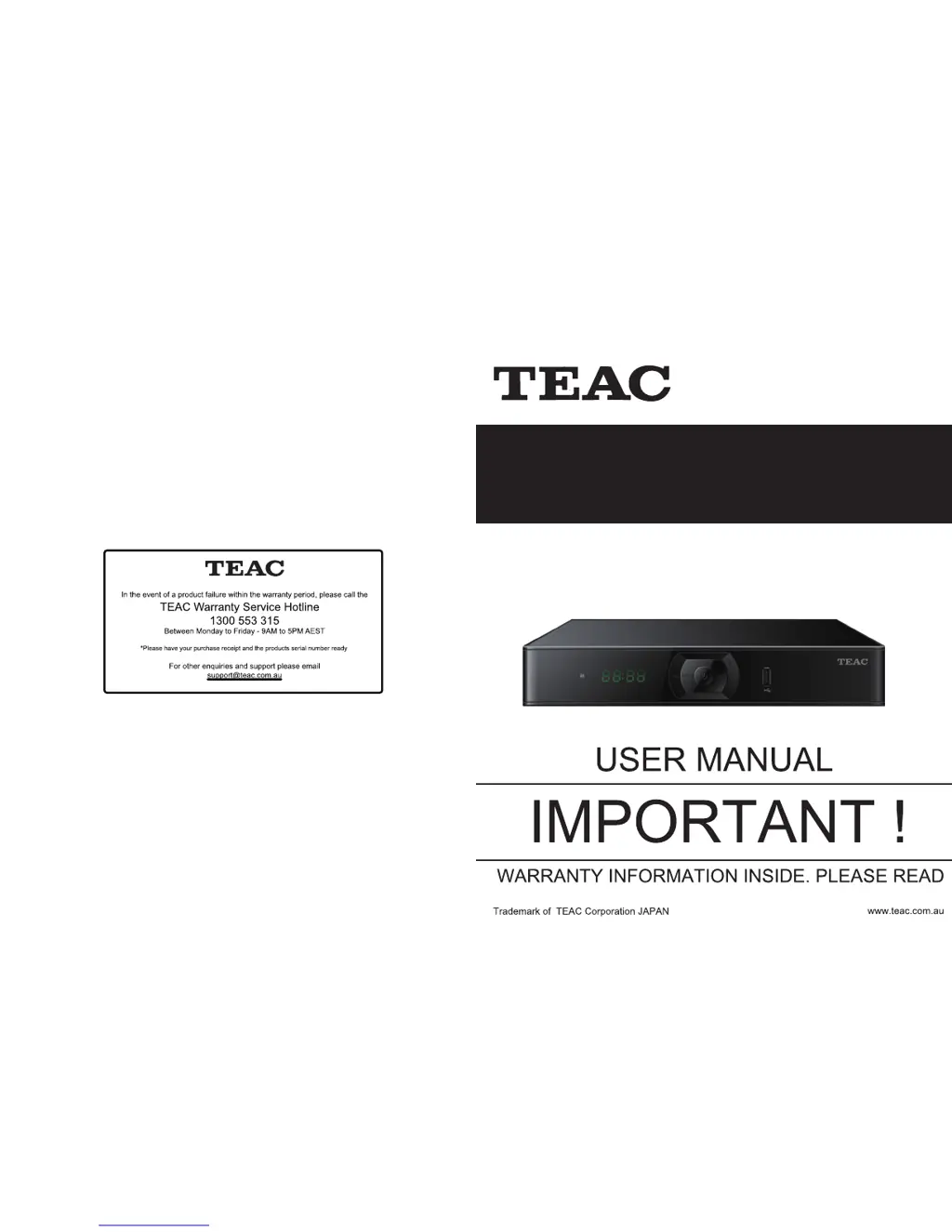
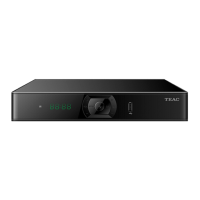
Teac HDR2250T - User Manual

Teac HDR2250T
27 pages
Print Icon
To Next Page IconTo Next Page
Loading...
HDR2250T
Twin Tuner PVR

Questions and Answers

  • K
    ksanchezAug 2, 2025
    Why is my Teac Tuner remote control not working?
    • S
      Sabrina LeeAug 2, 2025
      The remote control might not be working due to several reasons: the batteries may be exhausted, the remote control might not be aimed correctly at the STB, or the STB might be in standby mode. Here's what you can do: * Change the batteries. * Ensure you're aiming the remote control directly at the STB and that nothing is blocking the front panel. * Check if the LED indicator on the front panel is showing the time; if it is, press the power button to switch off standby mode.
  • J
    jamesgibbsAug 10, 2025
    How to fix a Teac HDR2250T Tuner when the LED on the front panel doesn't light up?
    • C
      Cynthia LesterAug 10, 2025
      If the LED on the front panel of your Teac Tuner isn't lighting up, the main supply cable might not be connected. Check if the mains supply cable is properly plugged into the power socket.
  • D
    Dawn VaughnAug 18, 2025
    What to do if there is no startup menu on the Teac Tuner screen after turning it on?
    • L
      Laura PhillipsAug 18, 2025
      If you don't see the startup menu on your screen after turning on the Teac Tuner, the TV might not be in the correct input mode. To resolve this, switch your TV to the correct input mode, matching the connection from the Tuner to the TV.
  • E
    erikajonesAug 25, 2025
    How to fix a Teac Tuner when the LED on the front panel fails to light up?
    • R
      rileywilliamsAug 26, 2025
      If the LED on the front panel of your Teac Tuner doesn't light up, the power supply might not be plugged in or turned on. Check that the power cable is securely plugged in and that the power is switched on.

Summary

Warranty Procedure

Terms and Conditions

Consumer Guarantees and Rights

Details consumer rights under Australian law and TEAC's commitment to product quality and remedies.

Warranty Coverage and Exclusions

Outlines the scope of the warranty, including what is covered and what voids the warranty.

Safety Instructions

Handling and Placement Precautions

Instructions on how to safely handle and place the equipment, avoiding moisture and unstable surfaces.

Warning Notices

Critical warnings regarding electrical shock, ventilation, heat, and liquid exposure.

Unit and Remote Control Overview

Front and Rear Panel Connections

Identifies and explains the purpose of all input and output ports on the unit.

Remote Control Unit

Remote Control Functions

Explains the function of each button on the remote control unit for operating the device.

Initial Set Up

Channel Scanning Process

Guides the user through the initial setup for scanning available TV channels.

Watching TV

Electronic Program Guide (EPG)

How to access and use the Electronic Program Guide for TV schedules.

Channel Management

Channel Customization

Channel Scanning

Channel Backup & Recovery

Recording Programs (PVR)

Recording Functions

Instant Recording

How to start and stop recording a program on demand.

Schedule Recording Via EPG

How to schedule recordings directly from the Electronic Program Guide.

Schedule Recording Manually

Time Shift (Pause Live TV)

Parental and PVR Settings

Parental Control Features

Setting up program rating locks, menu locks, and password management.

PVR Settings Configuration

Configuring time shifting duration, recording storage, and playback options.

System Operations

Firmware Update Procedure

Steps to download and install new firmware for the device.

Factory Default Reset

Restoring the unit's settings to their original factory configuration.

Troubleshooting

Teac HDR2250T Specifications

General IconGeneral
BrandTeac
ModelHDR2250T
CategoryTuner
LanguageEnglish

Related product manuals