4
UNIT & REMOTE CONTROL OVERVIEW
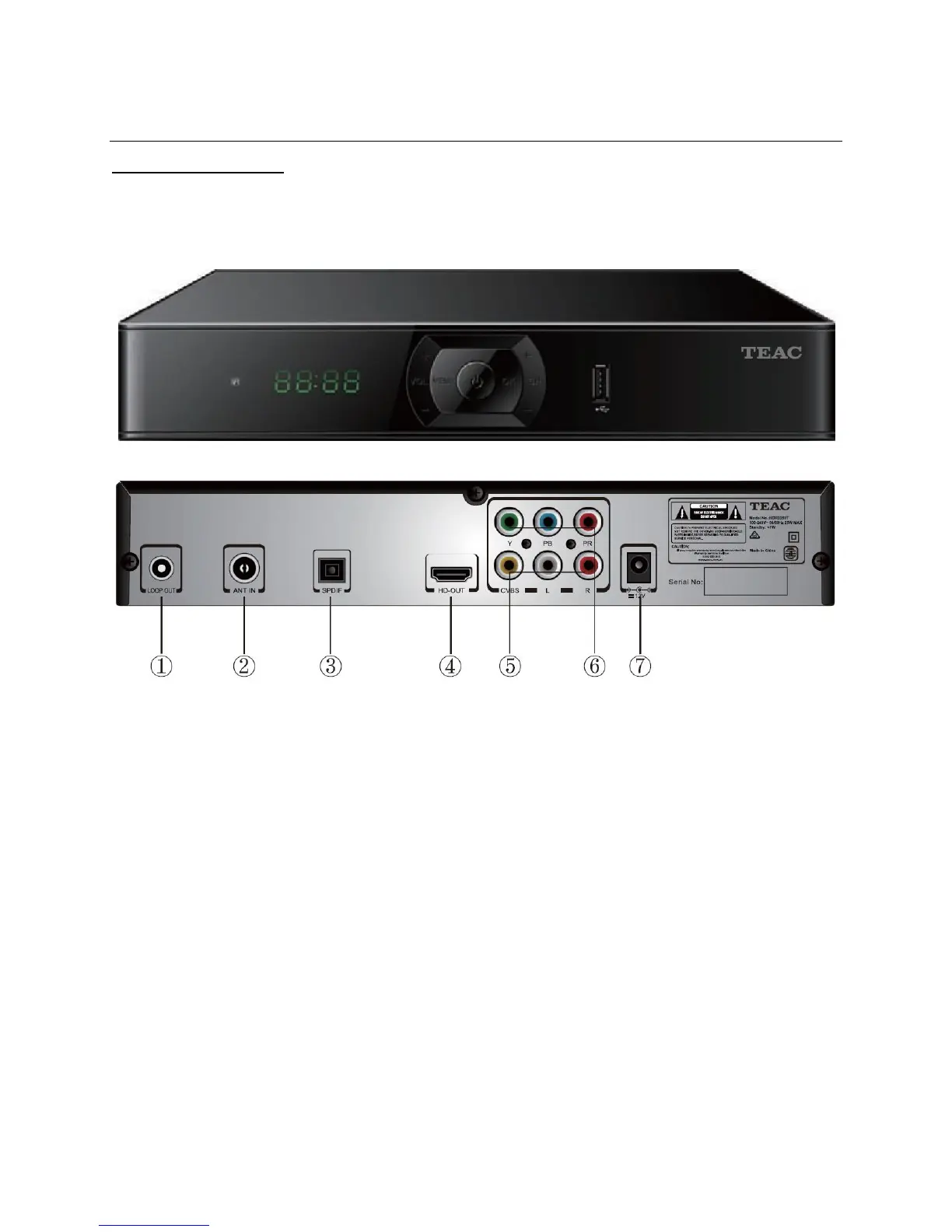
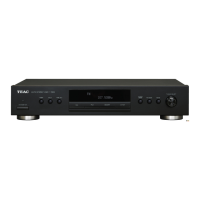
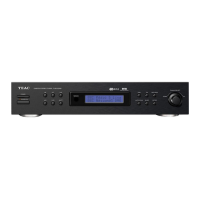
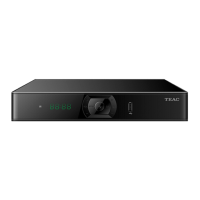
Front and Rear Panel
1. LOOP OUT: Connect this to the antenna input jack of another device (like your TV)
2. ANT IN: Connect to the antenna socket on your wall
3. SPDIF: Connect to the TV for digital audio output (optional)
4. HD-OUT: HDMI connection for full high definition audio and video
5. CVBS/R/L: Composite AV connection for standard definition audio and video
6. Y/Pb/Pr: Component AV connection for high definition audio and video
7. DV12V: Connect to a power supply
Note: Disconnect the power supply before making or changing connections.


 To Next Page