6
INITIAL SET UP
After completing the connection from this unit to the TV, turn the power on from your wall power
outlet. Turn on your TV and switch to the corresponding input mode to receive the picture from
the unit.
When the unit is turned on for the first time, it enters the Initial Setup menu.
1. Use the UP/DOWN buttons to move between menu items.
2. Press OK/LIST to display all the options, then use UP/DOWN to highlight a desired
option.
3. Press OK again to confirm your selection.
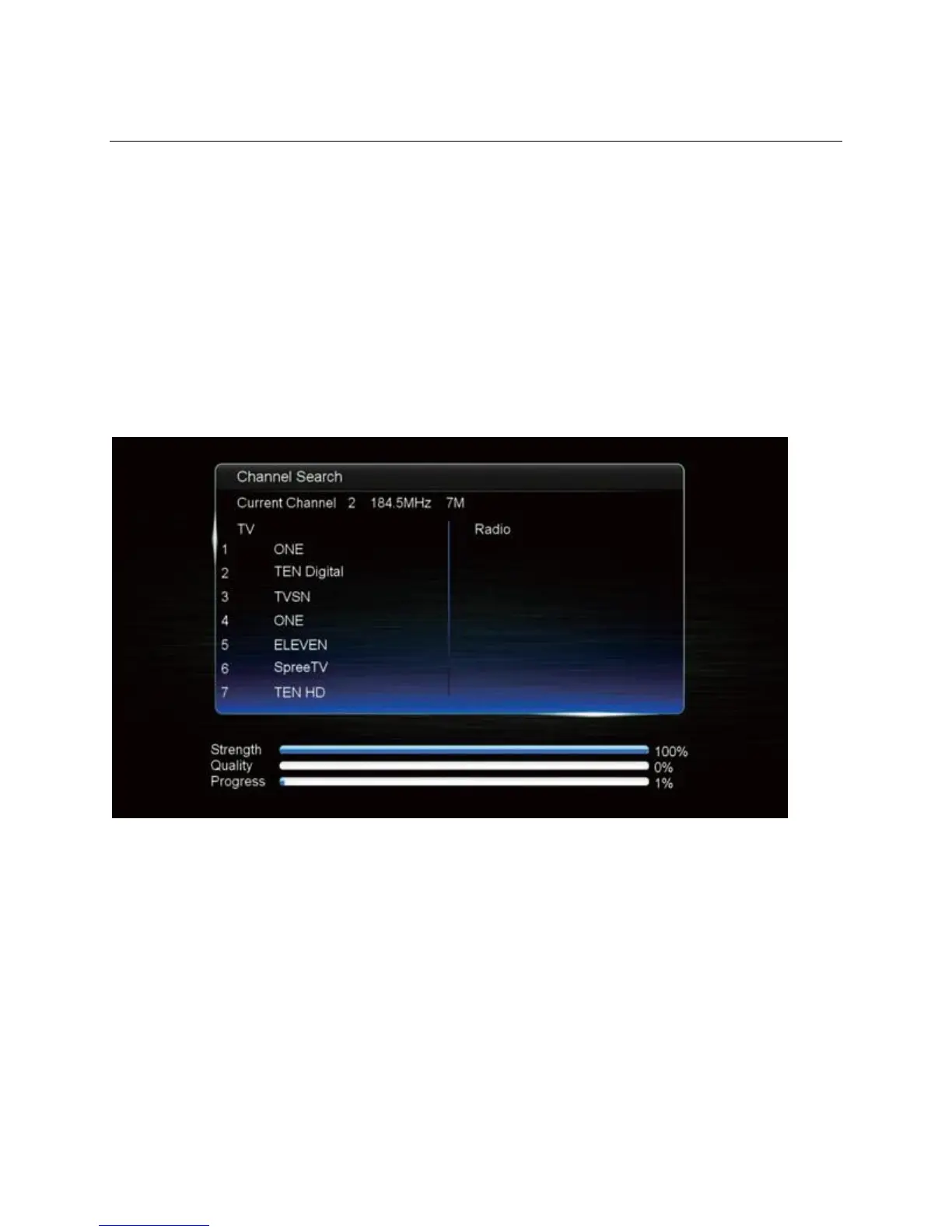
4. To finish, highlight Auto Search, then press OK to scan for channels. Scanning will take
up to several minutes.
Channel Scanning (Auto Search)
Note: When choosing a Video Resolution, you will be prompted to confirm after the picture
changes, to ensure that the new resolution works correctly on your TV. Use the LEFT/RIGHT
buttons to choose between Yes/No/Cancel, then press OK to confirm.


 To Next Page