18
USB MEDIA PLAYBACK
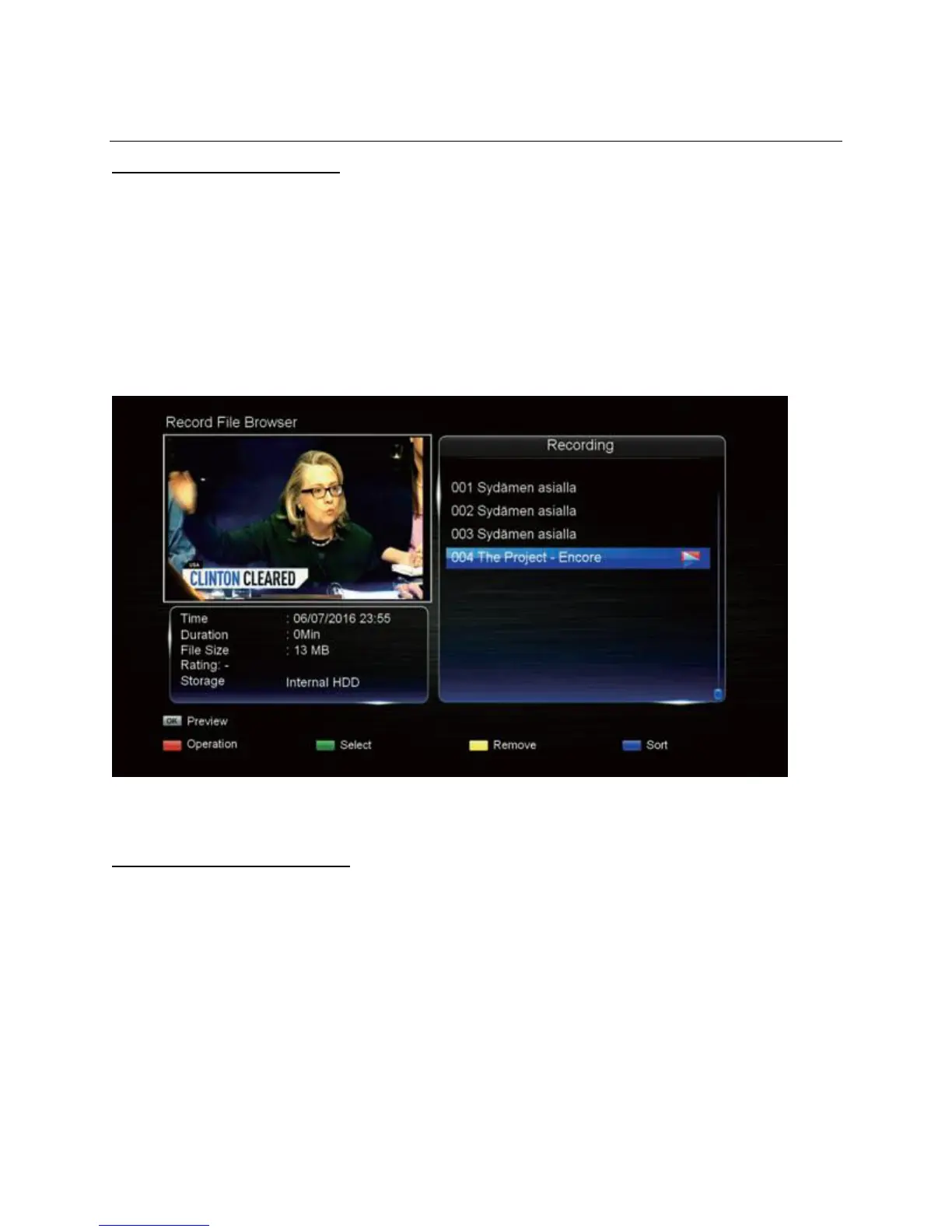
Switching to Media Browser
The Media Browser will list compatible movie and music files that you can play on this unit.
1. Press the MENU button, then in the PVR Menu, choose "Media Browser".
2. Press the UP/DOWN buttons to highlight the desired data storage drive.
3. Press OK to confirm and navigate the contents of the selected drive.
4. To play a file, highlight it and press the OK button. To go from a video preview to full
screen mode, press OK a second time.
Note: The media player will automatically play the next file after the current file ends.
Switching to Picture Browser
The Picture Browser will list compatible picture files that you can play as a slide show on this
unit.
1. Press the MENU button, then in the PVR Menu, choose "Picture Browser".
2. Press the UP/DOWN/LEFT/RIGHT buttons to highlight the desired data storage drive.
3. Press OK to confirm and navigate the contents of the selected drive.
4. To play a file, highlight it and press the OK button.


 To Next Page