21
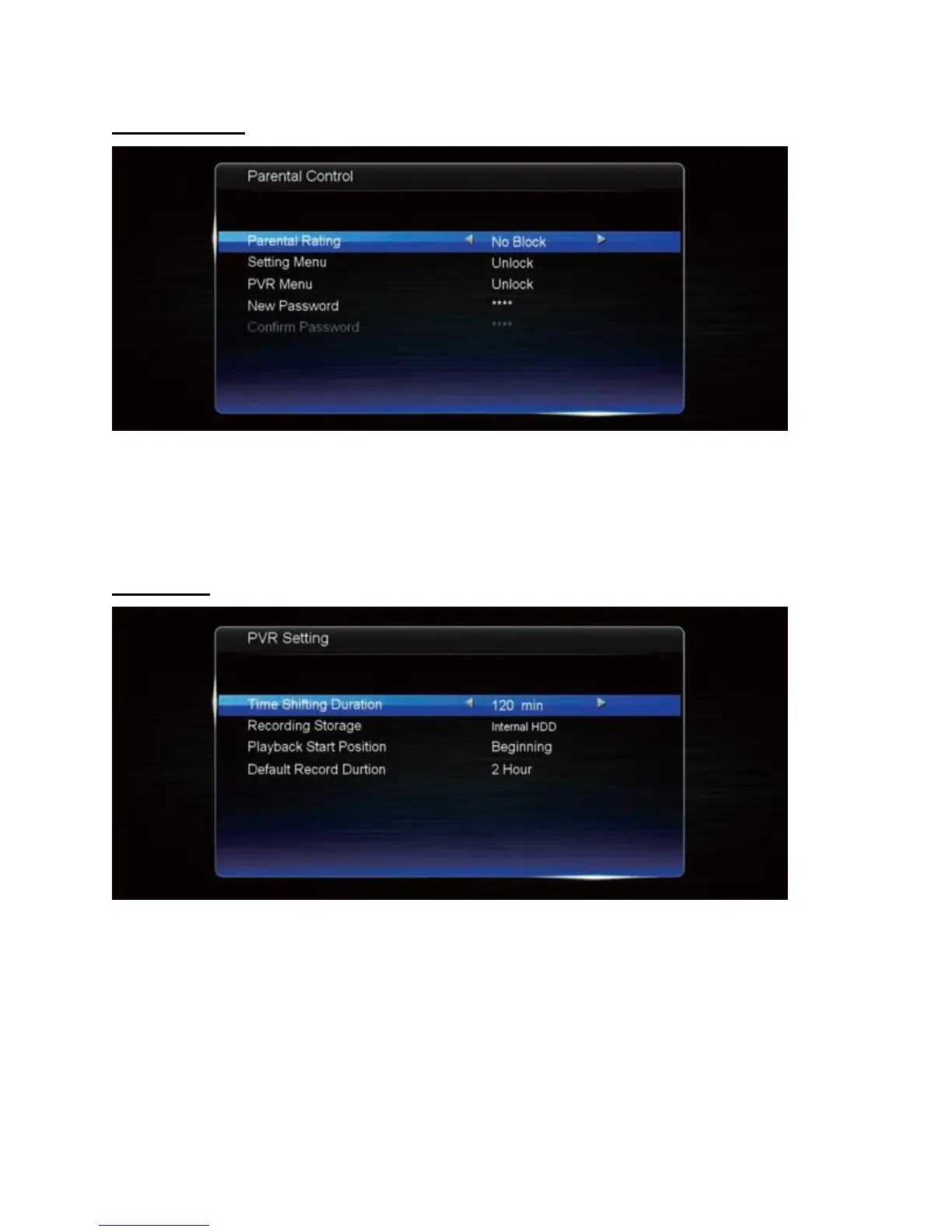
Parental Control
• Parental rating: choose a program rating threshold for locking programs automatically.
• Setting menu: turn the lock on/off for the Setting menu.
• PVR menu: turn the lock on/off for the PVR menu.
• New password: key in a new password twice to change it.
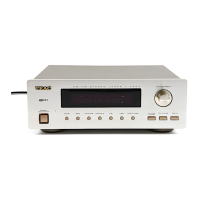
PVR Setting
• The PVR Setting menu is Time Shifting duration: set the time shift duration limit.
• Recording storage: choose between Internal HDD or a connected USB drive.
• Playback start position: if you like the video to play from where it was last stopped,
choose “resume”.
• Default record duration: default time limit for recording programs.


 To Next Page