22
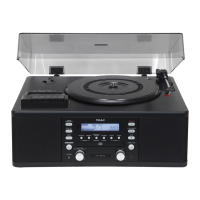
Each time the DISPLAY button is pressed, the display changes as
follows:
CD/CD-R/CD-RW playback
Track number and elapsed time of current track
c
Remaining time of current track
c
Total elapsed time of the disc
c
Remaining time of the disc
In record pause mode
Track number and elapsed recording time of next track (0:00)
c
Remaining recordable time of the disc
c
Blank or tuner display
During recording
Track number and elapsed recording time of current track
c
Remaining recordable time of the disc
c
Blank or tuner display
Time DisplayShuffle Playback
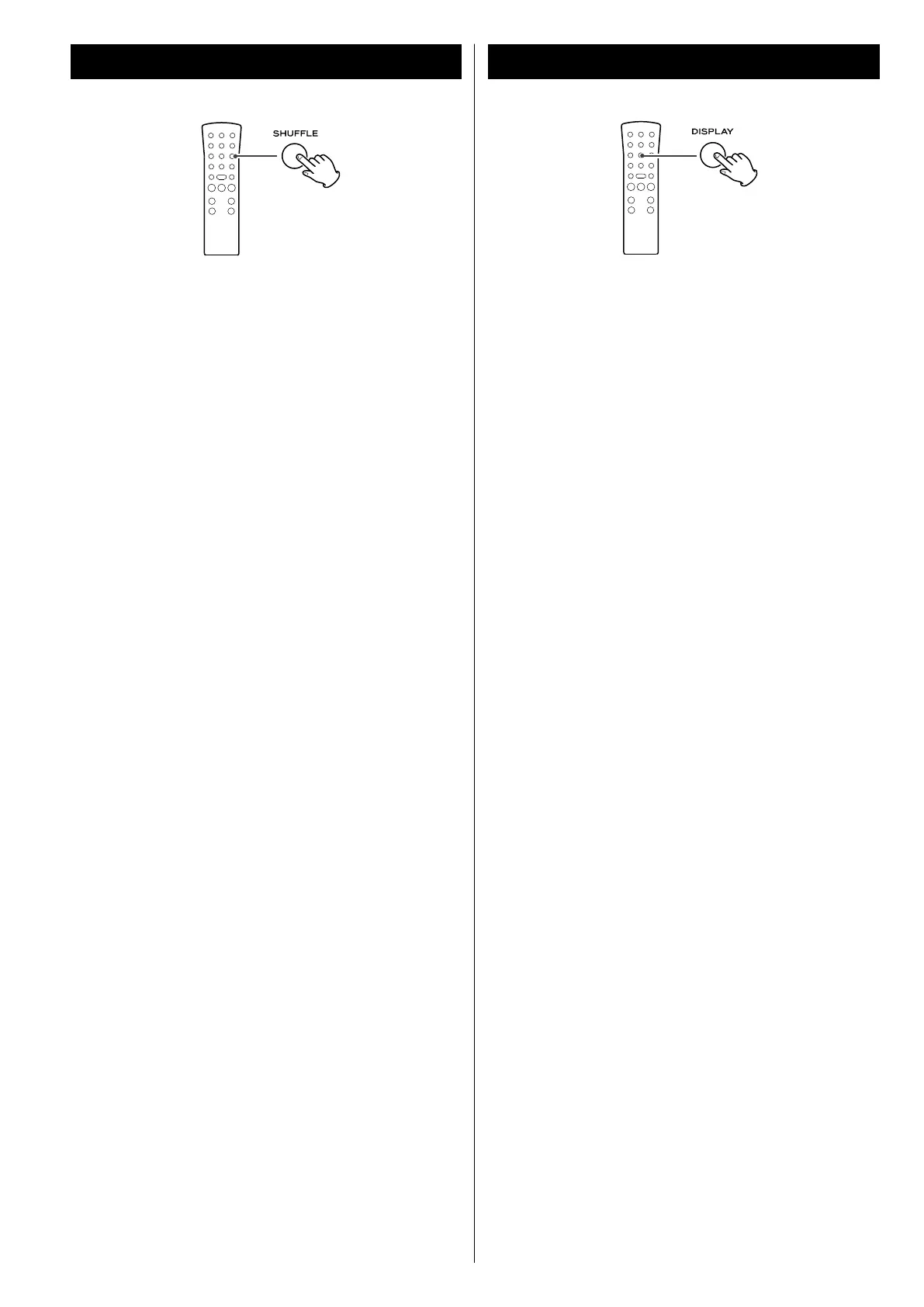
The tracks can be played randomly. In the stop mode, press the
SHUFFLE button and the PLAY/PAUSE button.
When the shuffle playback of all the tracks has been finished, the
unit stops and the shuffle playback mode is not cancelled.
< If you press the / button during shuffle playback, next
track will be randomly selected and played. If you press the
. button, the currently played track will be played from the
beginning. A track cannot be replayed during shuffle playback.
< Shuffle playback does not work during programmed playback.
< If one of the following buttons is pressed, playback will stop but
shuffle mode will not be cancelled:
Main unit
OPEN/CLOSE, POWER, FM/AM, PHONO/TAPE/AUX
Remote control
FM/AM, PHONO/TAPE/AUX, SHUFFLE (in the stop mode)
< Shuffle playback works with finalized discs only.



 To Next Page