English – 12 | MP-211
Main Menu
After the player is turned on, it will be in the main menu. The main
menu offers eight functions:
Music: Browse and play music.
Pictures: Browse and view pictures.
Movies: Browse and play movies.
Radio: Listen to FM radio broadcasts and record FM files.
E-Books: Browse and read text files.
Record: Play recorded files (voice and FM) and record voice
files.
Explorer: Browse and delete all files.
Settings: Adjust the player’s options.
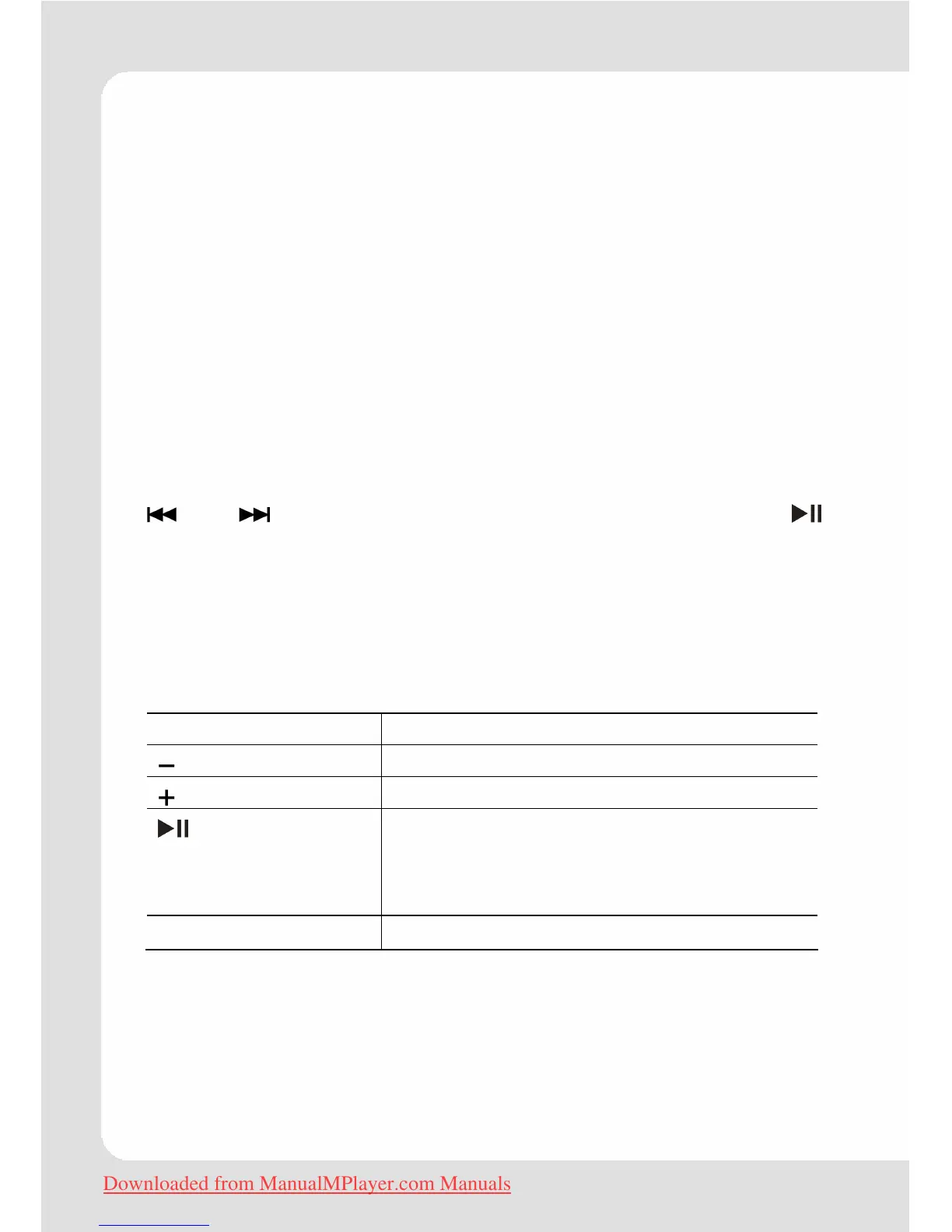
and allow to navigate to the desired function. Pressing
activates it. If a function is selected, it opens the Browser window
(except FM radio function). The Browser displays a list containing all
available objects (songs, pictures, videos, etc.). Press and hold
M
until you are back in the main menu.
Browser Controls (Music, Movie, E-Books)
Button Function
Move the selection down.
Move the selection up.
Display folder contents if a folder is
selected.
If a file is selected, activate the file
(track, picture, video, text).
Press and hold M
Return to Main Menu.
Downloaded from ManualMPlayer.com Manuals


 To Next Page