English – 16 | MP-211
Lyrics
This player supports the lyrics function of MP3 playback.
Important
Lyrics file format has to be *.LRC.
File name has to be the same as the songs name.
Lyrics file has to be placed in the folder of the song.
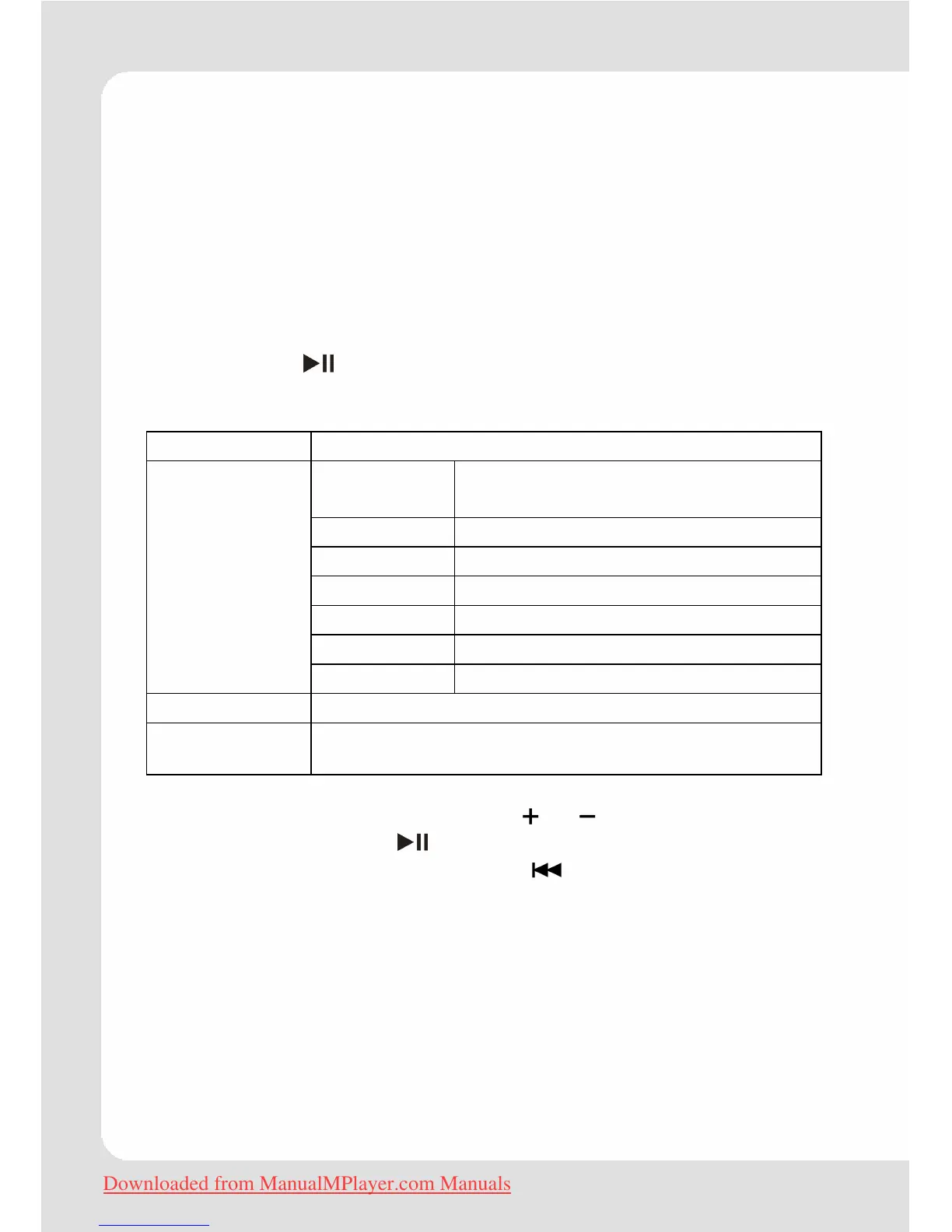
Quick Option Menu Music
Press and hold to access the Quick Option menu during music
playback.
Equalizer Normal, Pop, Rock, Classic, Jazz, Bass
No Repeat
Play tracks in normal order and no
repeat.
One Play the current track repeatedly.
All Play all tracks repeatedly.
RandomAll Play all tracks in random order.
Dir Normal Repeat all tracks in the current folder.
Dir Rep Repeat all tracks in all folders.
Repeat
Dir Random Play folders in random order.
Library Return to the Music Browser screen.
Play List Select "Play List" and then "My List" to play a list of your
favorite songs.
To browse through the settings, press
or .
To select a setting, press
.
To return to the previous screen, press
.
Downloaded from ManualMPlayer.com Manuals


 To Next Page