English – 27 | MP-211
Troubleshooting
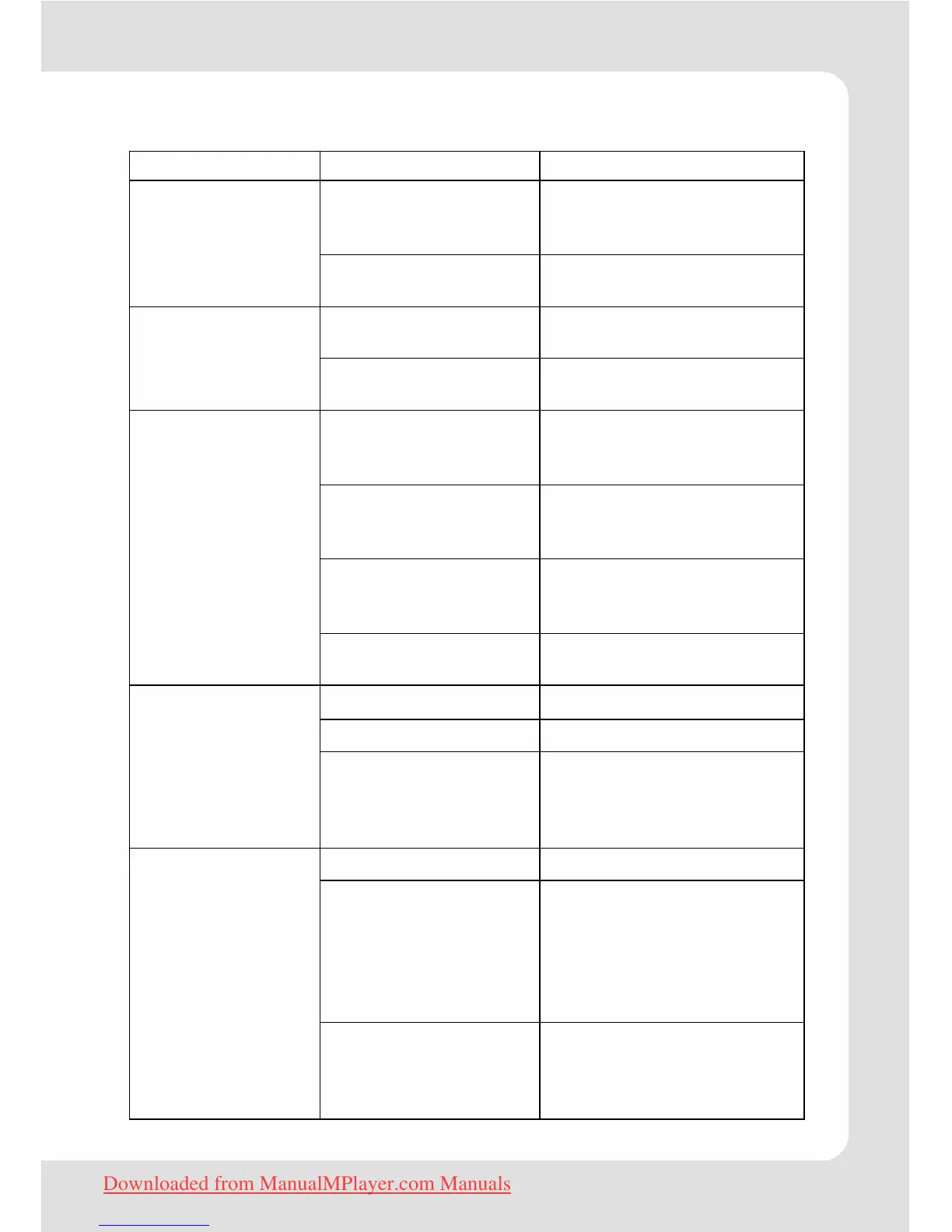
Problem Possible Cause Solution
Battery is too low.
Charge the battery. Try
charging the player
overnight (8 hours).
Cannot power on.
Re-initialize player (press
reset hole with metal pin).
The buttons are
locked.
Unlock the buttons.
The player has no
response when
the buttons are
pressed.
Player "hangs".
Re-initialize player (press
reset hole with metal pin).
Unsupported
operating system
Ensure that your computer
is running a supported
operating system.
The player is
connected through a
USB hub.
Try connecting the player
directly to your computer.
No connection
between player and
PC
Check if the USB cable is
correctly connected and
in good condition.
Cannot be
downloaded from
PC.
No more free
memory in the player
Delete files which were not
longer needed.
The volume is too low. Adjust the volume.
Bad audio file. Delete or skip the file.
No sound when
playing an audio
file.
Headphone is not
connected correctly.
Ensure that the
headphones are
attached securely to the
player.
Bad audio file. Delete or skip the file.
The bit rate of the file
is too low.
The higher the bit rate of
the file, the better it will
sound. The minimum
recommended bit rate is
128kbps for MP3s and
96kbps for WMAs
The sound quality
of the music is
poor
Headphone is not
connected correctly.
Ensure that the
headphones are
attached securely to the
player.
Downloaded from ManualMPlayer.com Manuals


 To Next Page