English – 24 | MP-211
Customized Settings
To customize the player settings:
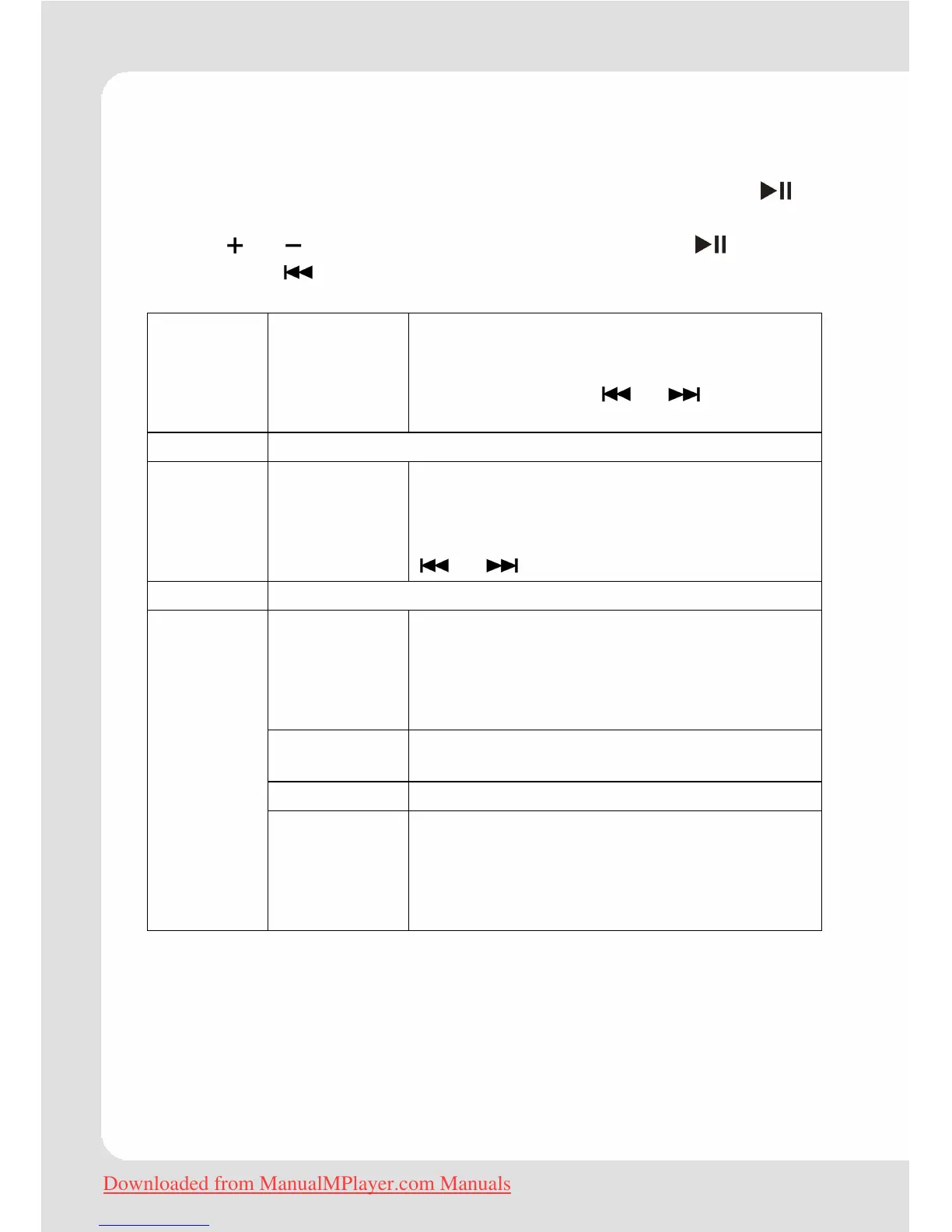
1. In the main menu, select the “Settings” item and press to
enter the system settings mode.
2. Press or to select setting item. Confirm with . Pressing
the button
or M brings you one level up into the next menu.
Power Sleep Set the duration of time (in minutes) that
the player will remain on when it is idle. The
settng of "OFF" will disable the Power
Saving feature. Use
or to set the
values.
Language Select language in which the on-screen text is displayed
Display Backlight Adjust the duration of time (in seconds)
that the backlight will remain on after a
button press. A setting of “Always On” will
keep the backlight on continuously. Use
or to set the values.
Record To set recording quality: Low, Normal, High
Format It may become necessary to format your
player if data or files become corrupt. You
may choose either Quick or Complete
formatting. A Complete format will take
more time.
Reset Restore all of the player's settings to their
factory-default state.
Sys Info Information about the product
Sys Tools
Sort Sort all music that loaded on your player.
Select “Force Sort” to update the music
library immediately. This process may take
several minutes if you have transferred
music files to the player recently.
Downloaded from ManualMPlayer.com Manuals


 To Next Page