22
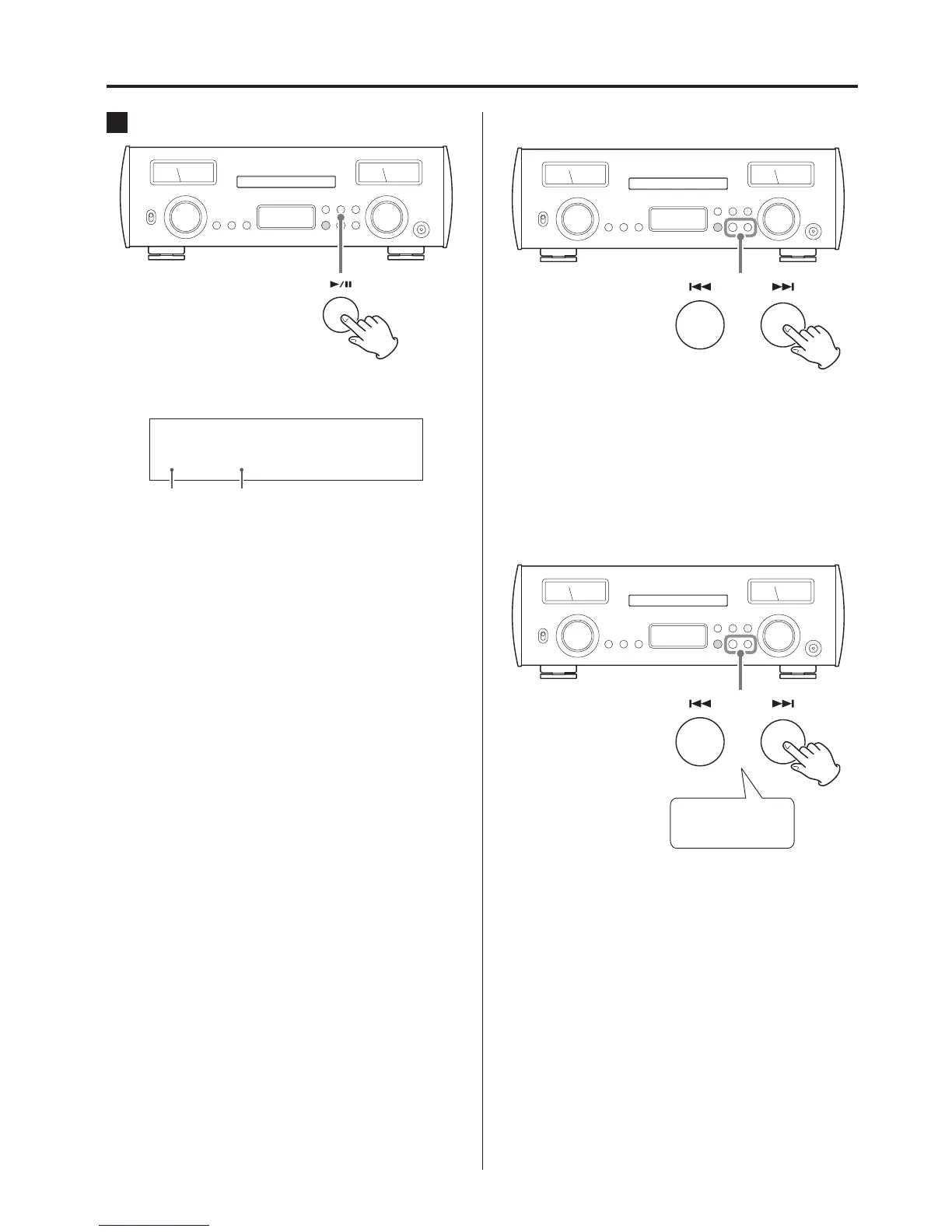
5 Press the play/pause (7/9) button.
Playback starts from the first track.
Display example
-
42
.0
CD
1 00:02
Number of
track being
played
Elapsed time of track being played
(minutes: seconds)
Skipping to search for a track
Use the skip (.//) buttons to skip to the previous or next
track. Keep pressing until the desired track is selected.
o During playback, press the . button once to return to the
beginning of the current track. Press the . button repeatedly
to return to an earlier track.
Searching for part of a track
Press for at least
1second
During playback, press a skip (.//) button for at least one
second until searching forward/backward starts. When you find
the point where you want to listen, press the play/pause (y/9)
button.
Listening to CDs (continued)



 To Next Page