26
Display
DVD
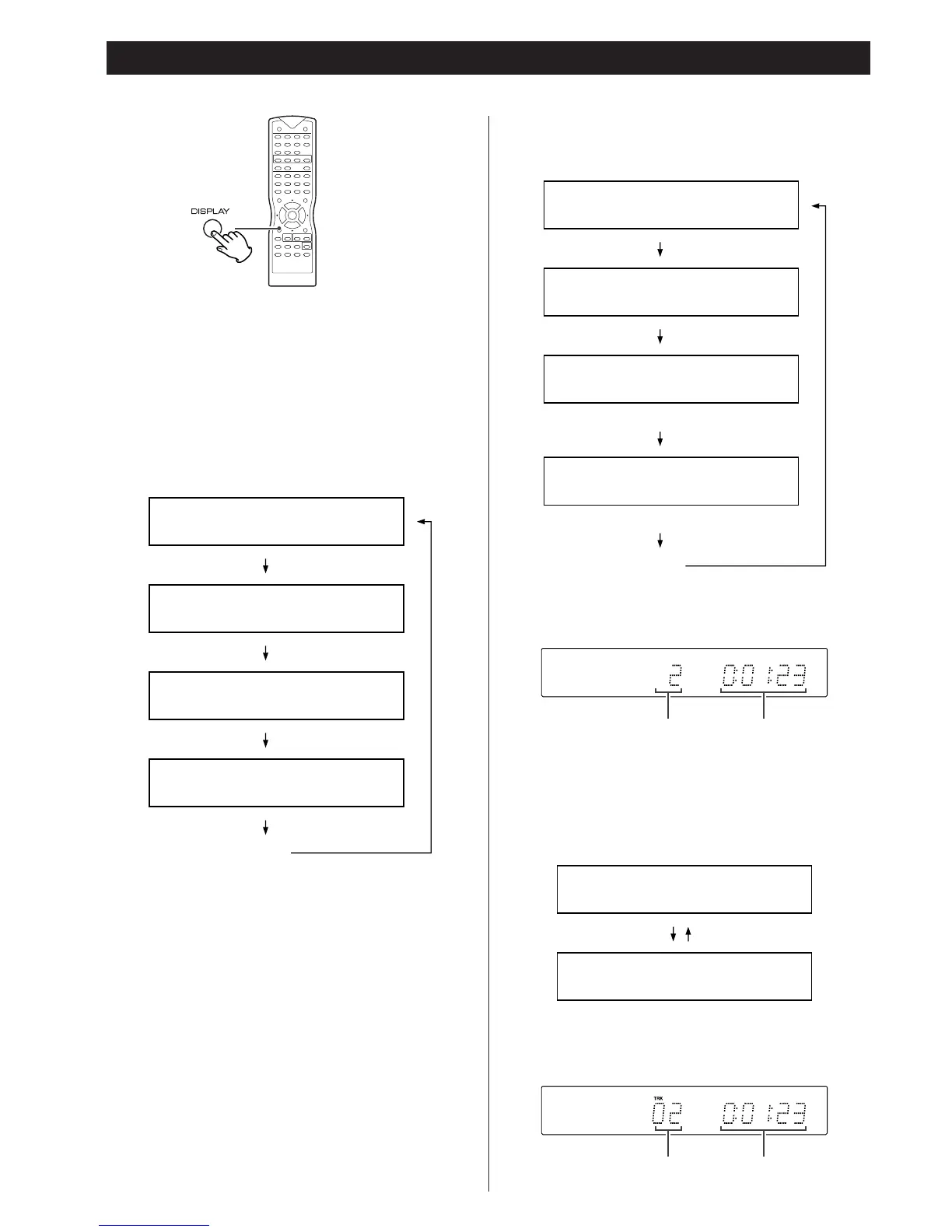
Each time the DISPLAY button is pressed, following information
will appear on the screen.
When playing back a DVD
Notes
<
The above information does not appear on the front panel
display.
<
Depending on the DVD, the title number or chapter number or
time may not appear or you may not be able to change the
display.
TITLE 02 / 05 CHAPTER 001 / 006
00 : 34 : 05
TITLE REMAIN
00 : 44 : 45
CHAPTER ELAPSED
00 : 01 : 23
CHAPTER REMAIN
00 : 07 : 17
(off)
When playing back a Video CD or CD
Note
<
For CD, the information about track and time appears simply on
the front panel display, shown as below.
<
Depending on the VCD, the time information may not appear on
the TV screen or you may not be able to change the display.
When playing back an MP3
Note
<
The information about track and time appears simply on the
front panel display, shown as below.
CHAPTER ELAPSED 00 : 01 : 23
CHAPTER REMAIN 00 : 07 : 17
SINGLE ELASPSED
00 : 08 : 25
SINGLE REMAIN
00 : 04 : 52
TOTAL ELAPSED
00 : 33 : 15
TOTAL REMAIN
00 : 24 : 32
(off)
(not appeared during PBC playback)
(not appeared during PBC playback)
家电维修技术论坛 http://www.bjjdwx.com/forum.php
79网络 http://www.79wl.com



 To Next Page